Chapter 10
Touring
Tours, day sheets, travel and hotels, promoter deals, advancing, merch and per diems. Switch them on in Settings and every show gets the tools a touring act needs.
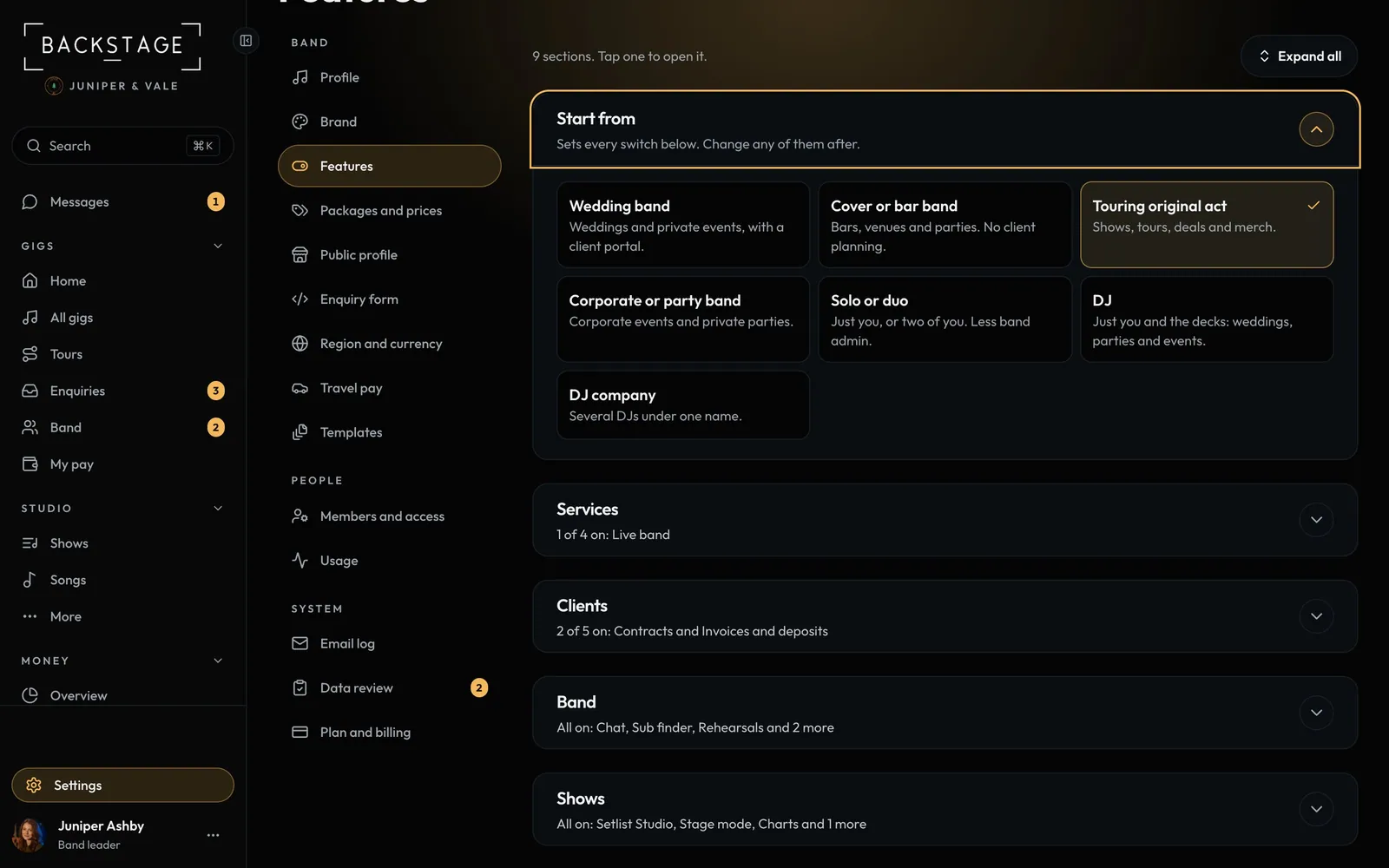 01 · Band leadersSwitch on touring toolsTouring acts get tours, day sheets, deals, advancing and merch on every show. Pick the Touring original act preset, or switch the touring tools on alongside everything else.Read
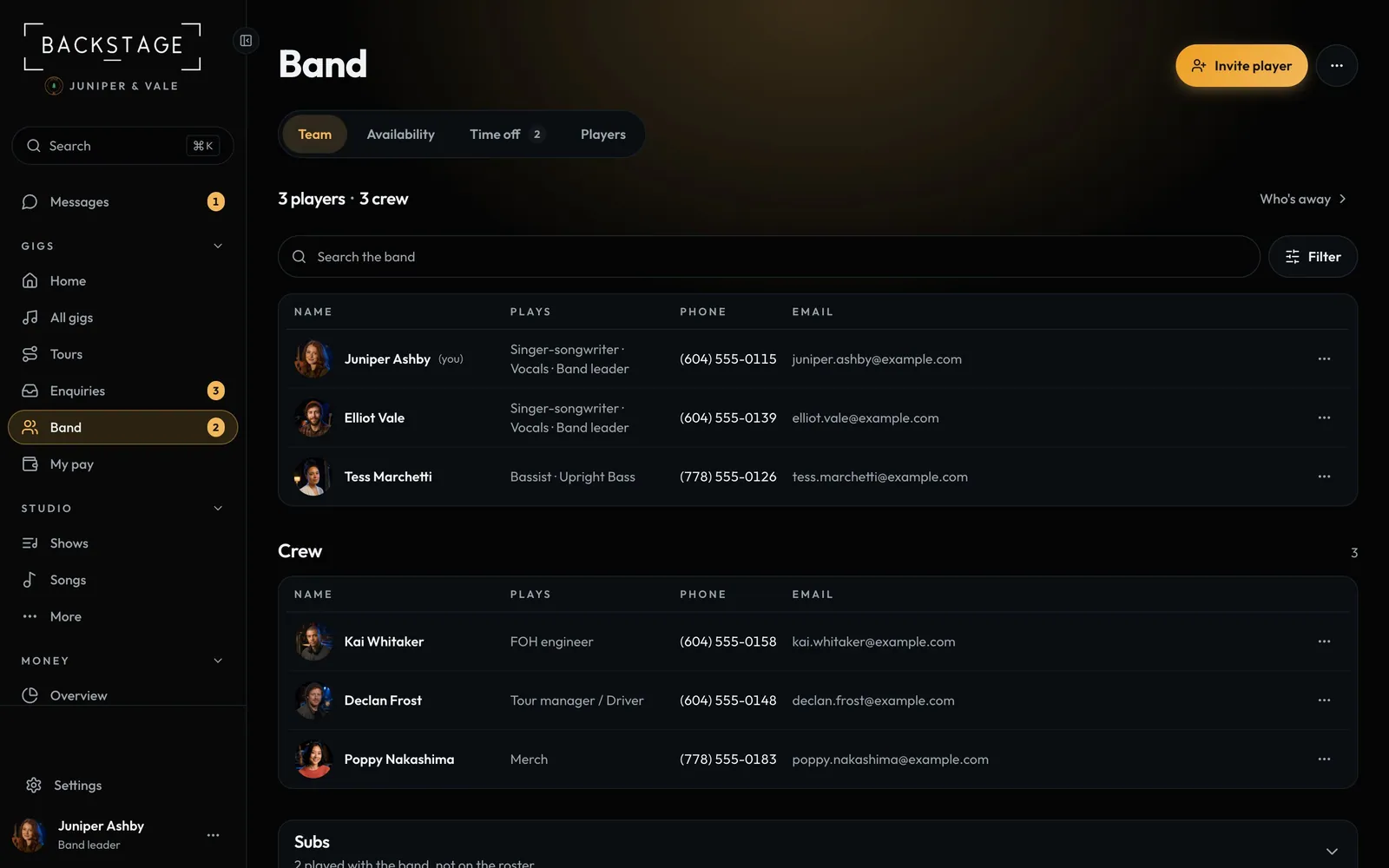 02 · Band leadersCrew and crew rolesCrew are invited, confirmed and paid like players, each with a position: FOH, monitors, lighting, backline, tour manager, driver, merch or photo. They get their own call times and never see the band's money.Read
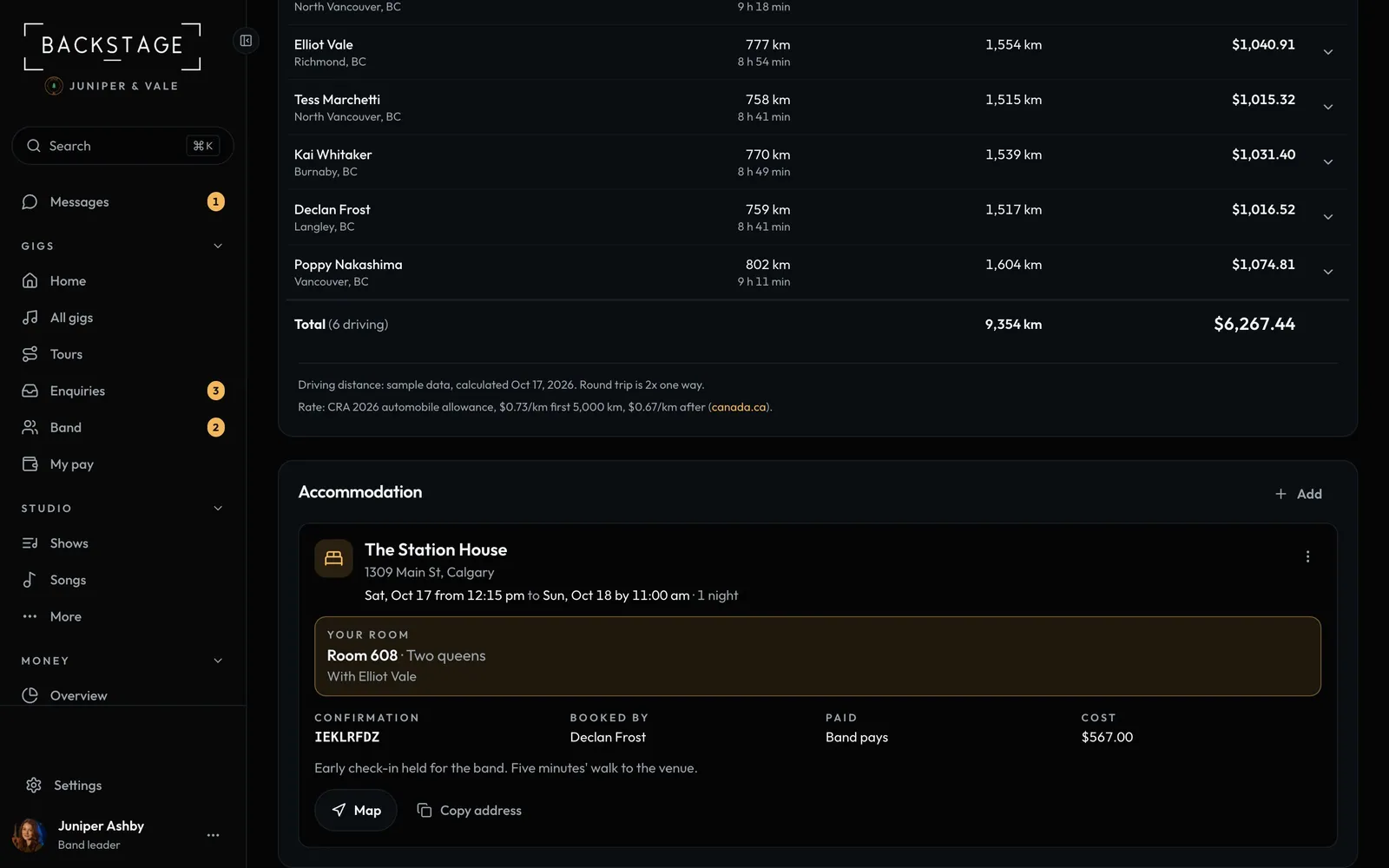 03 · EveryoneHotels on the gigAny gig can have accommodation: the hotel, check-in and out, your room and who you're sharing with. Out-of-town wedding or a tour, it's on the gig page.Read
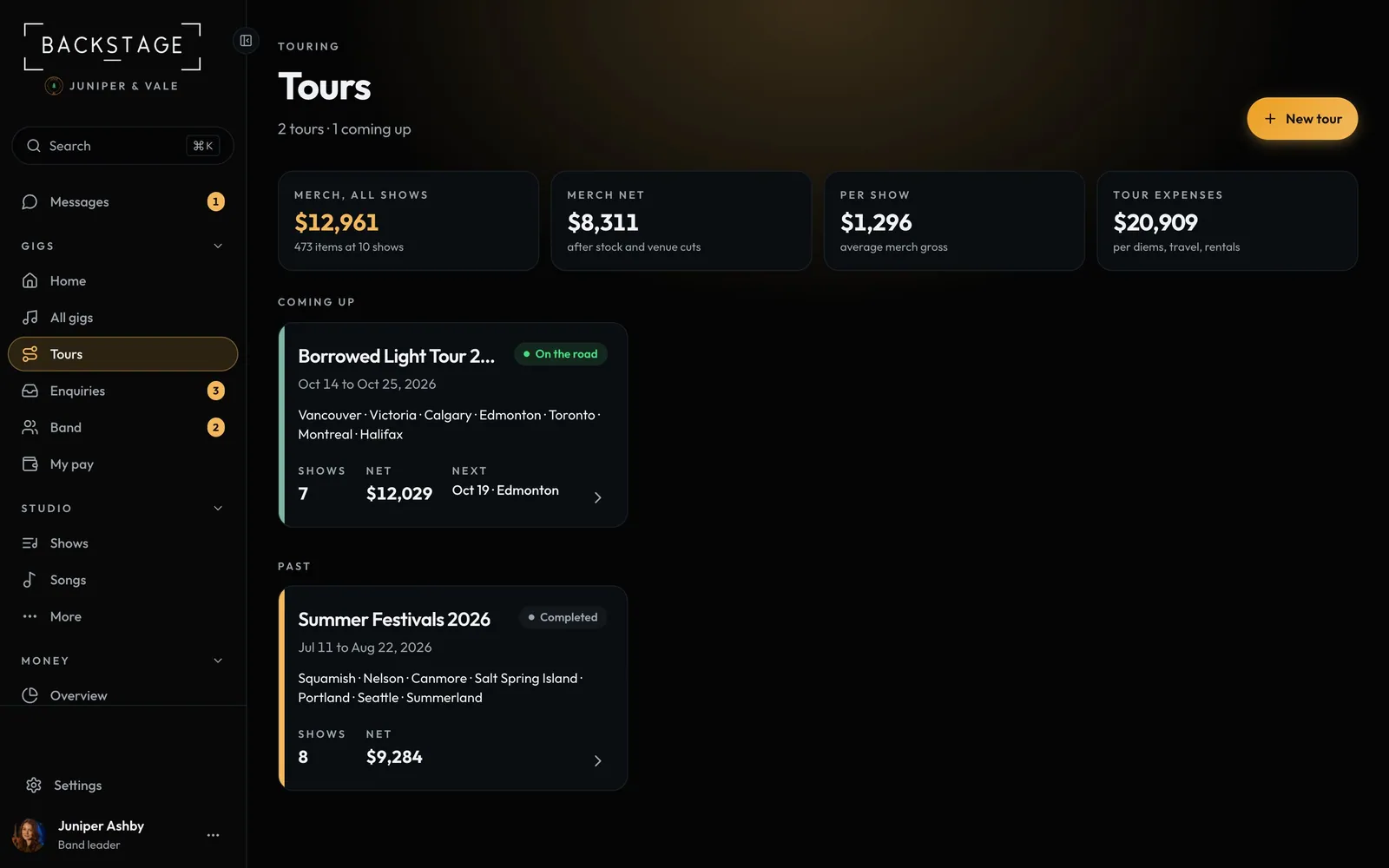 04 · Band leaders · TouringToursGroup shows into a tour to see the whole run at once: dates, cities, shows and whether it's making money.Read
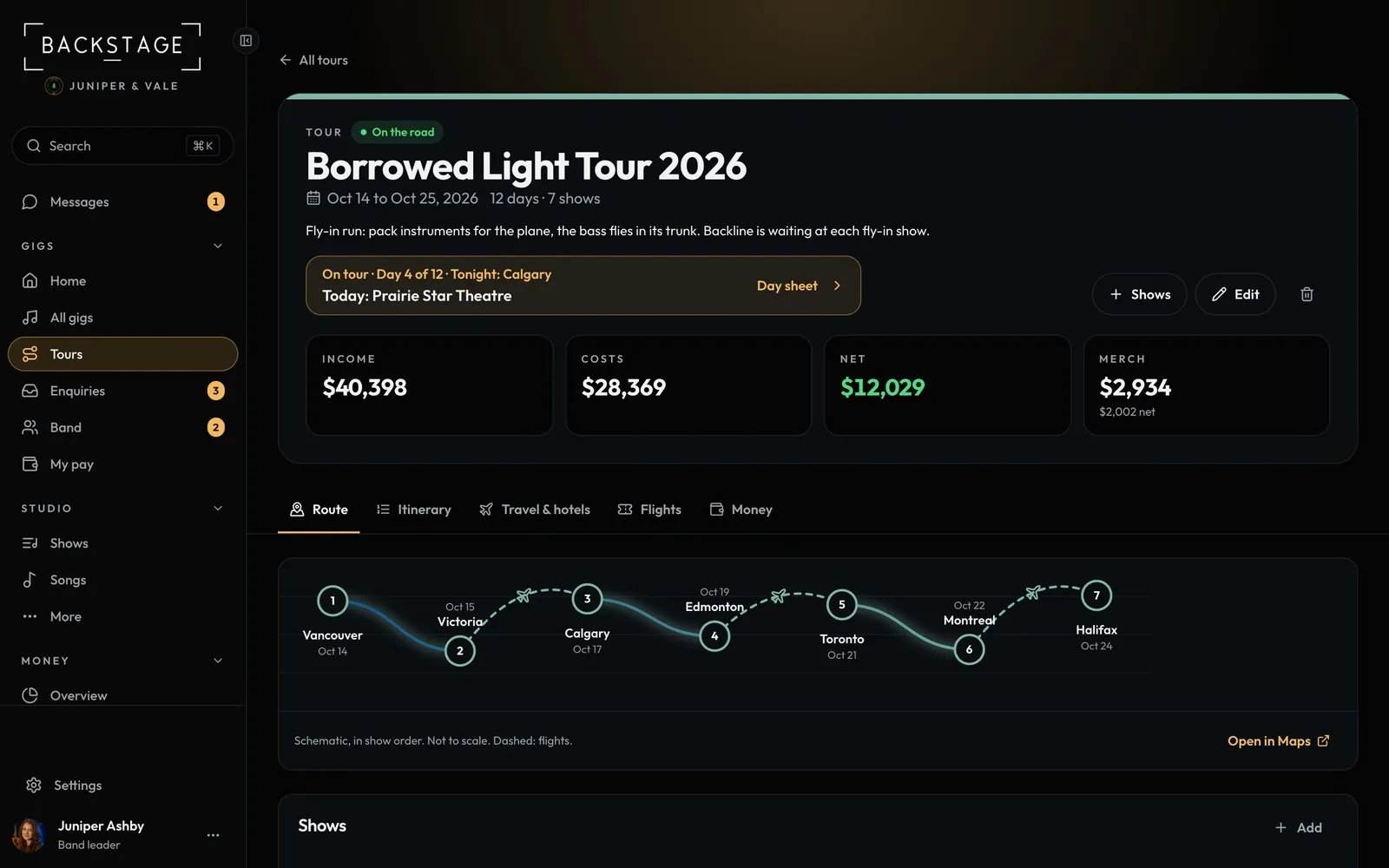 05 · Everyone · TouringThe route and itinerarySee the run as a route, then day by day: show days, travel days and days off, with the hotel for each night.Read
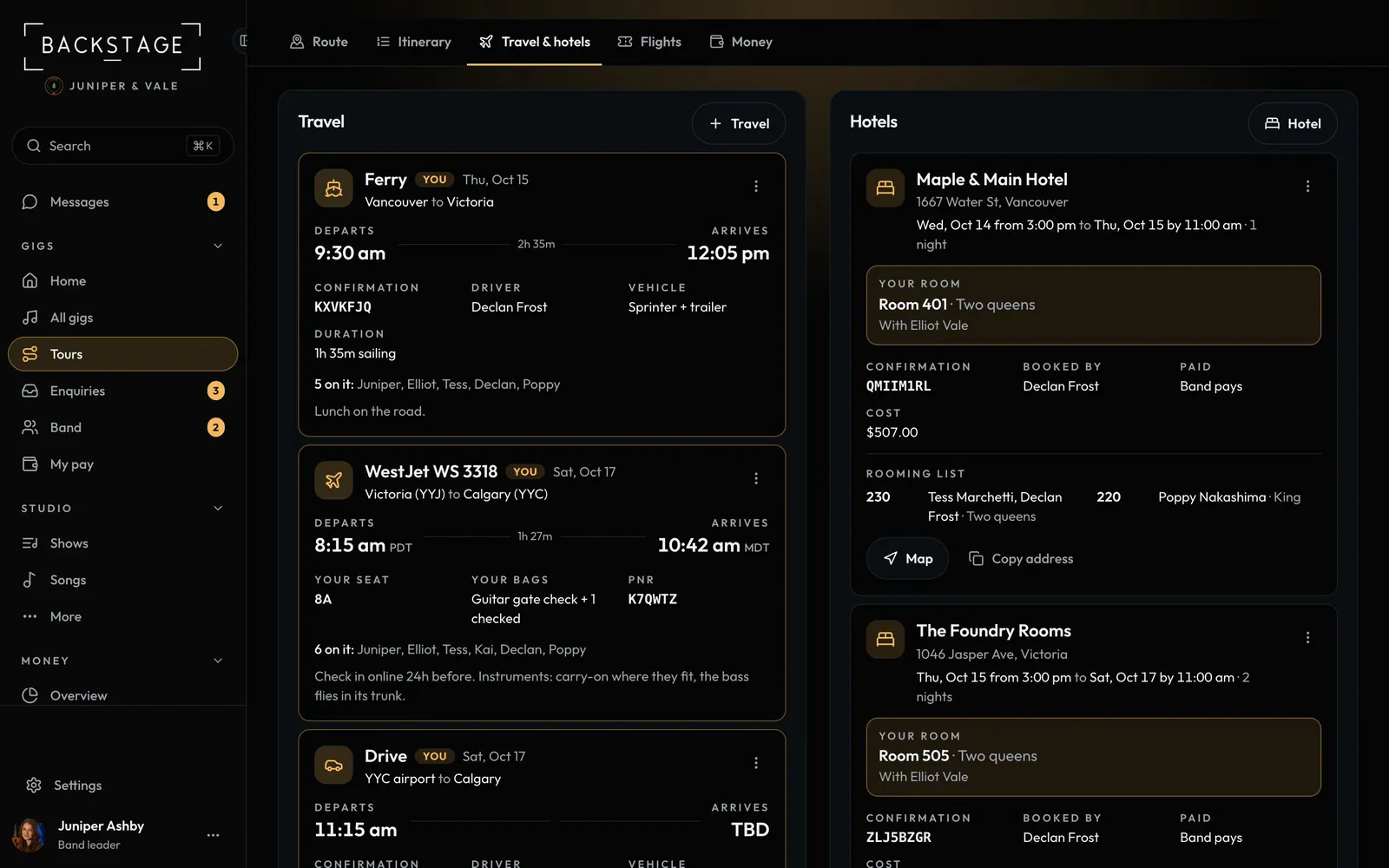 06 · Everyone · TouringTravel and hotelsFlights, drives and ferries with each person's seat and bags, and every hotel with the rooming list. Everyone sees their own details first.Read
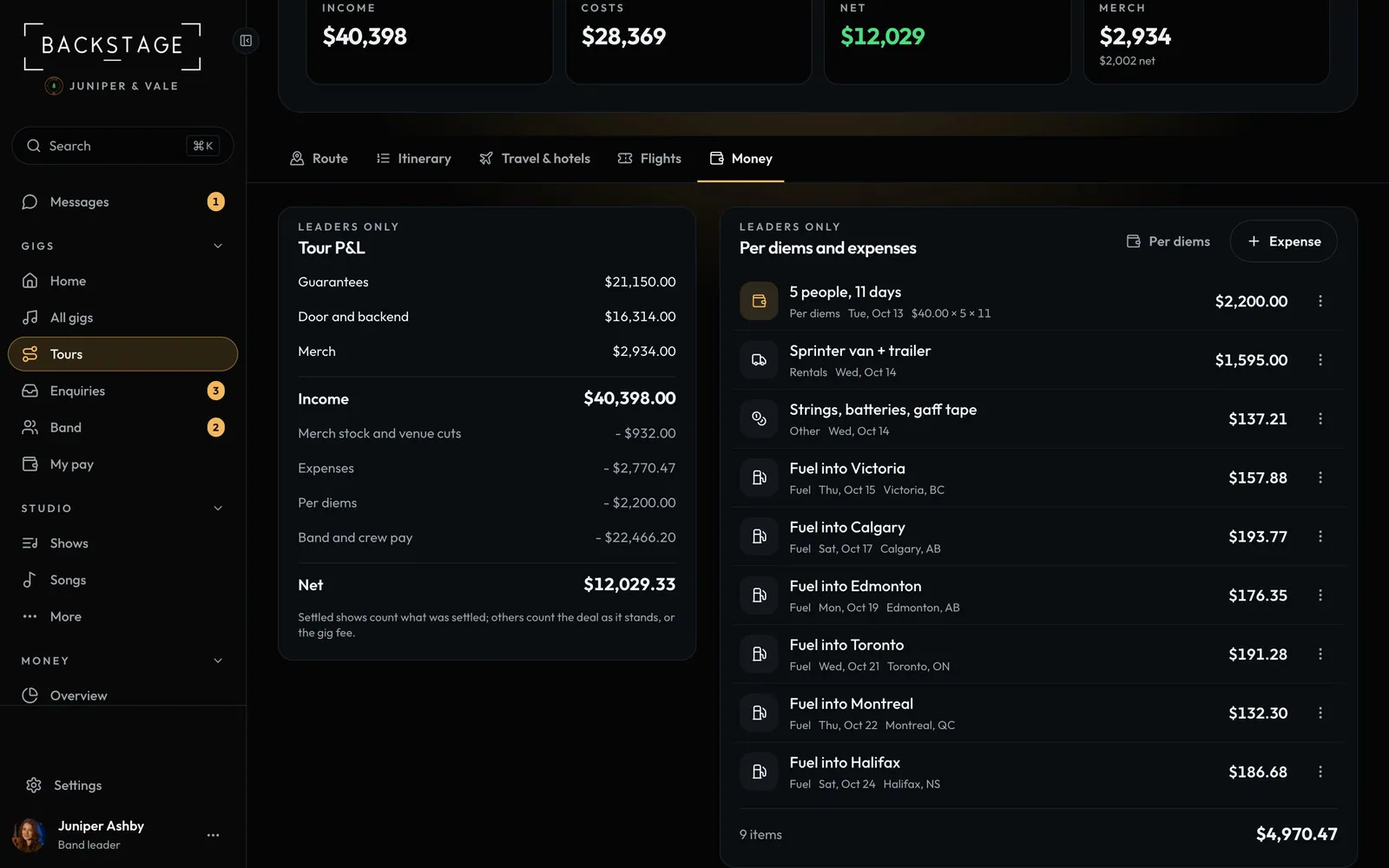 07 · Band leaders · TouringTour P&L, per diems and expensesGuarantees, door money and merch against expenses, per diems and pay, so you know if the run is working before it's over.Read
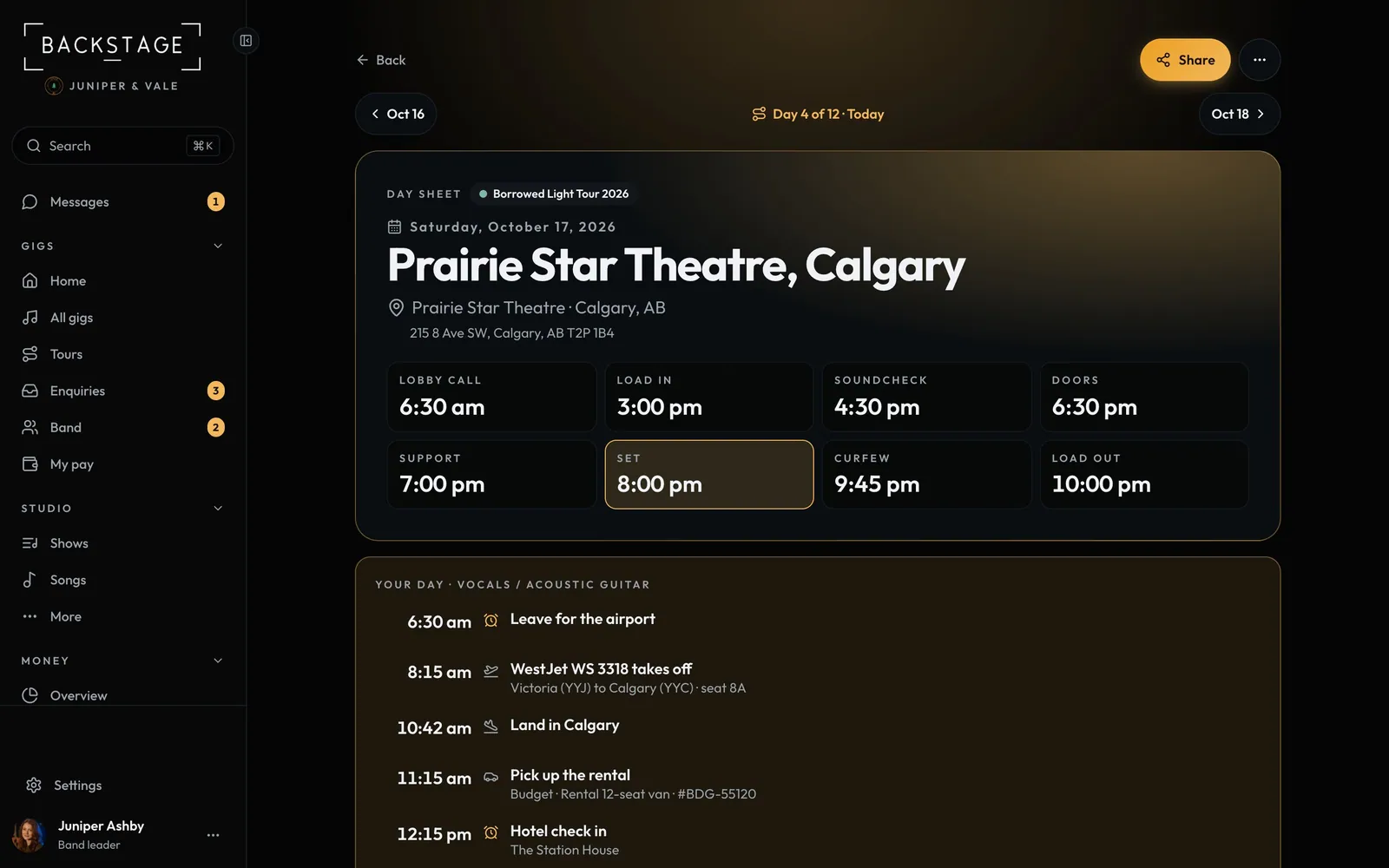 08 · Everyone · TouringThe day sheetOne page for show day: every time from lobby call to load-out, call times by role, travel, the hotel and hospitality. Printable, and shareable with the venue.Read
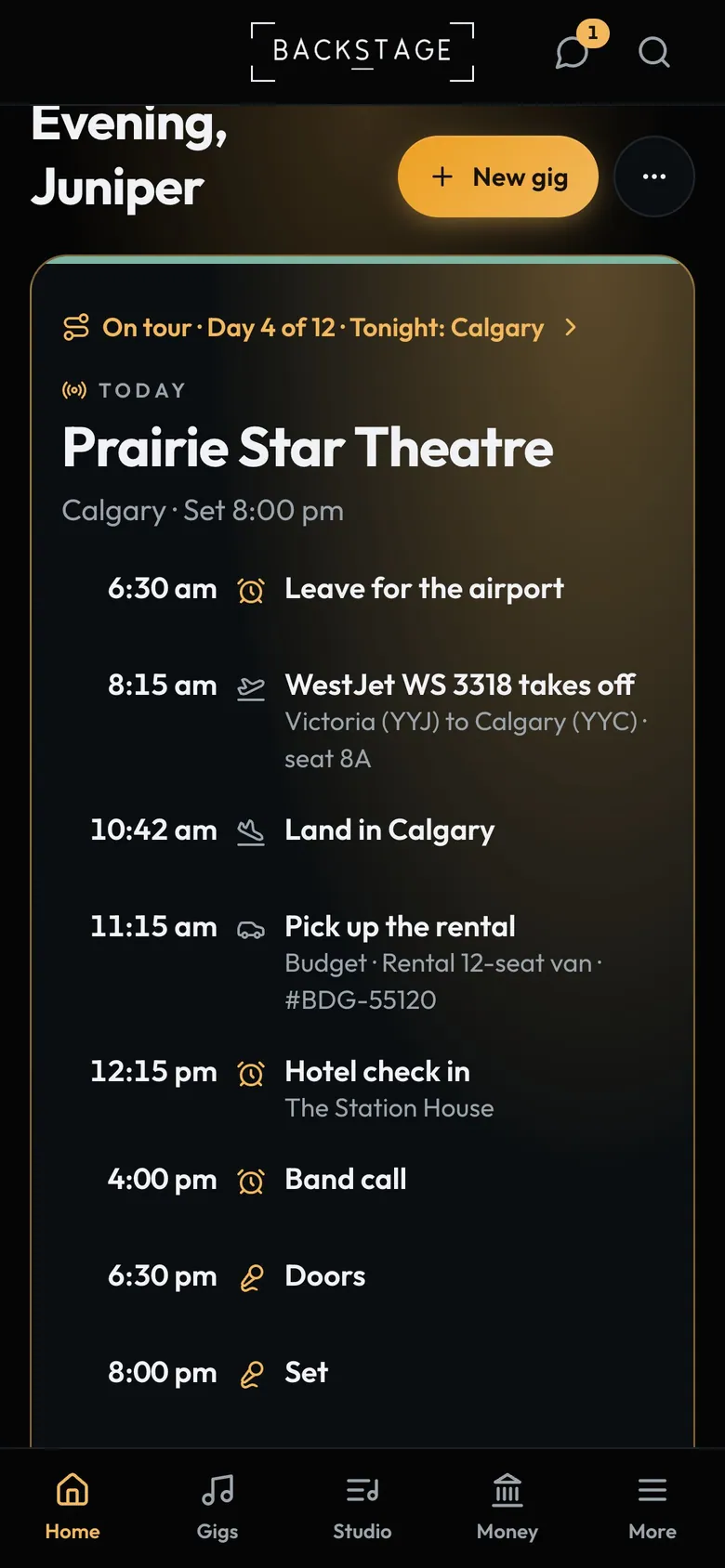 09 · Everyone · PhoneShow day on your phoneOn a tour day, your home screen opens on the day: travel, the hotel and the day sheet first, for everyone on the tour. The day sheet starts with your calls and your room, and the whole tour is one tap away.Read
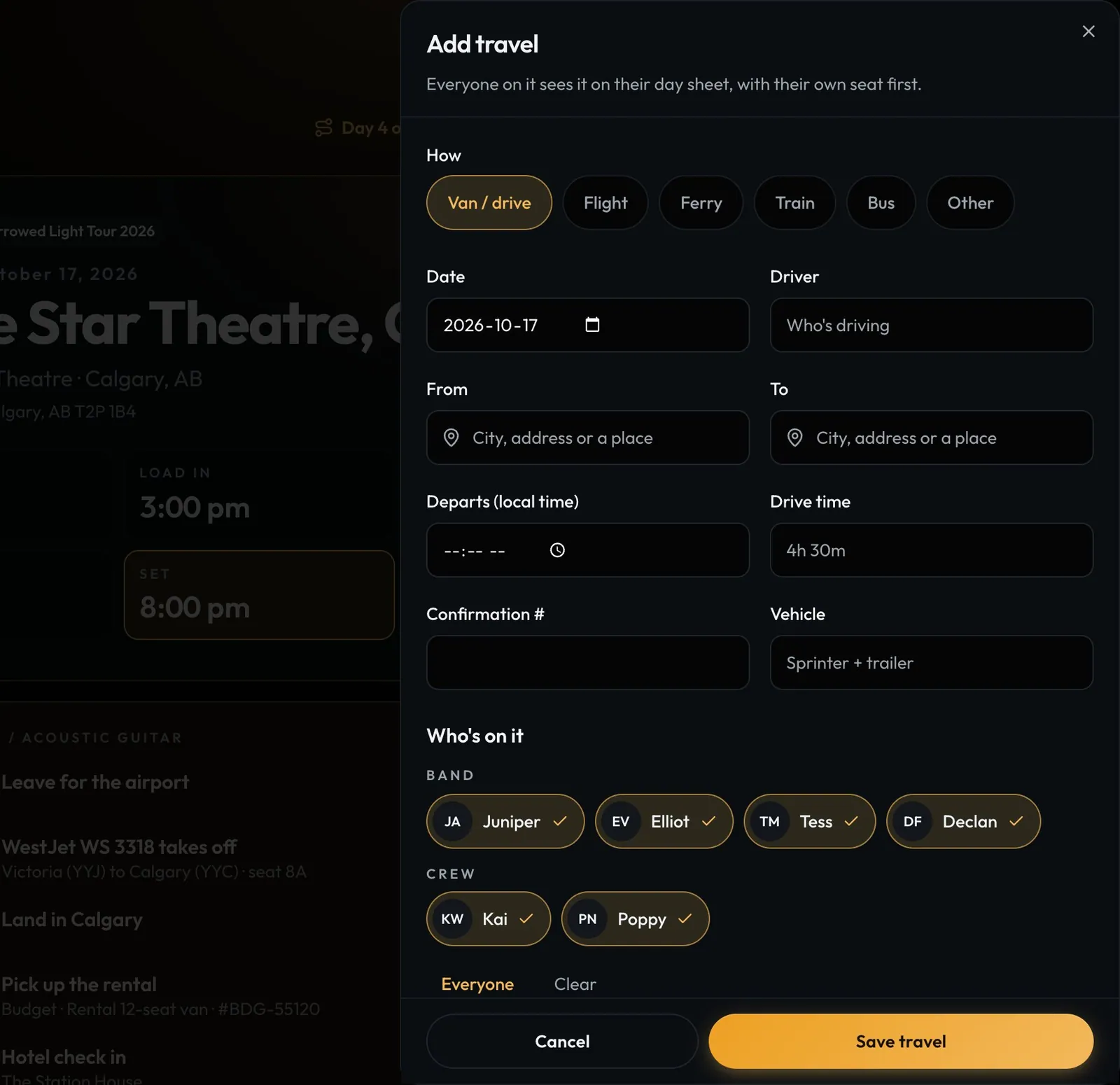 10 · Band leaders · TouringAdd flights and drivesAdd a travel leg once and it lands on the day sheet of everyone on it, with their own seat first.Read
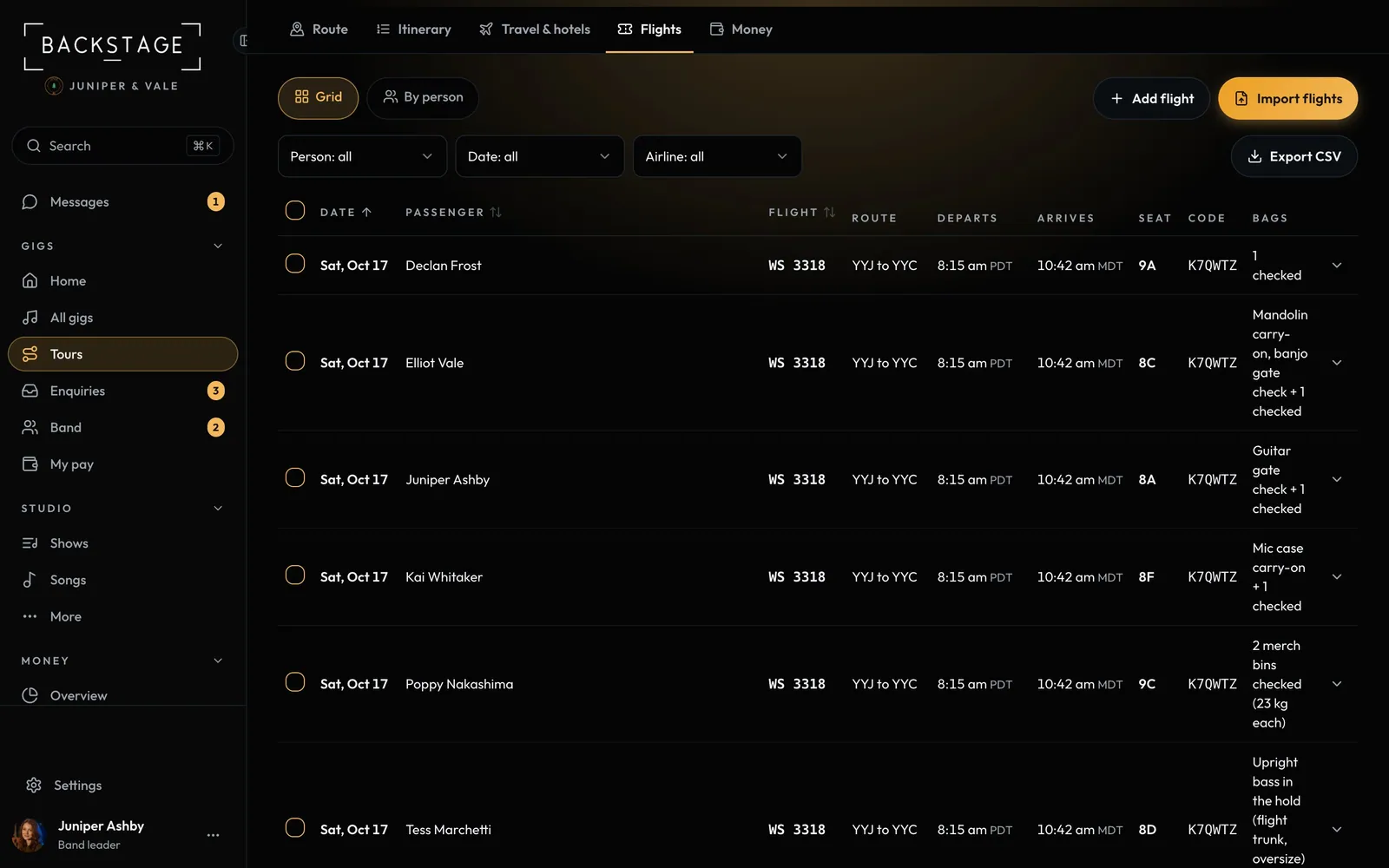 11 · Band leaders · TouringImport flights and see them allDrop in the travel agent's itinerary and every flight lands on the tour with seats and bags, after you check it. Or type a flight number and the rest fills in.Read
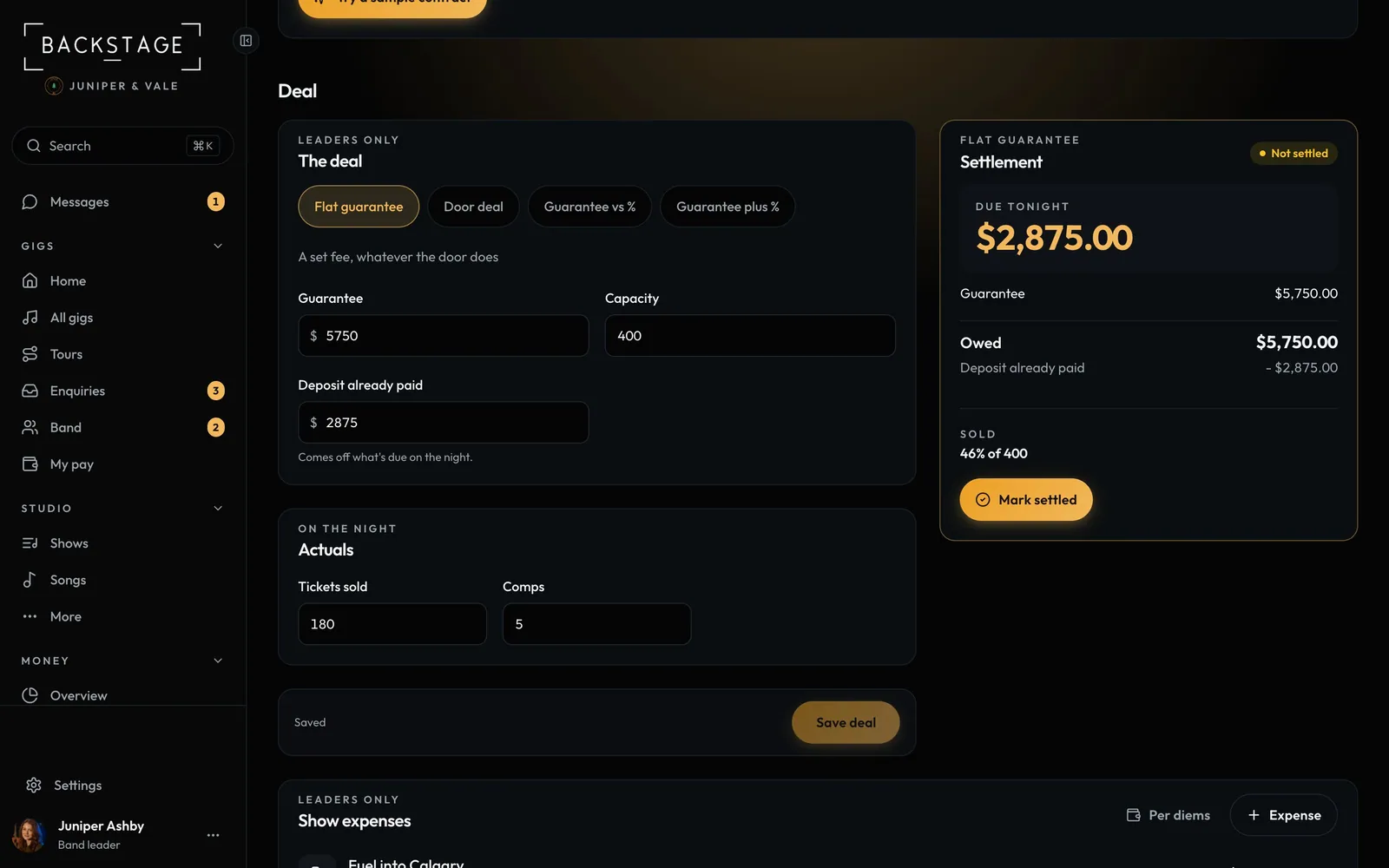 12 · Band leaders · TouringPromoter deals and settlementSet the deal when you book, then settle on the night: the app works out what the band is owed from tickets and promoter expenses.Read
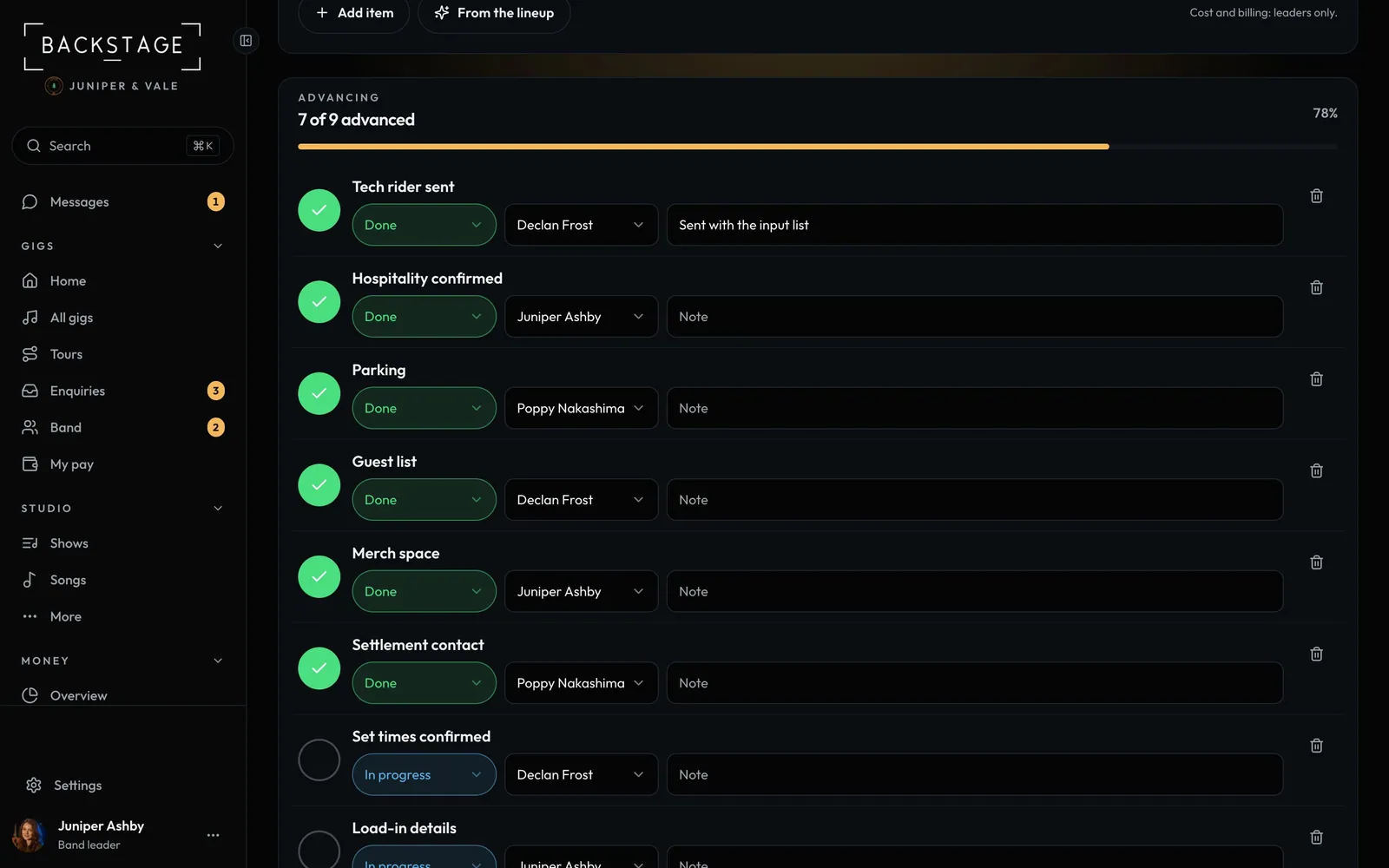 13 · Band leaders · TouringAdvancing the showA checklist for every show: tech rider, hospitality, parking, guest list, merch space. Assign each item and see how advanced you are at a glance.Read
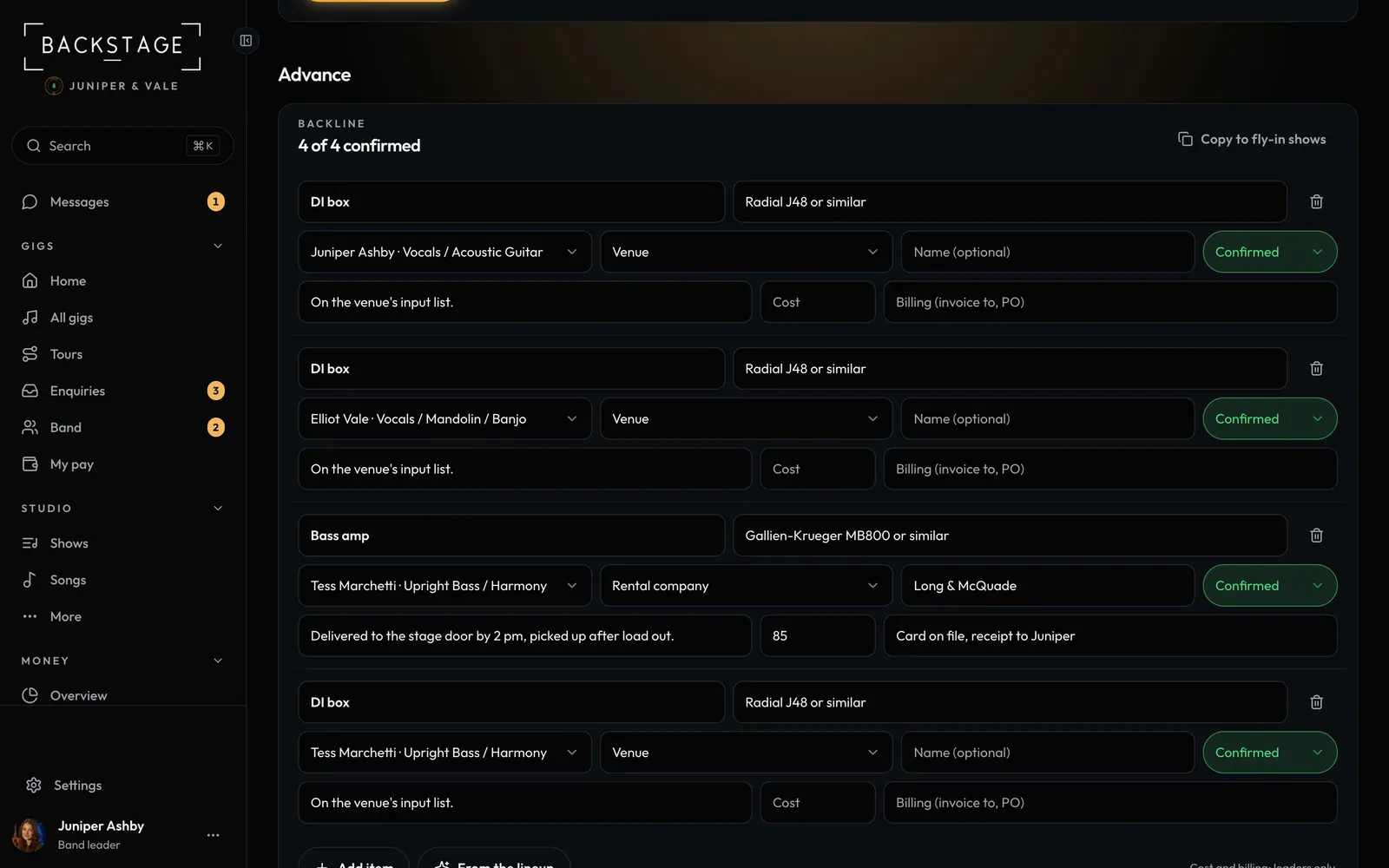 14 · TouringBackline and flightsFlying in? Amps, a kit and keys have to be waiting at the venue. List the backline once, copy it to every fly-in show, and keep every flight per person in one log.Read
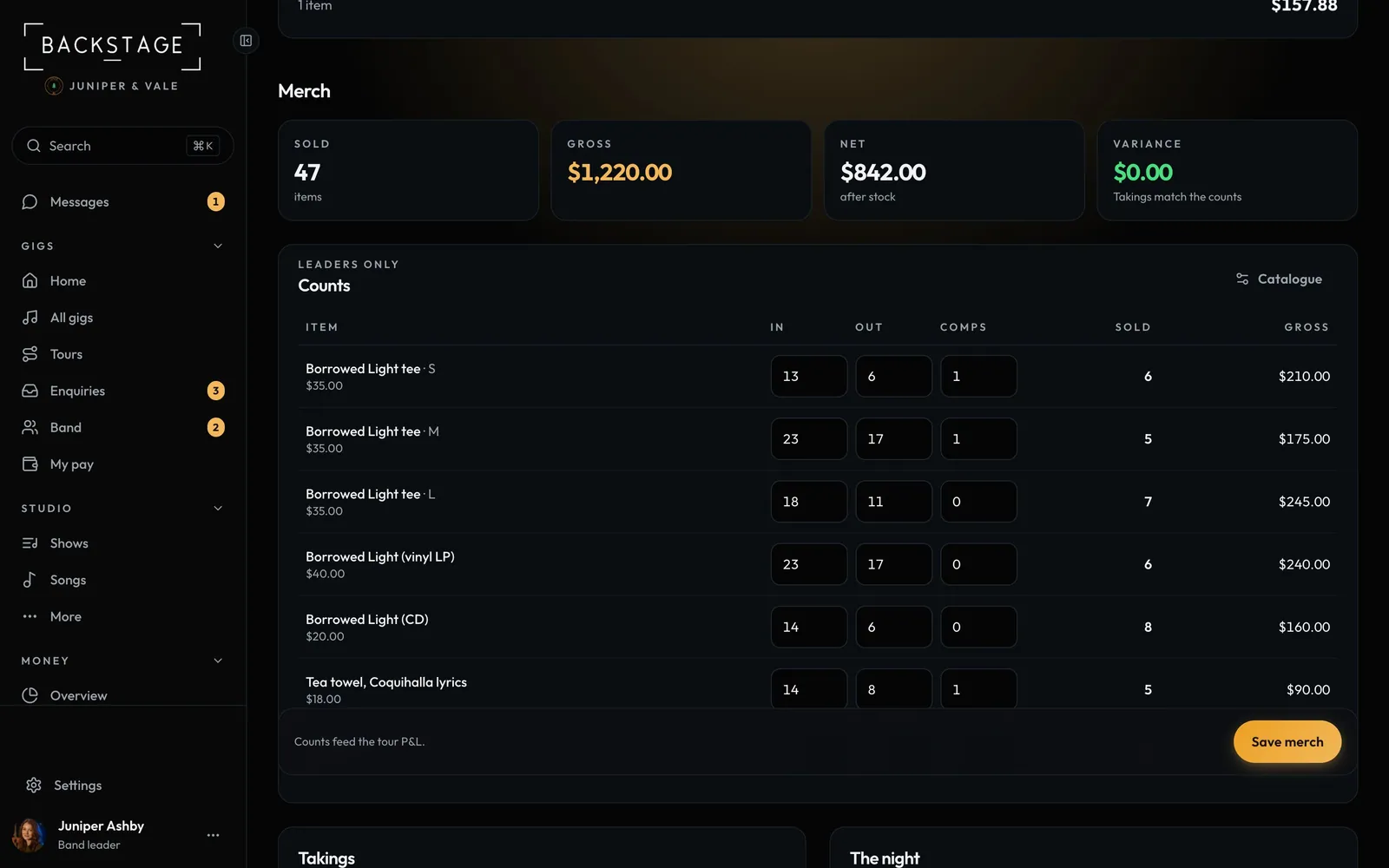 15 · Band leaders · TouringMerch countsCount in and out at each show and the app works out what sold, the gross, and whether the takings match. It all feeds the tour P&L.Read