Band leaders · First run
Set up your band
About five minutes, the first time you sign in: where you're based, what you play, your lineups and prices, your gigs and songs, your own profile, then your band. Skip anything and come back to it later. Everything is open for 14 days, free, with no card.
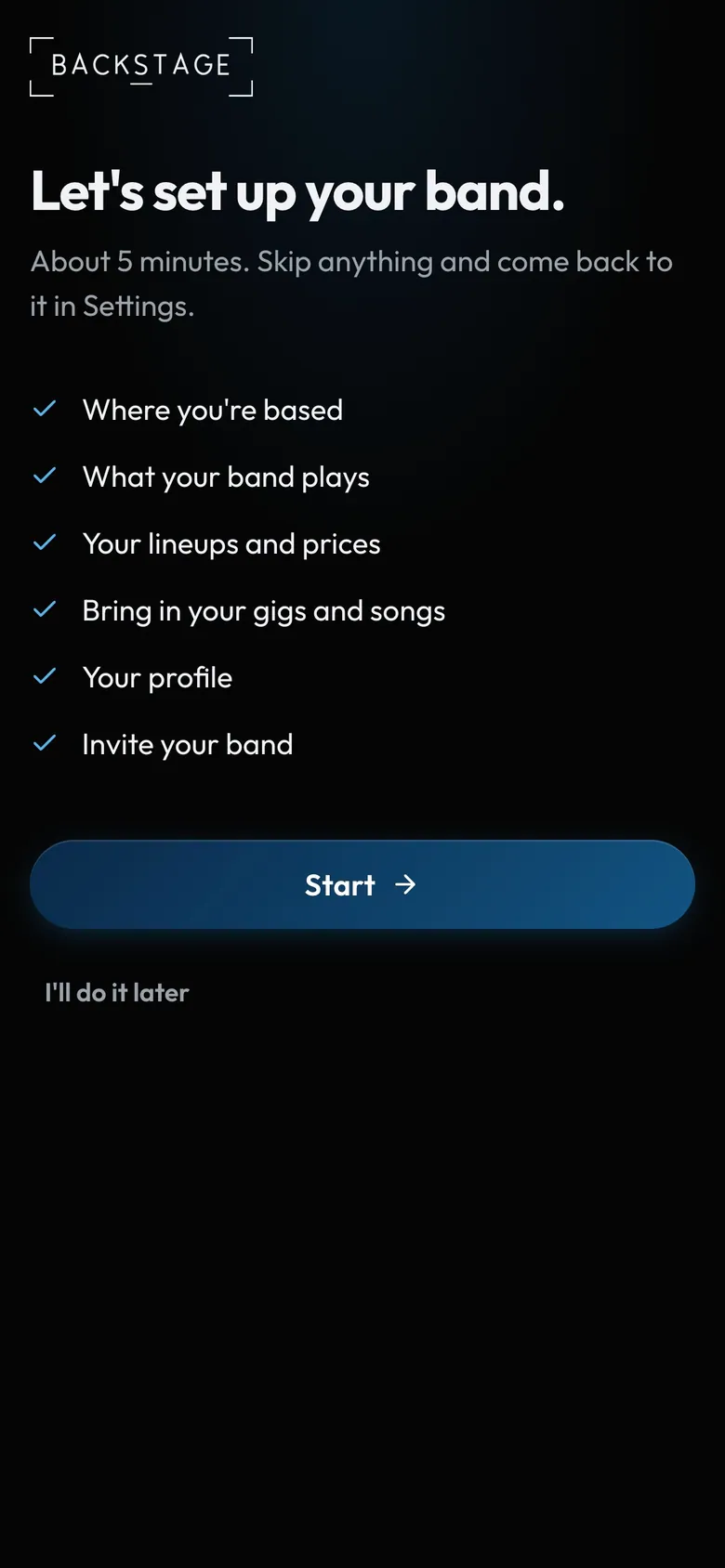
- About five minutesSkip anything and come back to it in Settings.
- The stepsSkip any of them.
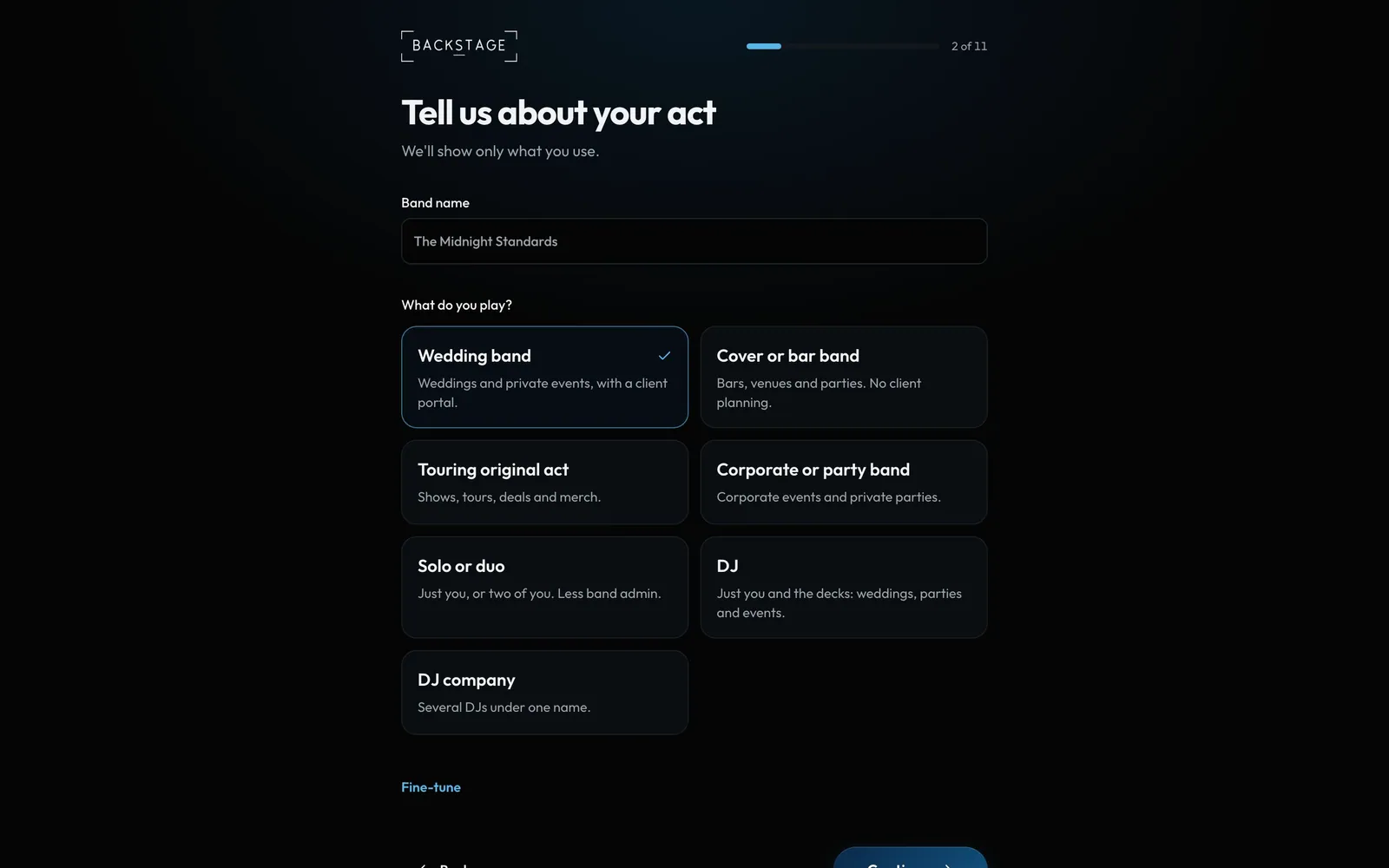
Swipe sideways to see the whole screen. Tap a number for its tip.
- Band nameOn invoices, emails and the client app.
- What you playWedding, covers, touring, DJ and more.
How to
- Where you're based sets your currency, tax and units. Your act: your band name, what you play and your lineups.
- Your gigs, prices and songs: import your gigs, a price per lineup, add-ons, your deposit, then paste your songs.
- Now, you: before you invite anyone, your own photo, name and number, what you play, an emergency contact if you like, and your calendar (Google, Apple or Outlook) so your gigs show up there.
- Your band: invite players, or Invite later. Players, subs and crew are always free.
- On Home, Your setup ticks off each step. Hide it with the X when you're done.
Tips
Tip
The trial opens every feature and add-on for 14 days. Three days before it ends, Home shows a card with your choices. After it ends you're on Band: paid areas stay there to view, and nothing you made is deleted.Tip
Signing up, you choose how you'll use Backstage: I lead a band, I play in bands, I work crew or I manage artists. Add more roles later from My profile, with one login for all of it.Tip
Players and crew get a free profile with no band needed: what you play or do, your town and when you're usually free. Every band you join gets it. Share your invite link with a band leader, and when they start their band from it you're in straight away.Tip
Booking a band? You don't need an account. The band sends you a link to see their options, book and pay.