Your clientsFor clients and guests
What your clients see
One link takes them from your first email to a signed contract and a deposit, then planning the night. No account, no app store, your band's look.
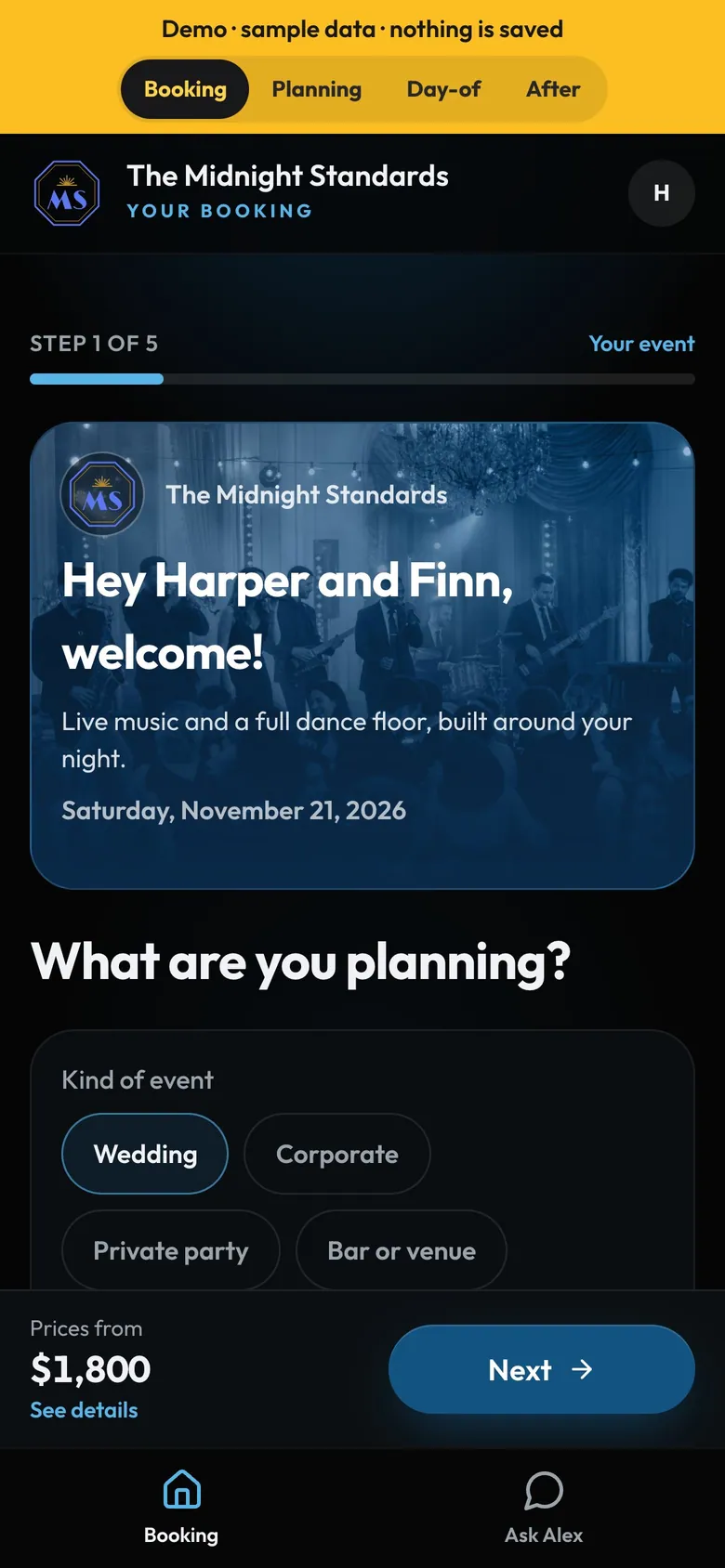
- Step by stepEvent, music, extras, details, review.
- A welcomeTheir names, your line, the date.
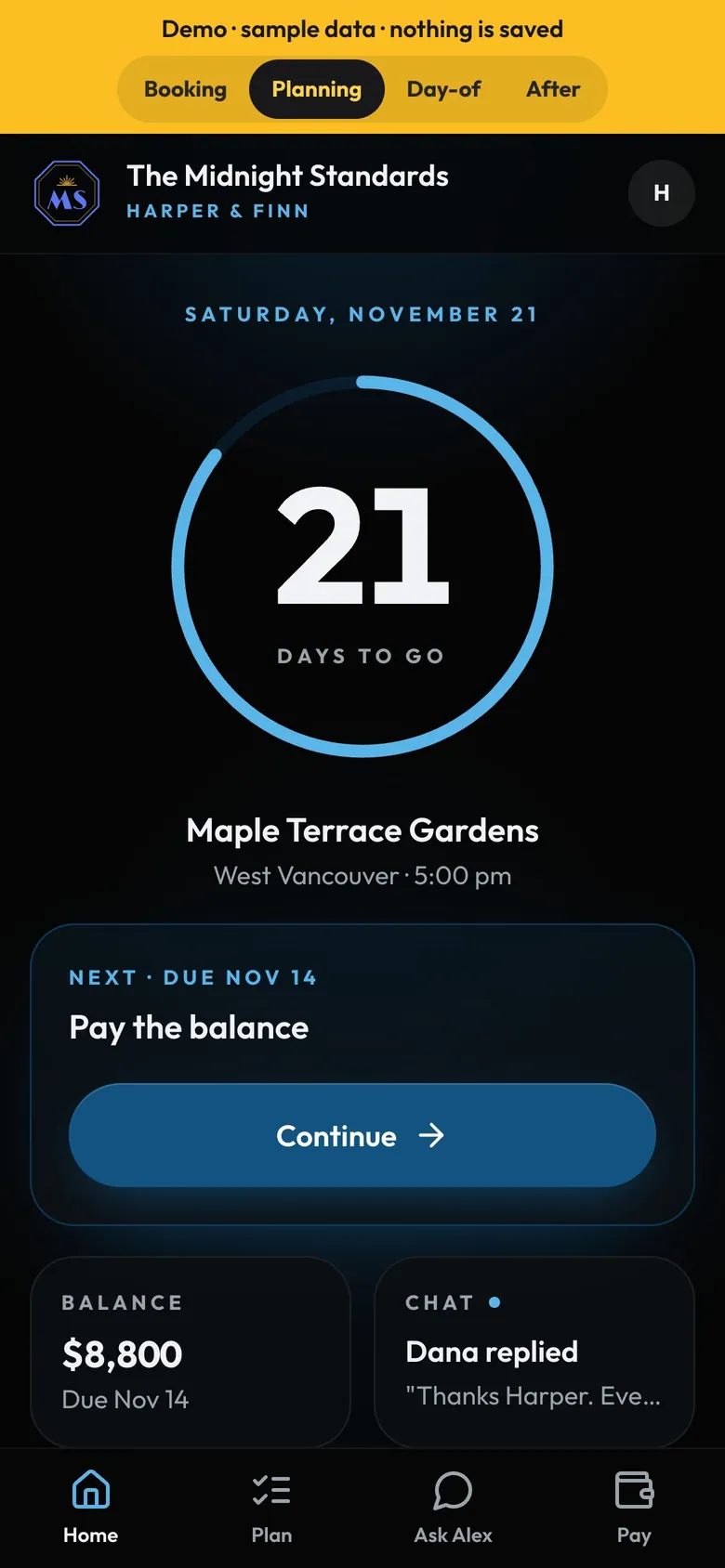
- Always one next stepPay the balance, pick songs, add names. Whatever is next.
How to
- The email: your band's look and one button. Welcome and Build: a hello, then a package or their own.
- Request to book: it comes to you. You confirm, then they accept, sign and pay the deposit.
- Plan the night: key songs, names to announce, a guest page and chat.
- By email: the signed contract and a receipt for every payment.
Tip
Tip
Try it yourself: on the demo, choose Client and walk through Booking, Planning, Day-of and After.