Band leaders
Tax pack
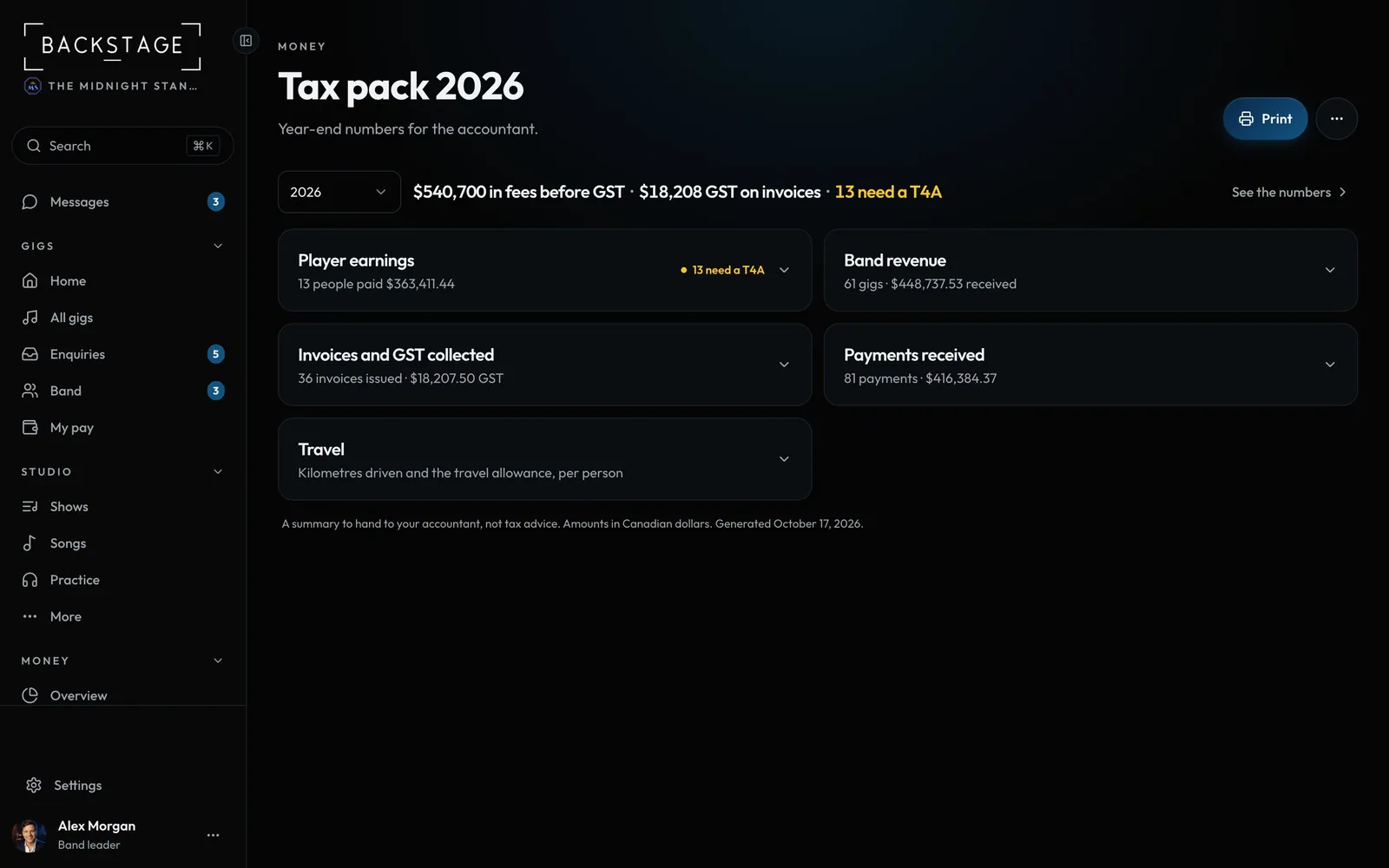
Year-end numbers for the accountant in one printable page: player pay, band revenue, GST and payments.
Swipe sideways to see the whole screen. Tap a number for its tip.
- PrintA clean printout or PDF of everything.
- Export CSVEvery section, from the ... menu.
- The year in one lineFees, GST, and who probably needs a slip.
- One row per sectionPlayer pay, revenue, invoices, payments, travel.
How to
- Open Tax pack and pick the year beside the line at the top.
- Open Player earnings and switch Gig date / Date paid to match how your accountant counts.
- Export each section from the ... menu, or click Print: the printout has every section in full.