DJs
Key moments and the cue sheet
The client picks a song for each key moment. You add the version, where to start, where to fade and what to announce. It prints on one page and shows on Gig day with times.
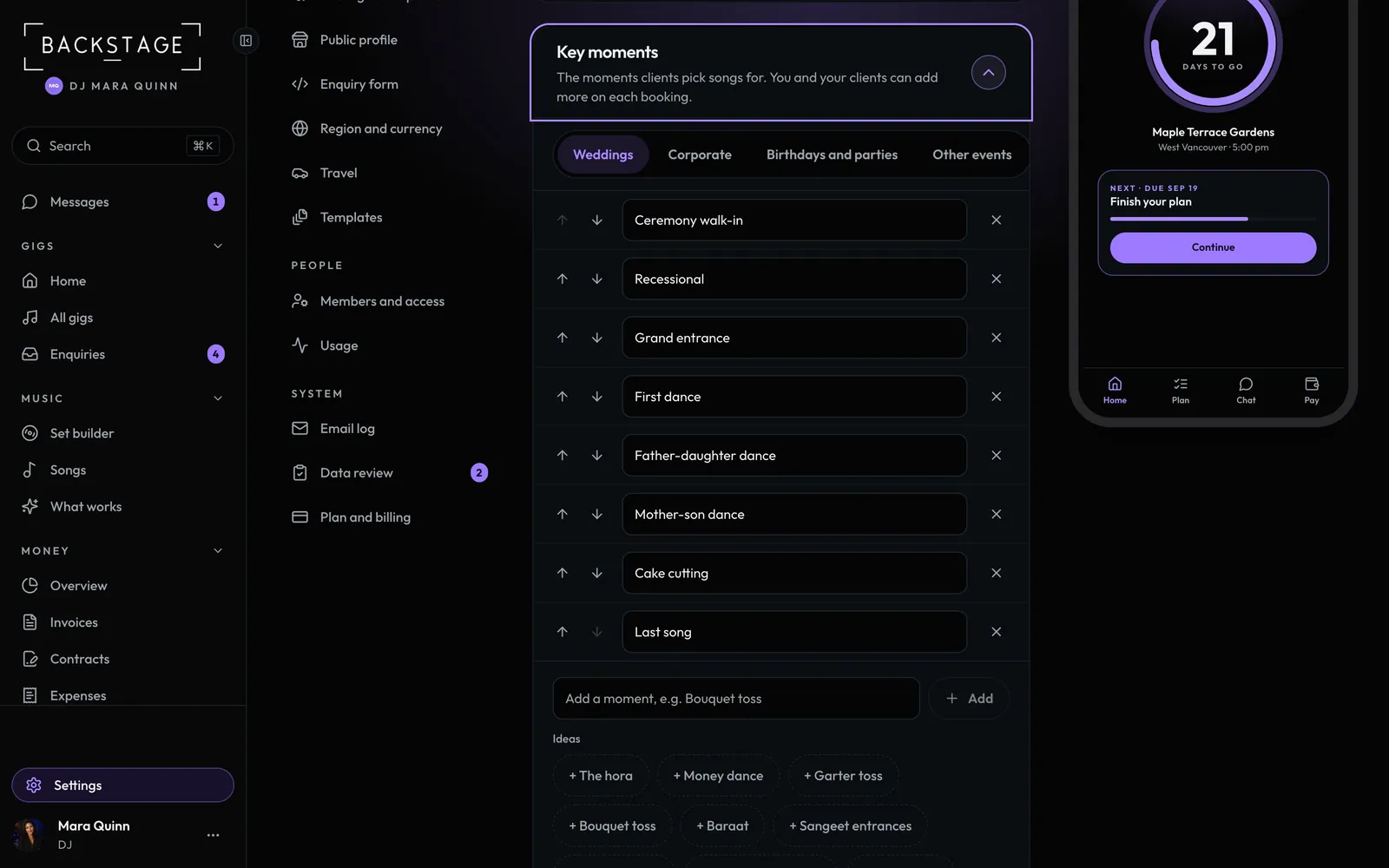
Swipe sideways to see the whole screen. Tap a number for its tip.
- Per event typeWeddings, corporate, parties and other events.
- IdeasAdd one in a tap, or type your own.
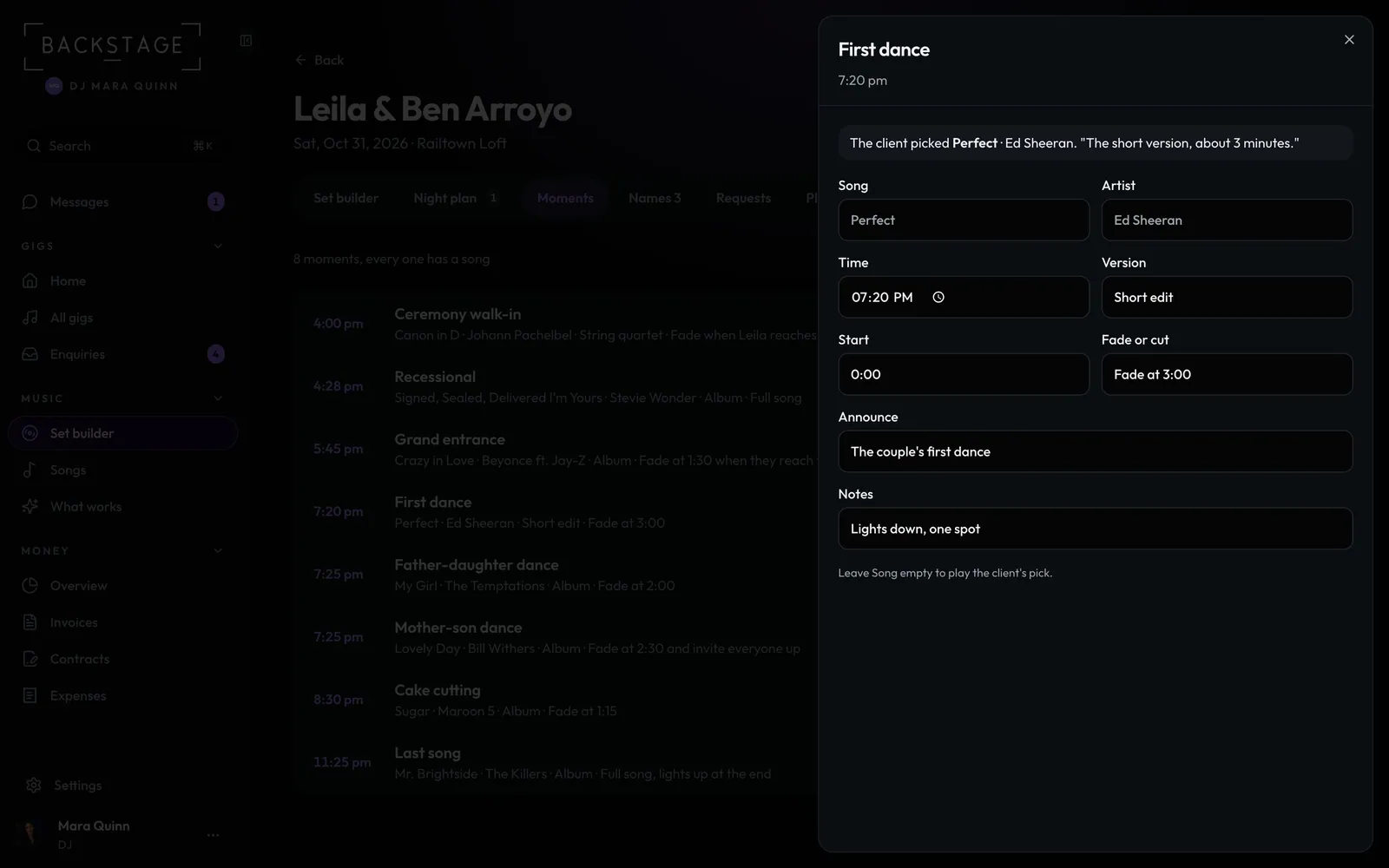
Swipe sideways to see the whole screen. Tap a number for its tip.
- The songThe client's pick, or your own.
- Your cueVersion, start, fade or cut, announce, notes.
How to
- Set your moment lists in Settings → Client portal → Key moments, one list per kind of event.
- Clients pick songs in their plan, and can add moments of their own to their booking.
- Open the gig's Moments. Each moment is one line, and one with no song says so. Tap it to fill in the song and the cue. It saves as you type.
- Tap Print the cue sheet, or open Gig day on the night to see the moments in order with times.
Tip
Tip
Times come from the gig's timeline. Change one here and the booth counts down to it.