Everyone
All gigs
Every gig in one list, grouped by month, each with one status. Needs you shows the gigs waiting on you and why. Players see their answer and call time.
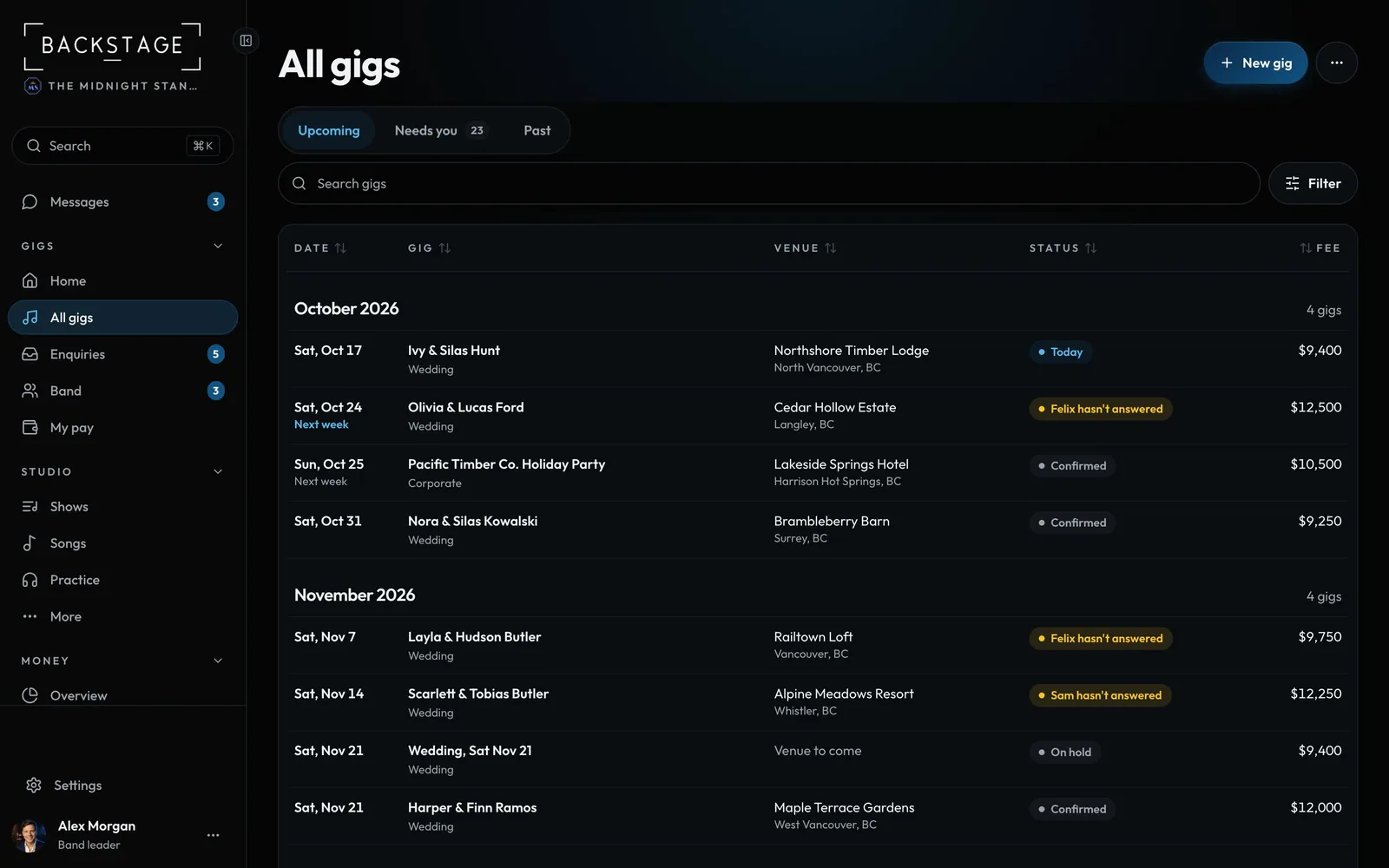
Swipe sideways to see the whole screen. Tap a number for its tip.
- MoreCalendar, totals, import.
- Needs youThe gigs waiting on you, and why.
- One statusWhat it needs, or where it stands.
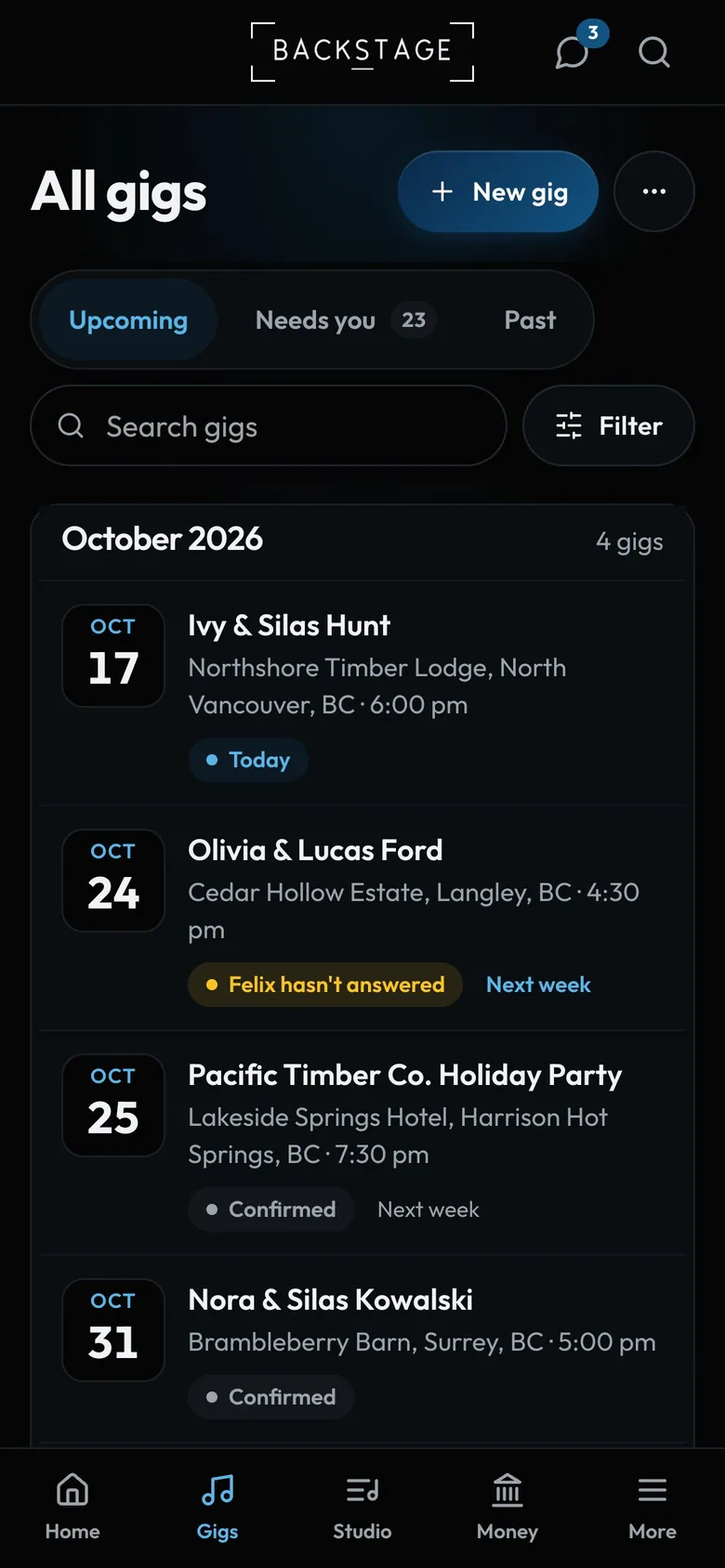
- FilterStatus, type, month, payment.
How to
- Open All gigs. Tap a gig to open it.
- Tap Needs you for the gigs waiting on you, or Past for the ones you've played.
- Search by name, venue or city. Tap Filter for status, type, month, payment and more.
- Tap ... for the calendar, the totals, adding your gigs to your own calendar, and importing gigs.
Tip
Tip
Before a gig, the unpaid part is its Balance. Once it's played and not marked paid, it's Owing. Both are in ... > Totals.