Setlist editors · SongsFor band leaders
Add songs from a list or photo
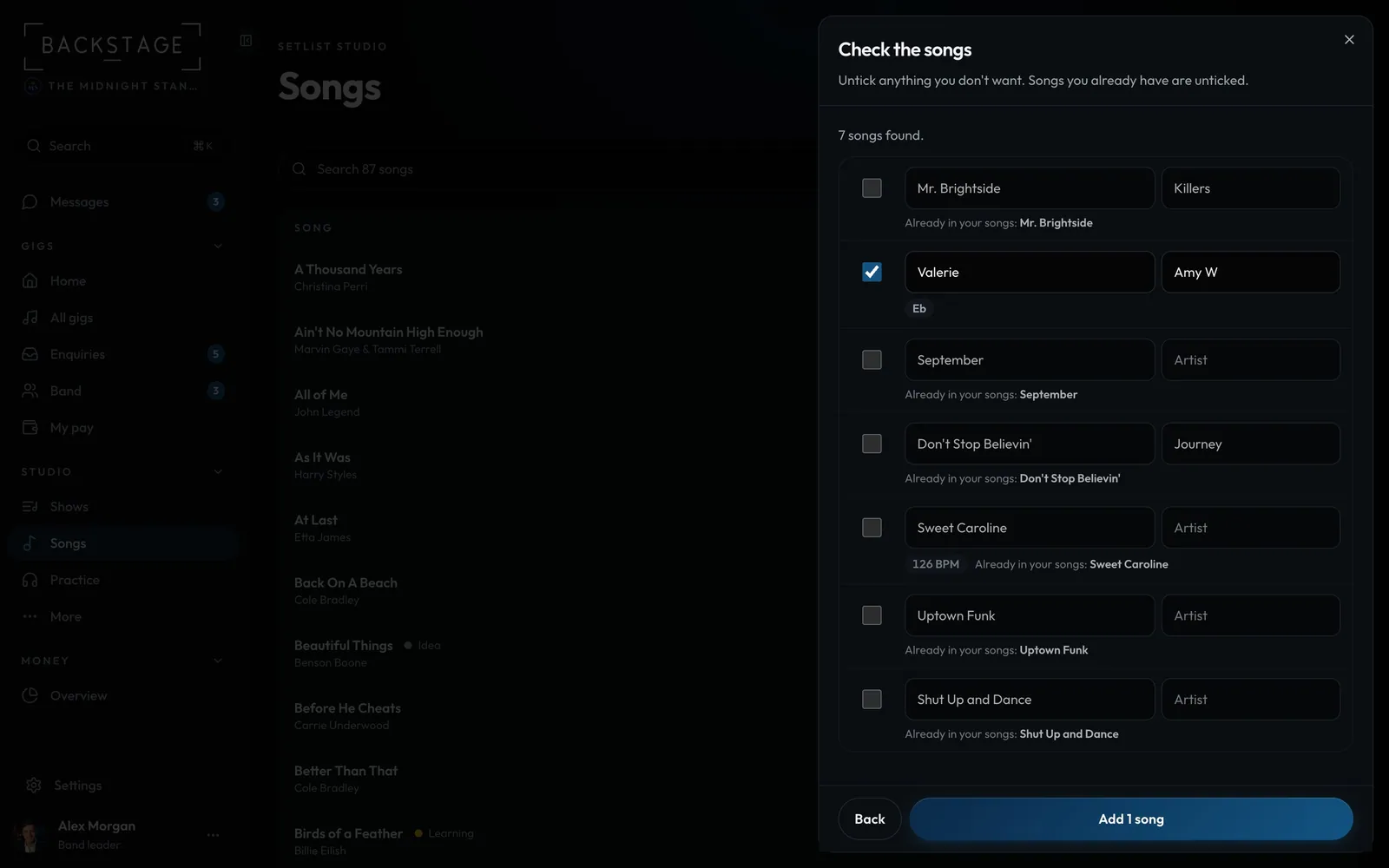
Paste your song list, open a CSV, or snap a photo of an old setlist. Each song is checked against your library, so duplicates are left out, and you tick what to add.
Swipe sideways to see the whole screen. Tap a number for its tip.
- Check the songsUntick anything you don't want.
- No duplicatesSongs you have are unticked.
- Add themOnly the ticked ones.
How to
- Open Songs, then ... → Add from a list or photo (or Add your song list in an empty library).
- Paste a list, open a .csv or .txt, or add a photo, screenshot or PDF of a setlist.
- A key or BPM is kept only when it's written on the list. Artists are never guessed.
- Untick anything you don't want, then Add.
Tip
Tip
A clean "Title - Artist" list or a CSV is read without AI. Nothing is fetched from the web: no lyrics, no chords.