Everyone · Phone
A gig's sections
Everything about a gig is one tap from its page. Each section says where it stands in one line, and opens to all of it.
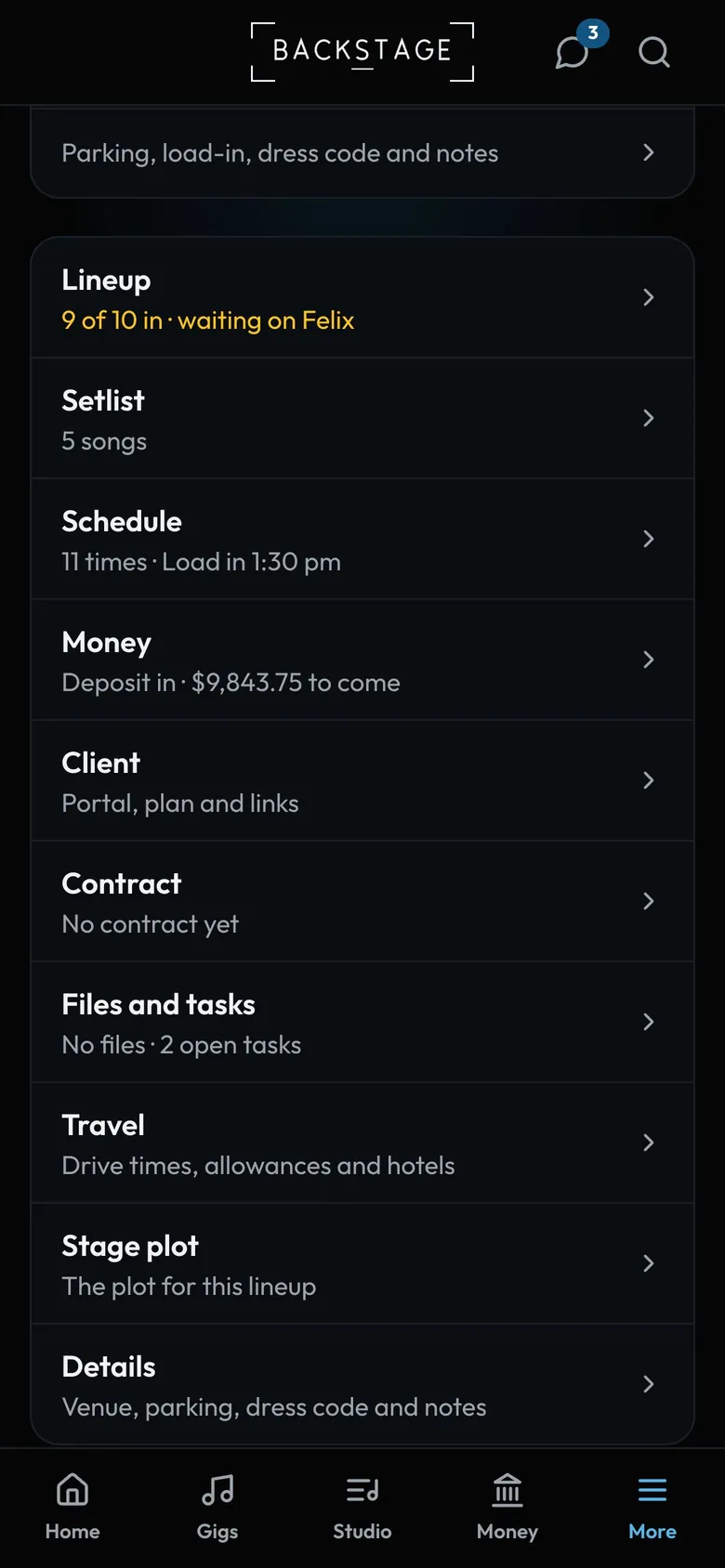
- One line eachWho's in, how many songs, what's been paid.
- ContactsPlanner, venue and family, one tap to call.
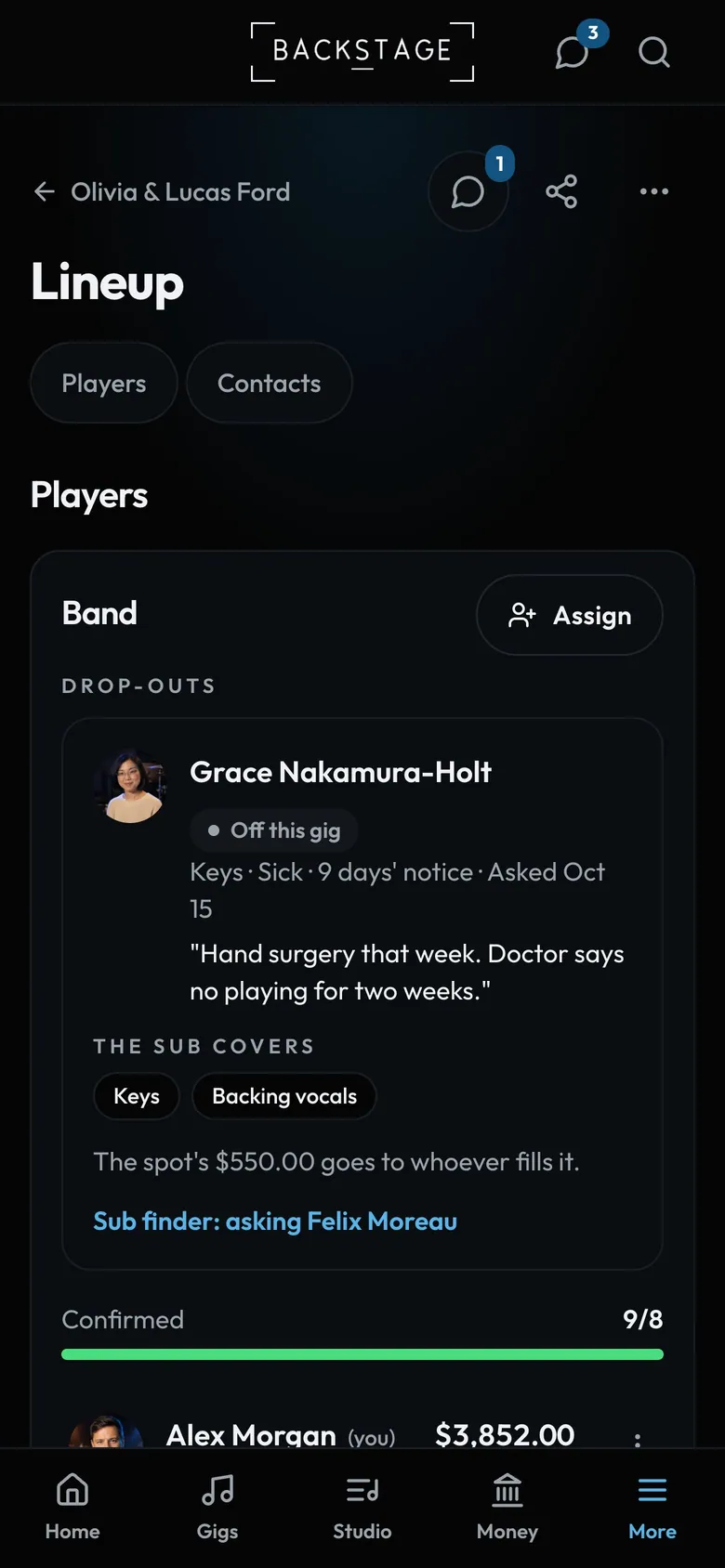
- LineupWho's playing and who's in. Leaders assign here.
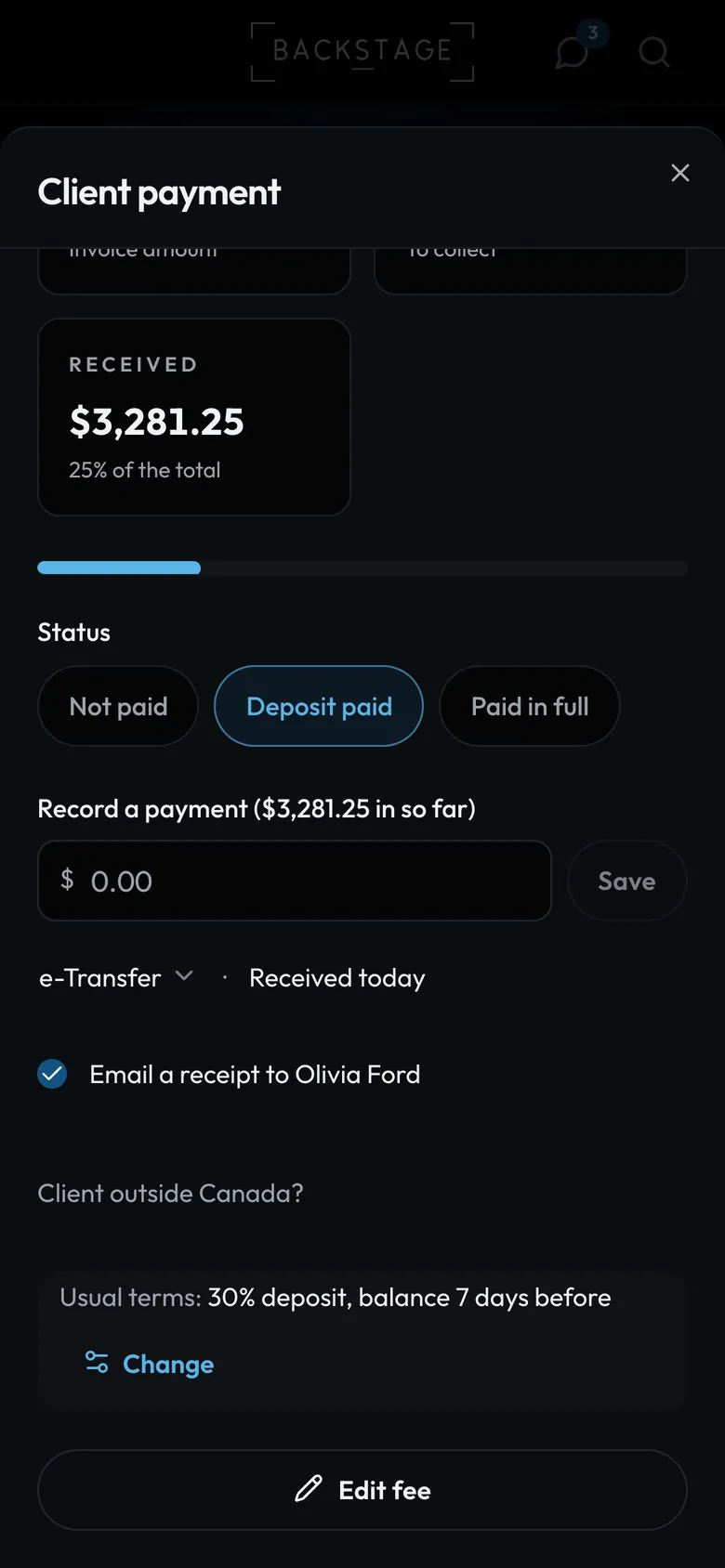
- Record a paymentType what came in. The first one is the deposit.
- SaveA real payment, on the invoice if there is one.
- Method and dateYour usual method and today. Tap either to change it.
How to
- Lineup, Setlist (with Go live, and Practice this set for players) and Schedule.
- Money: one line with the fee and what's in. Fee and payments records a payment: an amount and Save.
- Client: a row each for their people, the quote, the plan and key moments. Contract is its own section.
- Files and tasks, Travel, Stage plot and Details. Players see what's theirs.
Tip
Tip
The quick box uses your usual payment method and today's date. Tap either to change it. If the client has an email, Email a receipt is ticked for you.