SettingsFor band leaders
Client portal
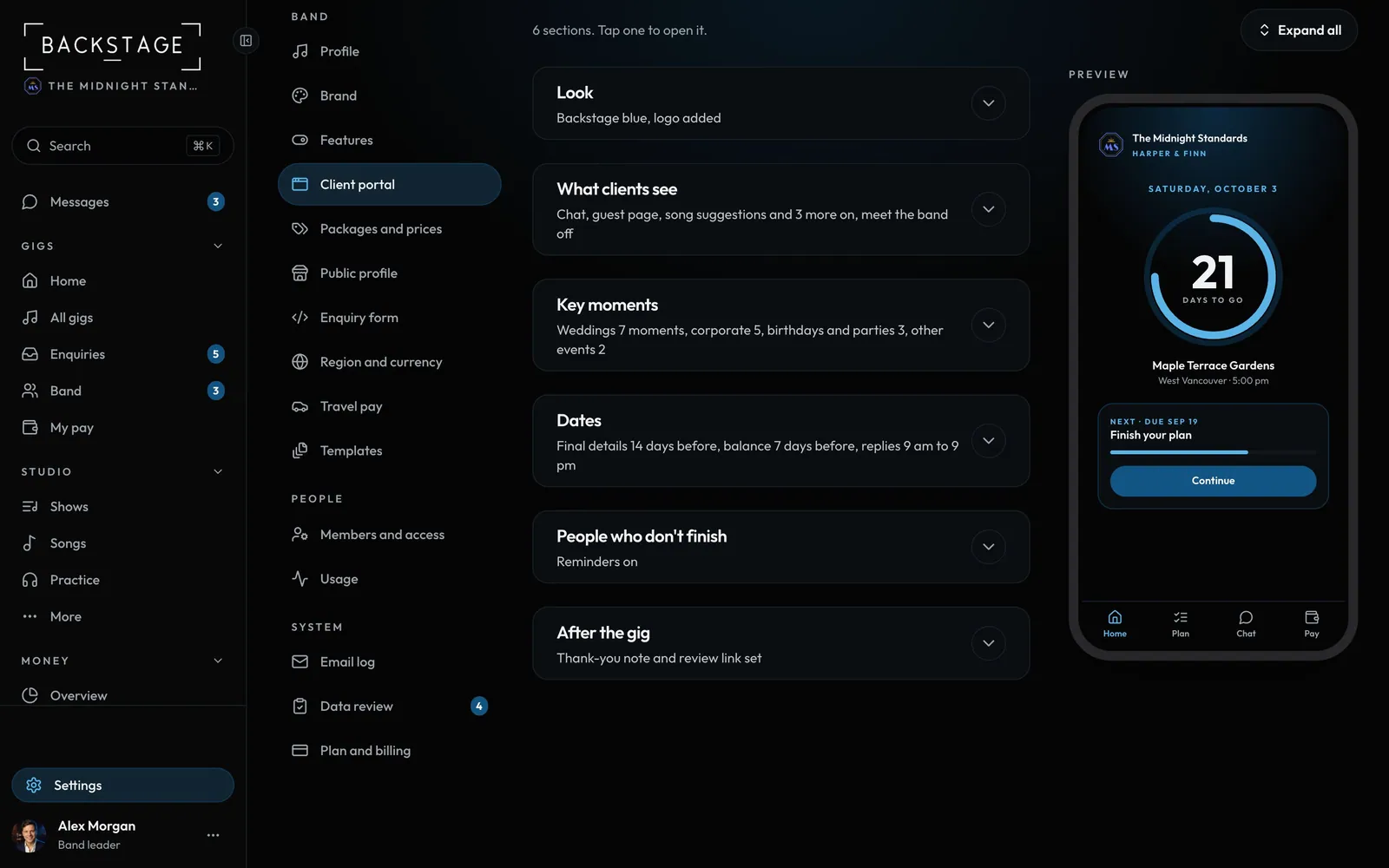
How the client app looks, what clients can see, key moments, dates and reminders.
Swipe sideways to see the whole screen. Tap a number for its tip.
- RemindersOn to start. They stop when the client books.
How to
- Look: your colour and logo come from Settings → Brand. Add your own web address here, like portal.yourband.com.
- What clients see: songs, the DJ list, "please don't play", the setlist after, chat and the guest page. Meet the band (names, roles and photos of the lineup) is off to start. Turn it on here if you want clients to see who's playing.
- Key moments: live or DJ for each moment by default. Change it per booking.
- Dates: when the plan is due (14 days before) and when it locks (7 days before). Reply hours: 9 am to 9 pm to start.
- People who don't finish: gentle reminders at 2 and 6 days, on to start. Quiet hours respected.
- After the gig: the thank-you, the review link and the night in songs.