Band leaders
Invoices
Bill clients, take deposits and see what's still to collect, all numbered automatically. Unpaid ones come first, overdue on top.
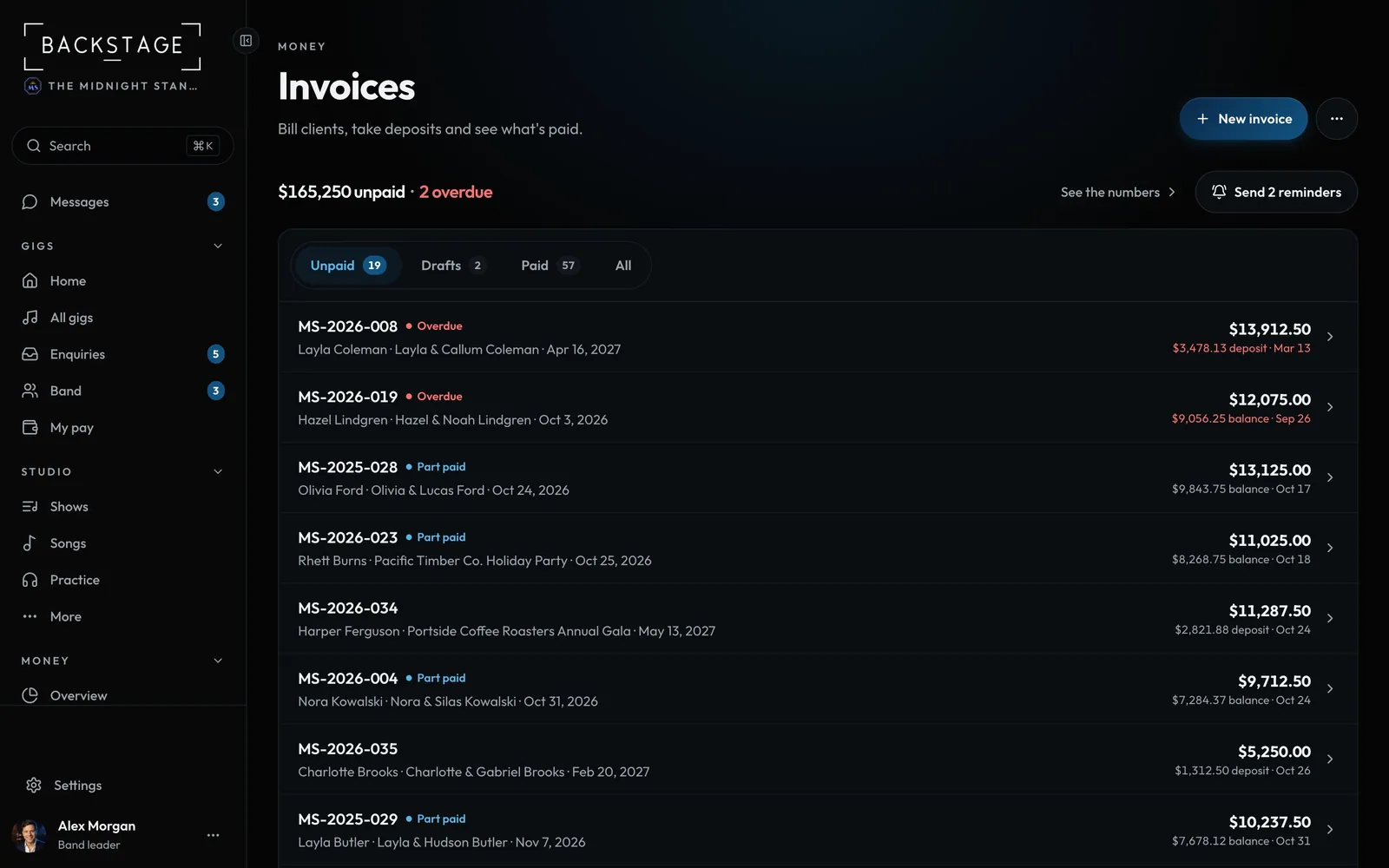
Swipe sideways to see the whole screen. Tap a number for its tip.
- New invoiceOr create one from a gig's Money tab.
- Send remindersEvery overdue invoice that went out, after you confirm.
- Unpaid and overdueWhat's out, and how many are past due.
- Drafts, paid, allUnpaid is the default.
How to
- Open Invoices, or use the Invoice card on a gig's Money tab.
- Click New invoice and pick the gig.
- Open an invoice to email it, send a reminder or record a payment.
- Overdue invoices sit at the top of Unpaid; Send 4 reminders chases them all at once. Drafts and paid ones are in the strip.