SettingsFor band leaders
Members and access
Who's in the band, who's a leader, and what each member can do.
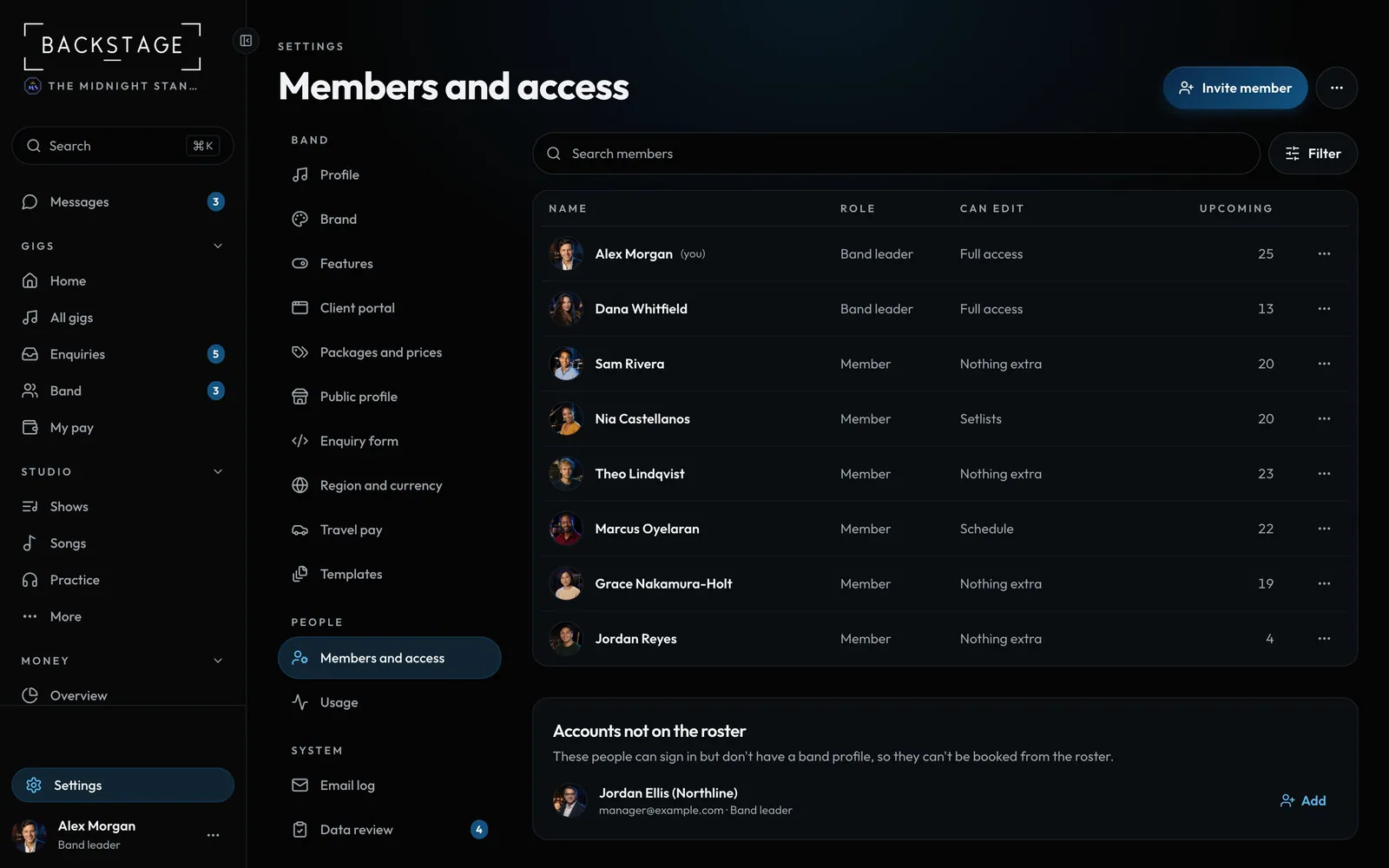
Swipe sideways to see the whole screen. Tap a number for its tip.
- Members and accessSettings → Members and access.
How to
- Invite member: sends a sign-in link.
- Tap a person to open their access. Leaders have full access; members get switches: edit setlists, edit the schedule, set their own rate, see notes.
- Make a band leader in their card (or the row's ⋯). Change to member reverses it.
- ⋯ → Set the team page order to drag people into order.
Tip
Tip
See Members, roles and permissions.