Everyone · Computer
Jump anywhere with ⌘K
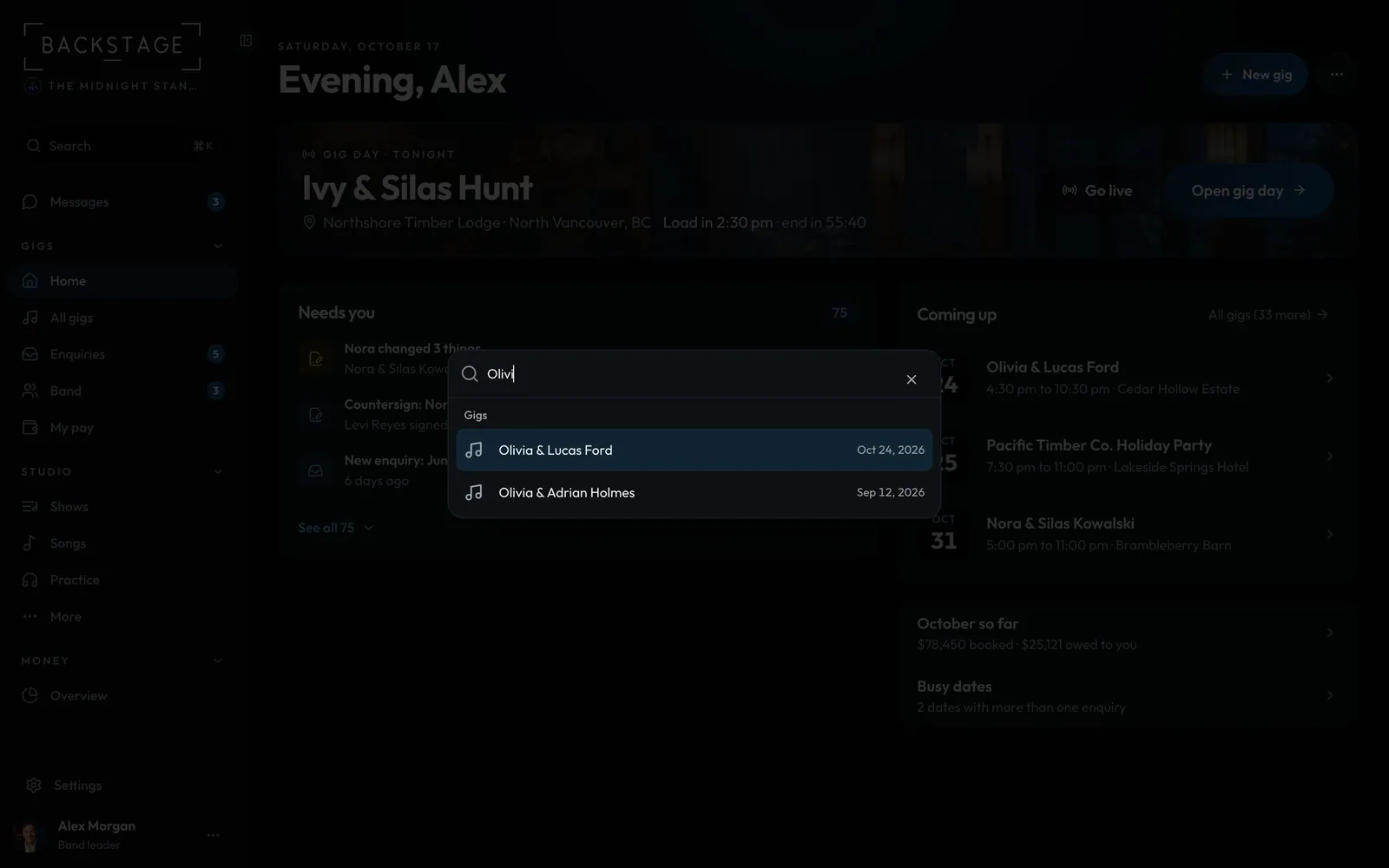
The quickest way to any gig or page. Start typing, hit Enter, you're there.
Swipe sideways to see the whole screen. Tap a number for its tip.
- Type anythingPage names, gig names, even "light mode".
- Enter to openUse the arrow keys to move, Esc to close.
How to
- Press ⌘ K, or click Search at the top of the sidebar.
- Type a few letters of a gig, a venue or a page.
- Use the arrow keys, then Enter to open it.
Tip
Tip
On a phone, tap the magnifying glass in the top bar for the same search.