Chapter 13
Settings reference
Every setting, what it does and what it starts as. Settings live in one place, grouped the way you'd look for them.
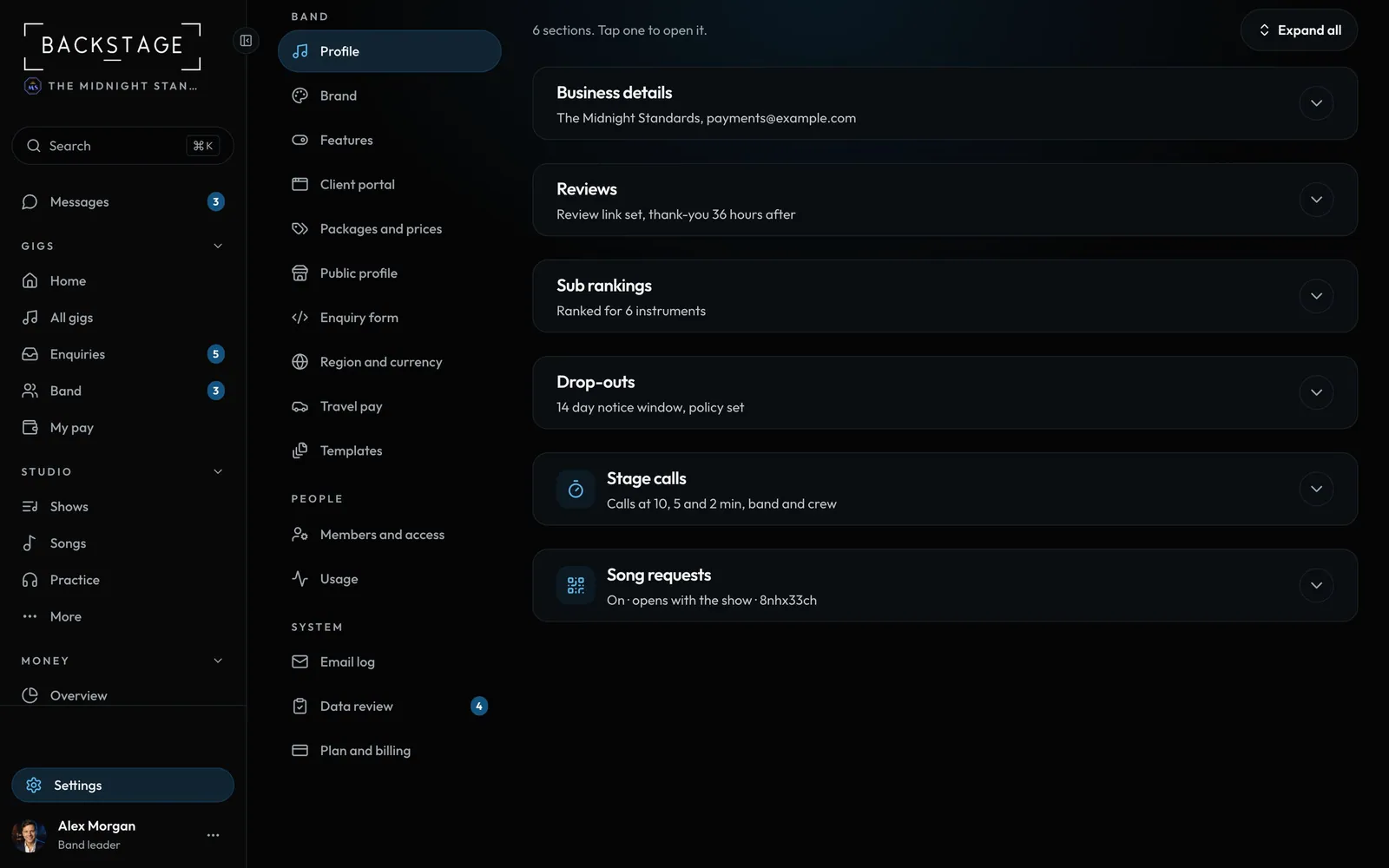 01 · SettingsProfileYour business details, review link, sub rankings, drop-outs, stage calls and song requests.Read
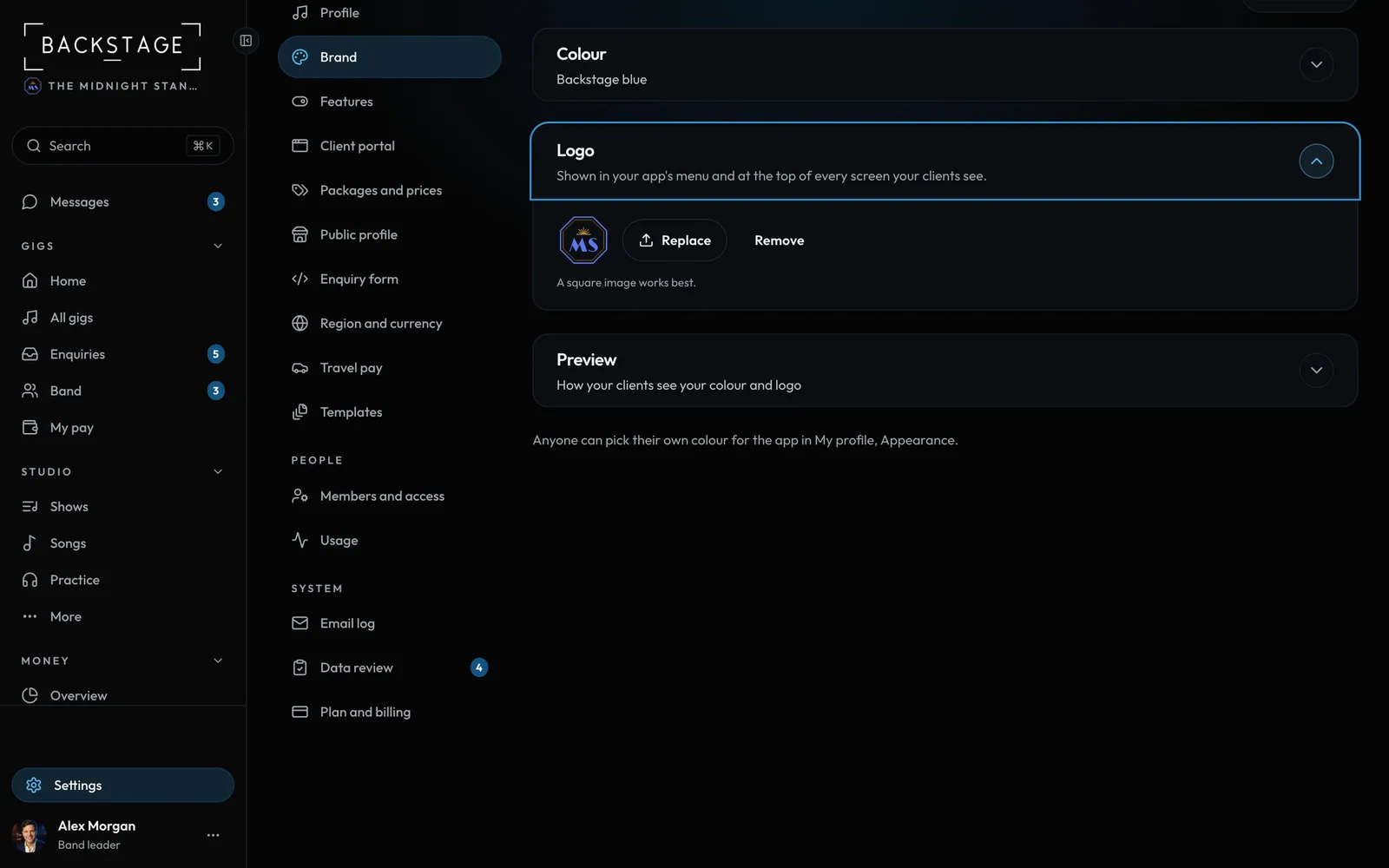 02 · SettingsBrandYour band's colour and logo. Clients see them in the client app, your emails and your band page, and your app's menu shows the logo.Read
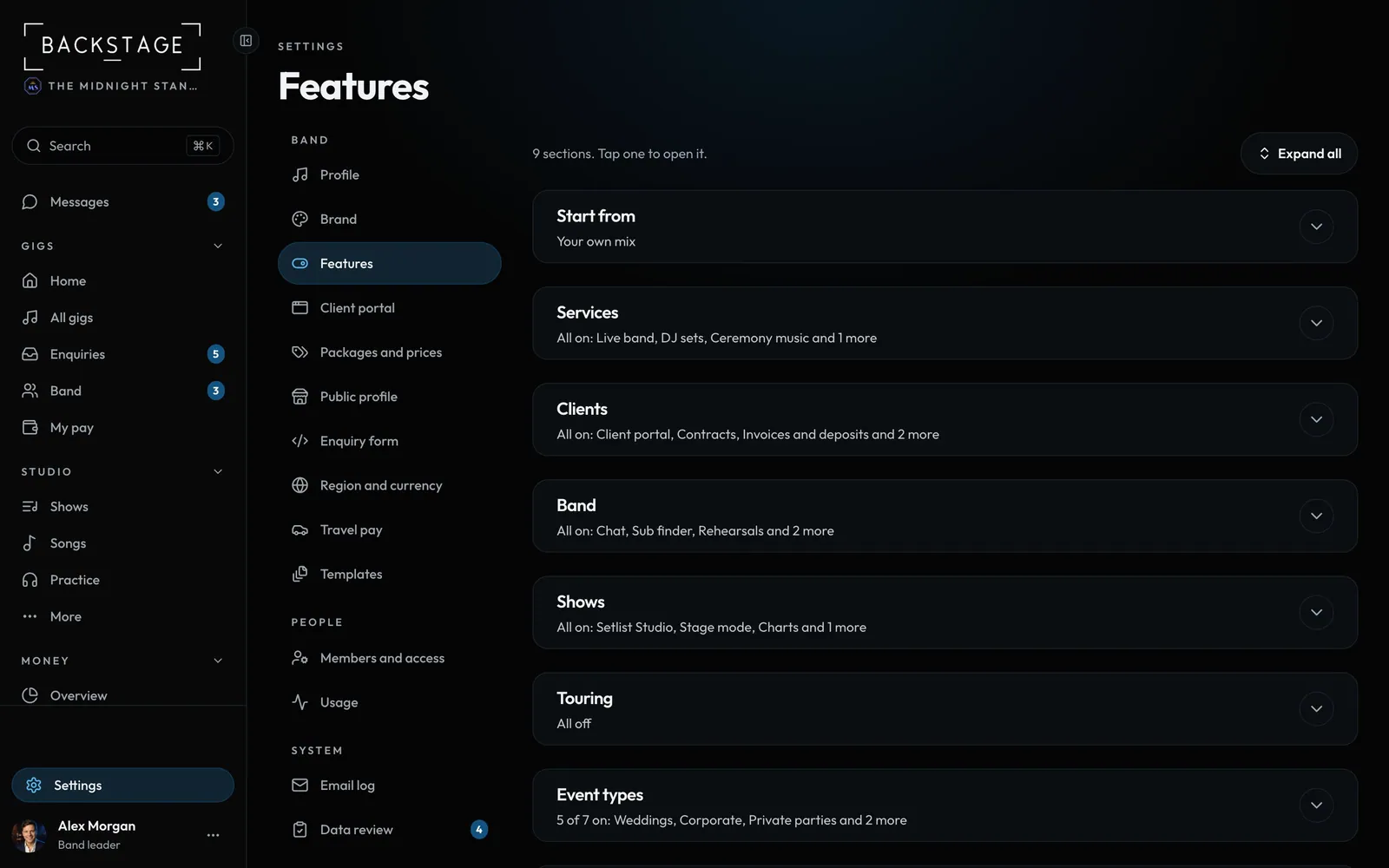 03 · SettingsFeaturesWhat your band does, which tools show, your event types and your lineups.Read
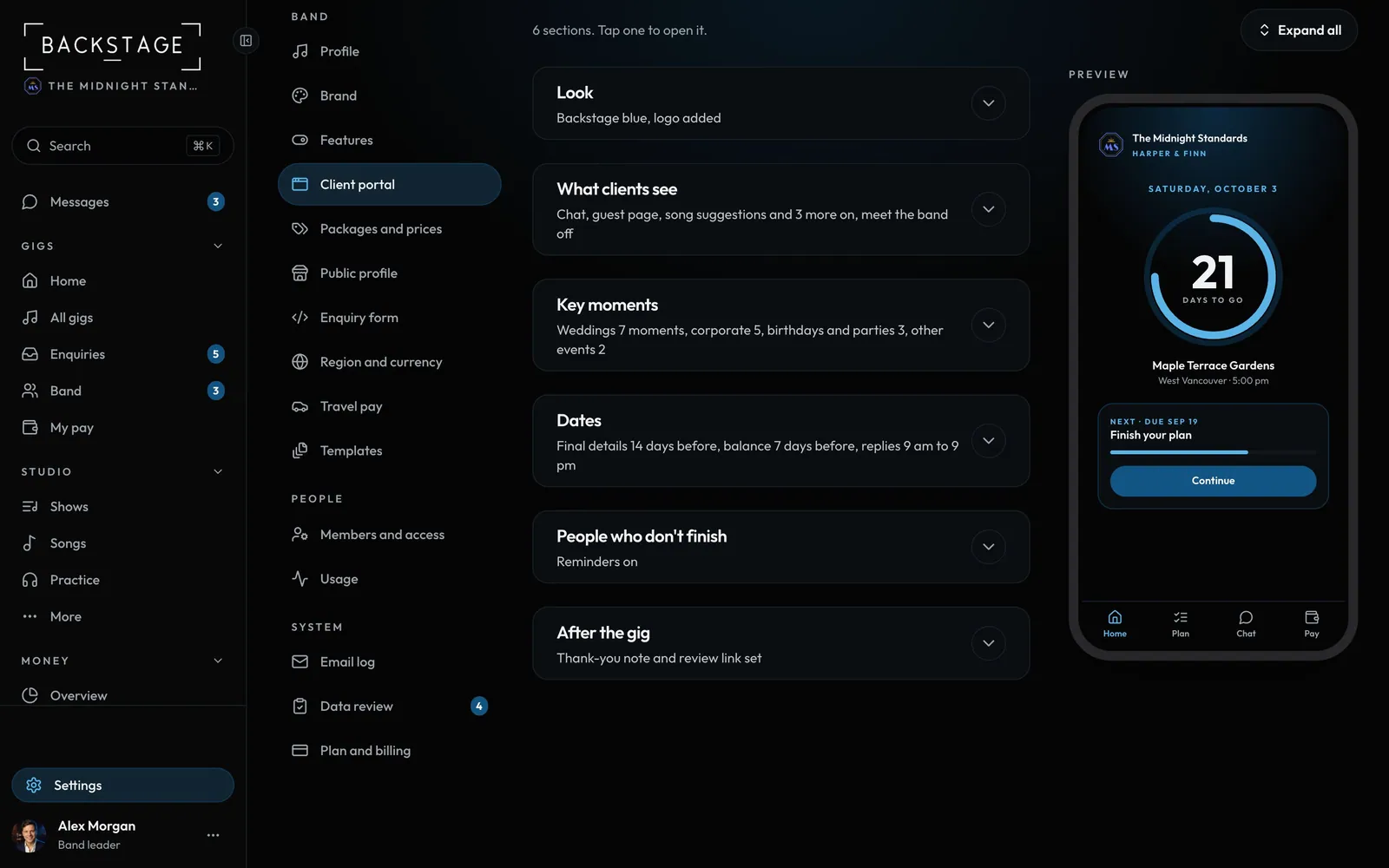 04 · SettingsClient portalHow the client app looks, what clients can see, key moments, dates and reminders.Read
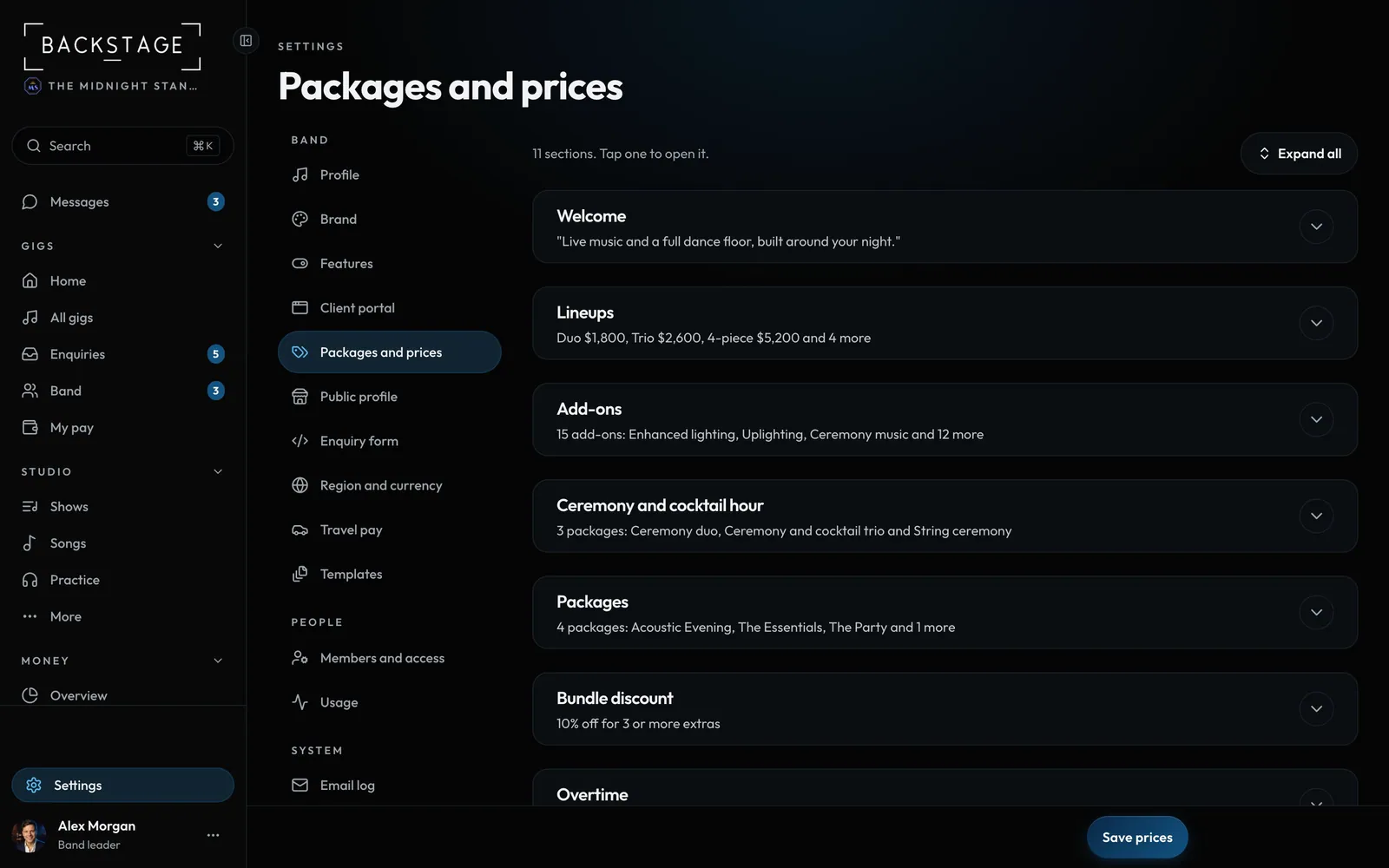 05 · SettingsPackages and pricesWelcome, lineups, add-ons, packages, travel, deposit and balance, busy dates, and what clients can change.Read
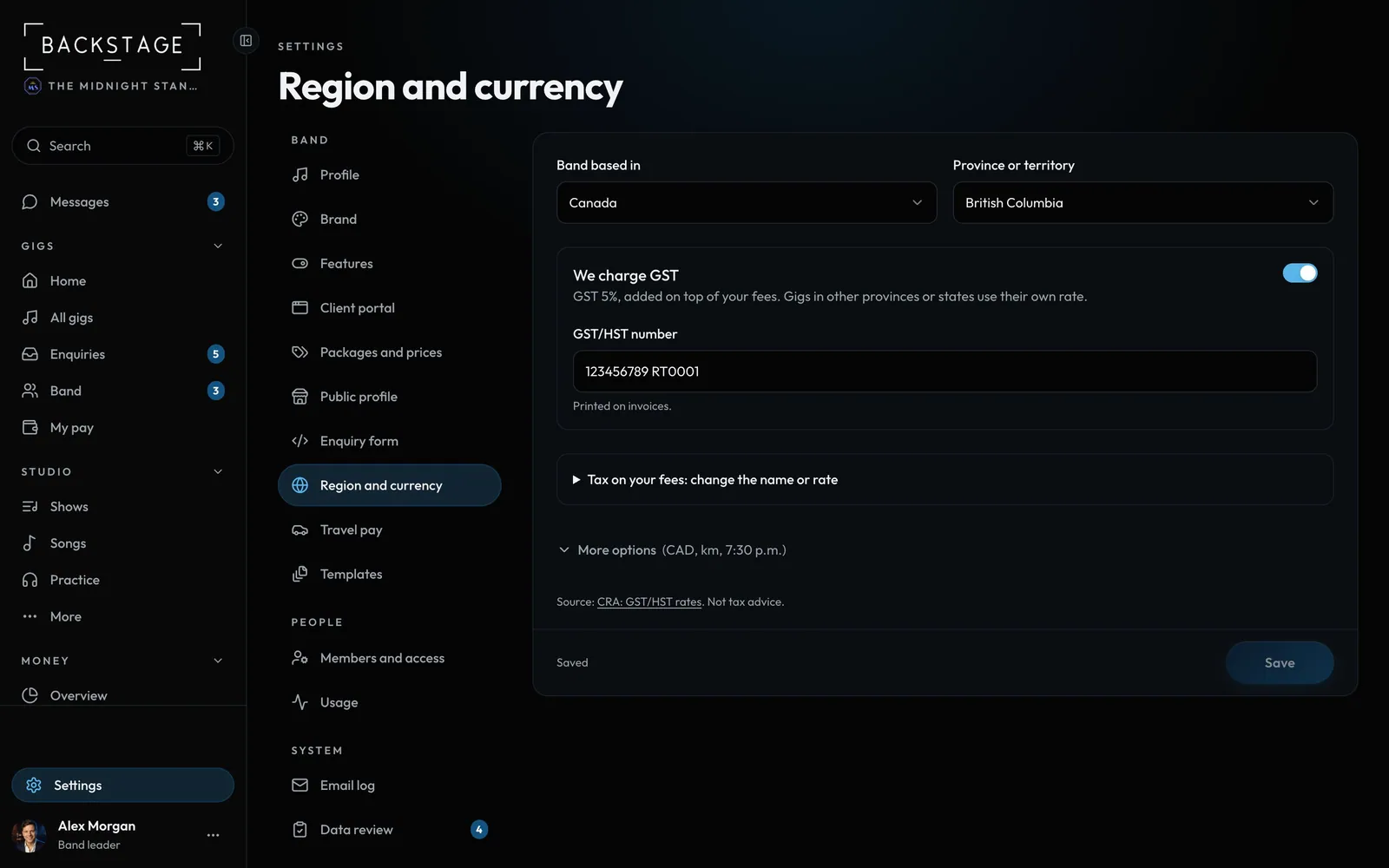 06 · SettingsRegion and currencyWhere the band is based, anywhere in the world. It sets your currency, km or miles, the clock, and the tax on your fees.Read
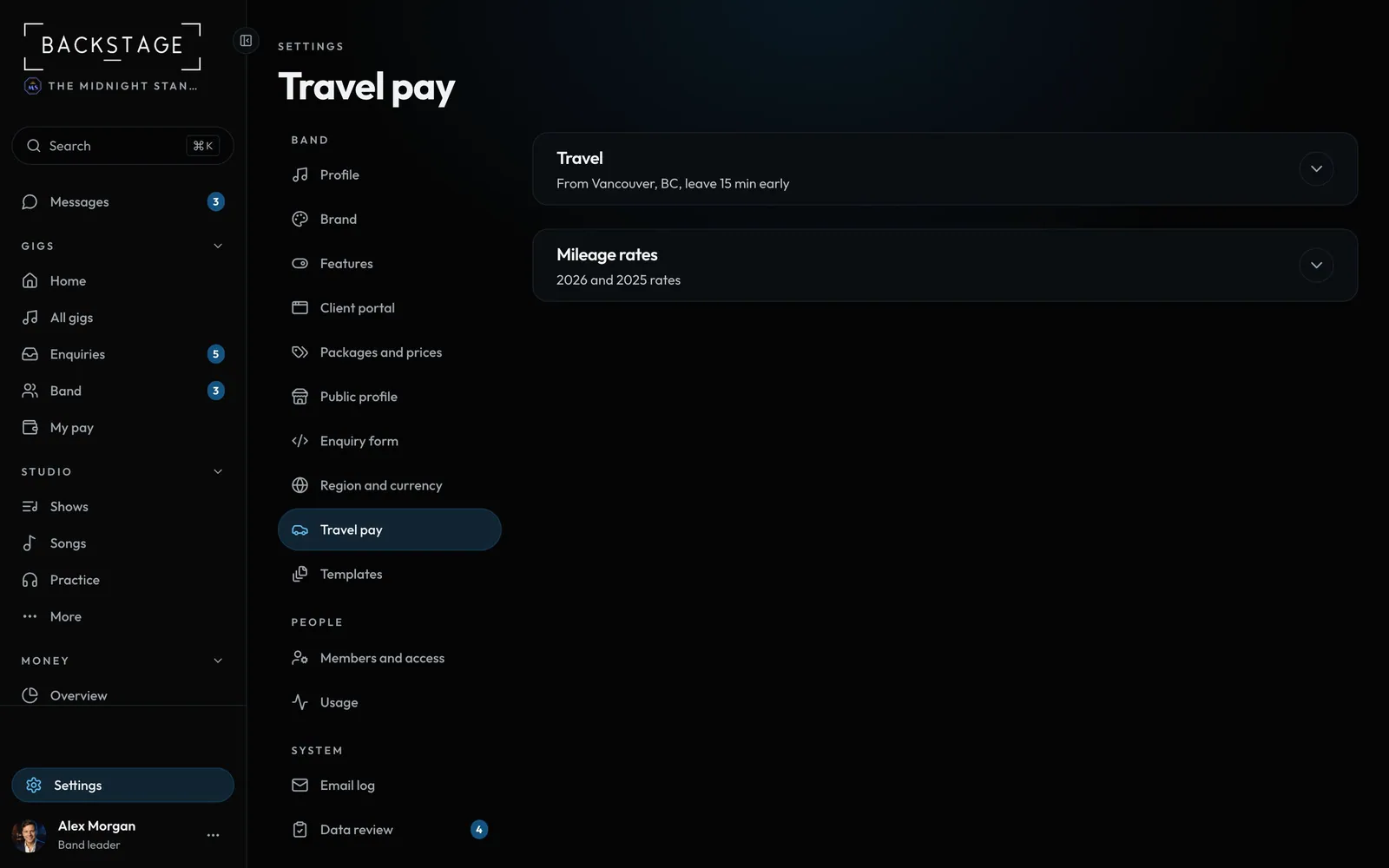 07 · SettingsTravel payWhere distances start, when people should leave, and the official per-km rates for travel pay.Read
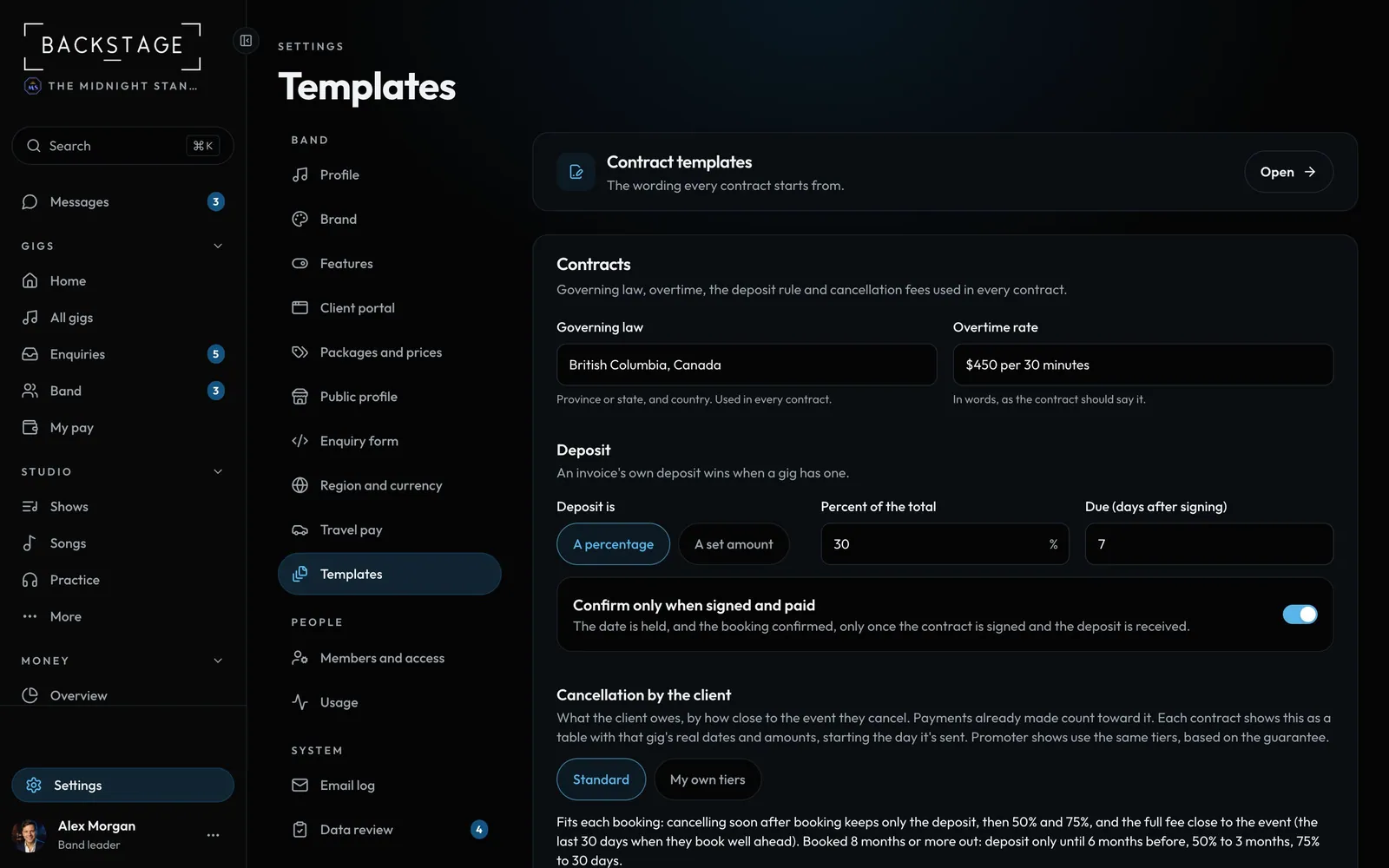 08 · SettingsTemplatesContract wording, governing law, overtime, the deposit rule and cancellation fees.Read
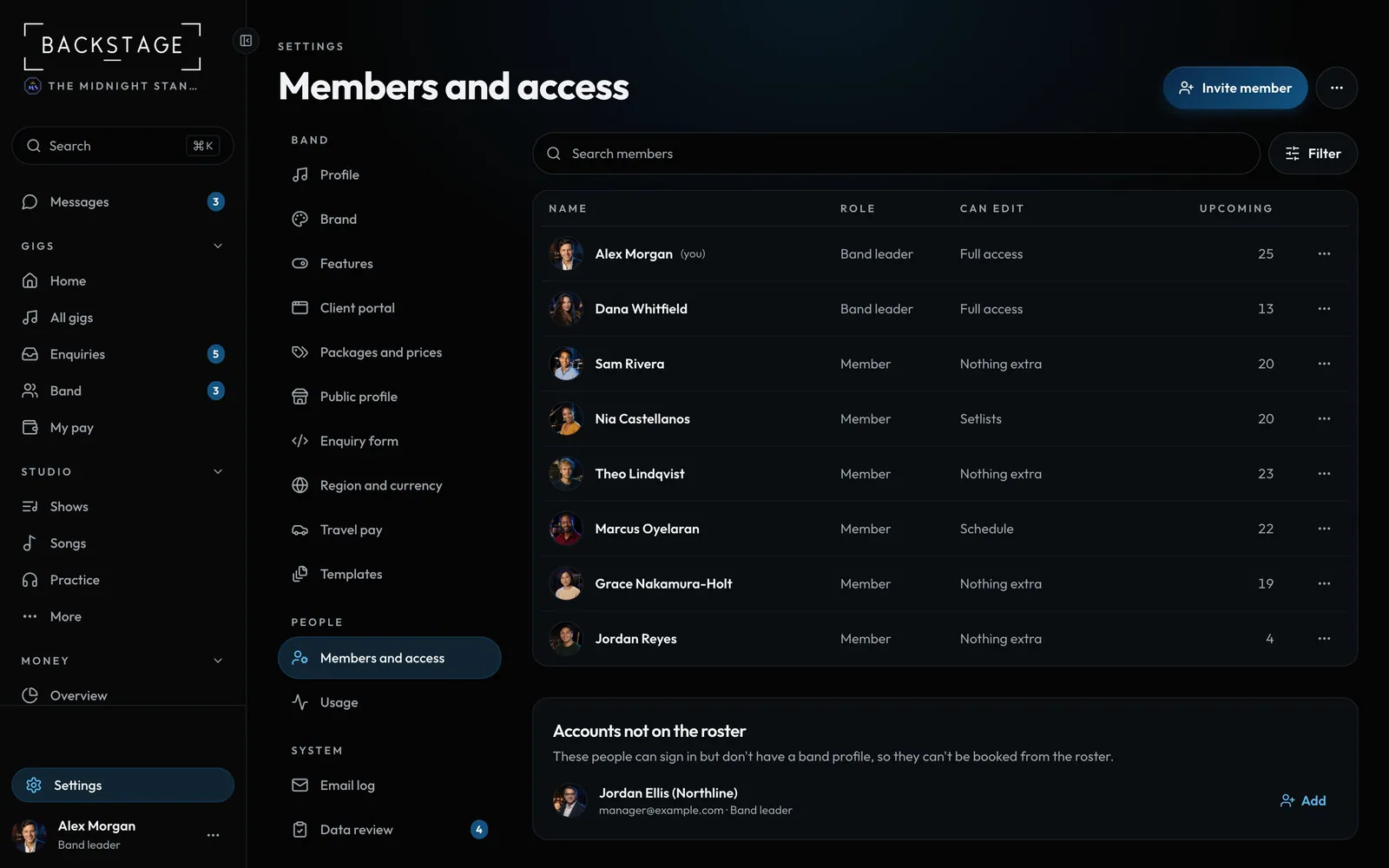 09 · SettingsMembers and accessWho's in the band, who's a leader, and what each member can do.Read
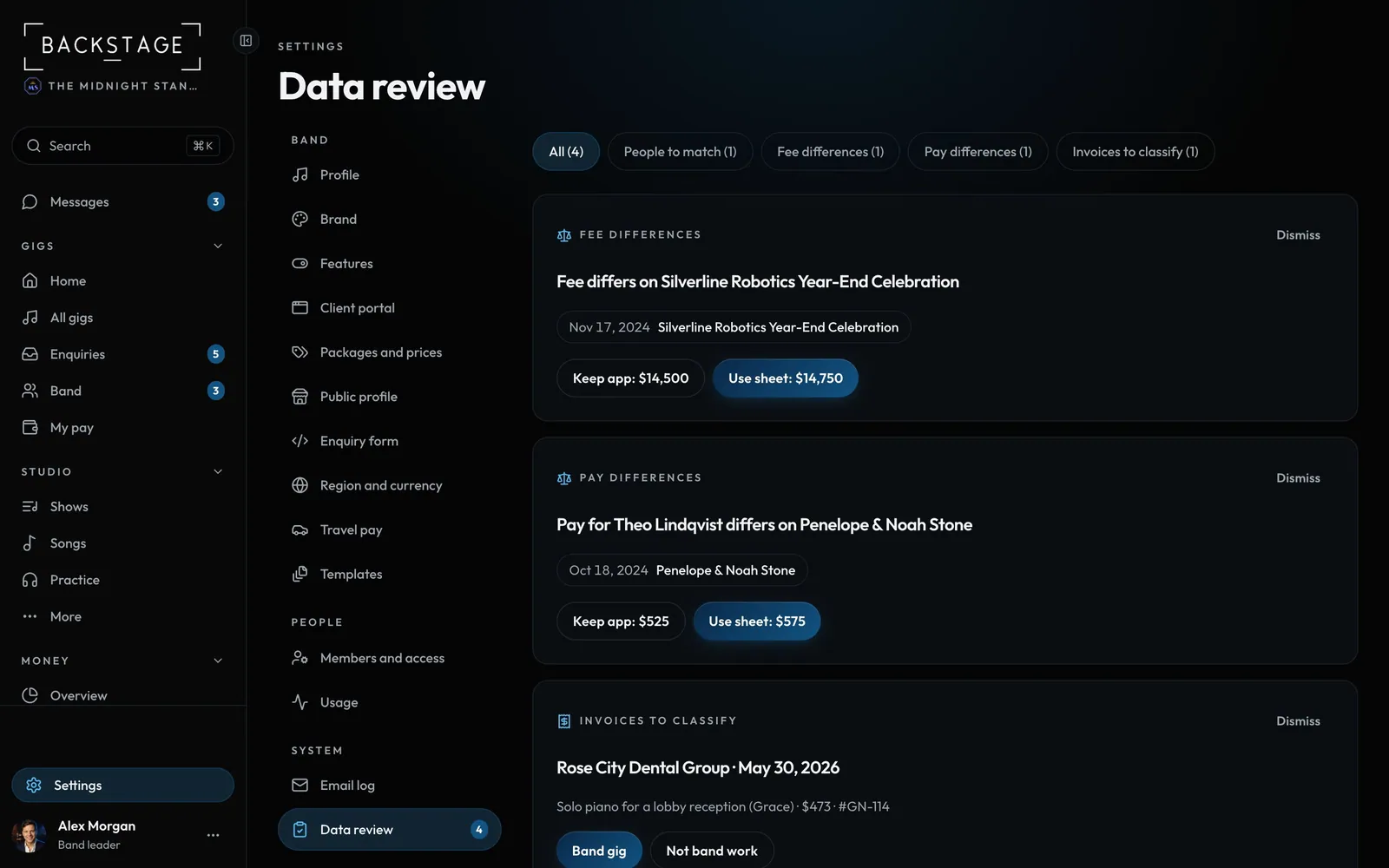 10 · Settings · SystemData reviewWhen old gig sheets and invoices are imported, anything that doesn't match lands here. Each answer is applied everywhere.Read
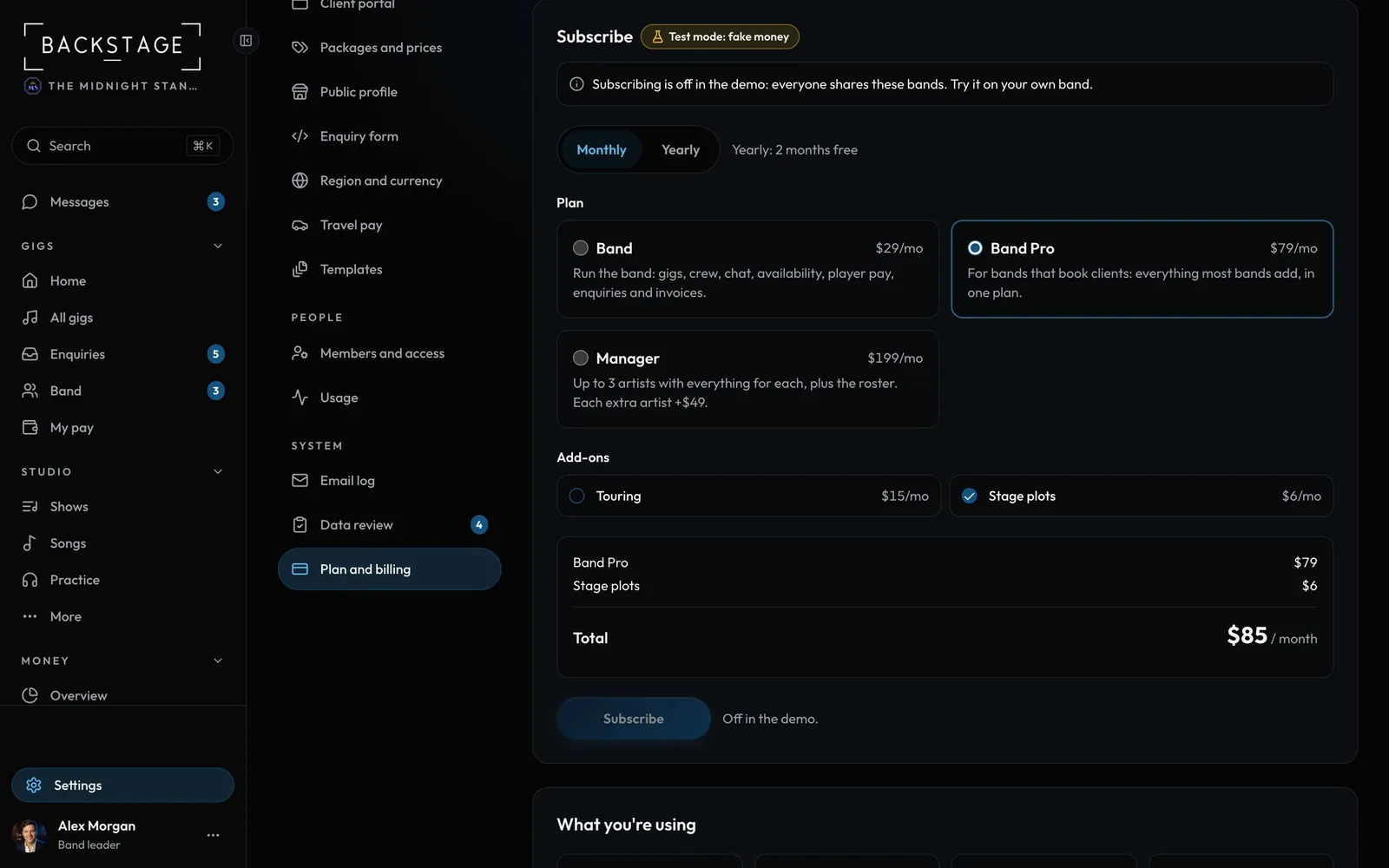
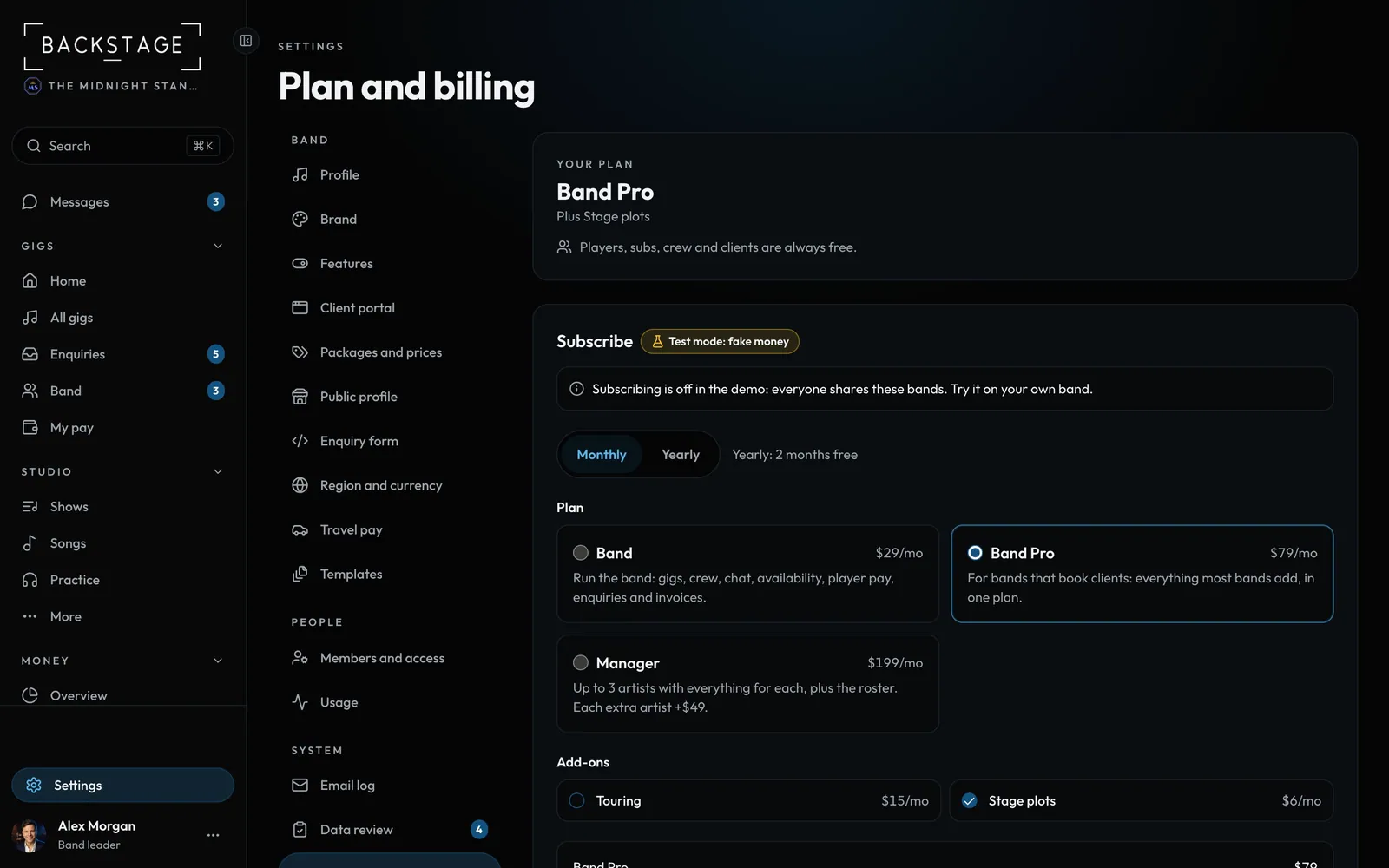 11 · SettingsPlan and billingYour plan, what your band uses, add-ons and your data. Players, subs, crew and clients are always free.Read
 12 · Settings · PlanFounding bands and inviting other bandsThe first 25 bands on Backstage are founding bands: half off any plan, for life. Know another band? Send them your link. They get founding pricing while spots last, and you get free months.Read