Band leaders
The enquiry form on your website
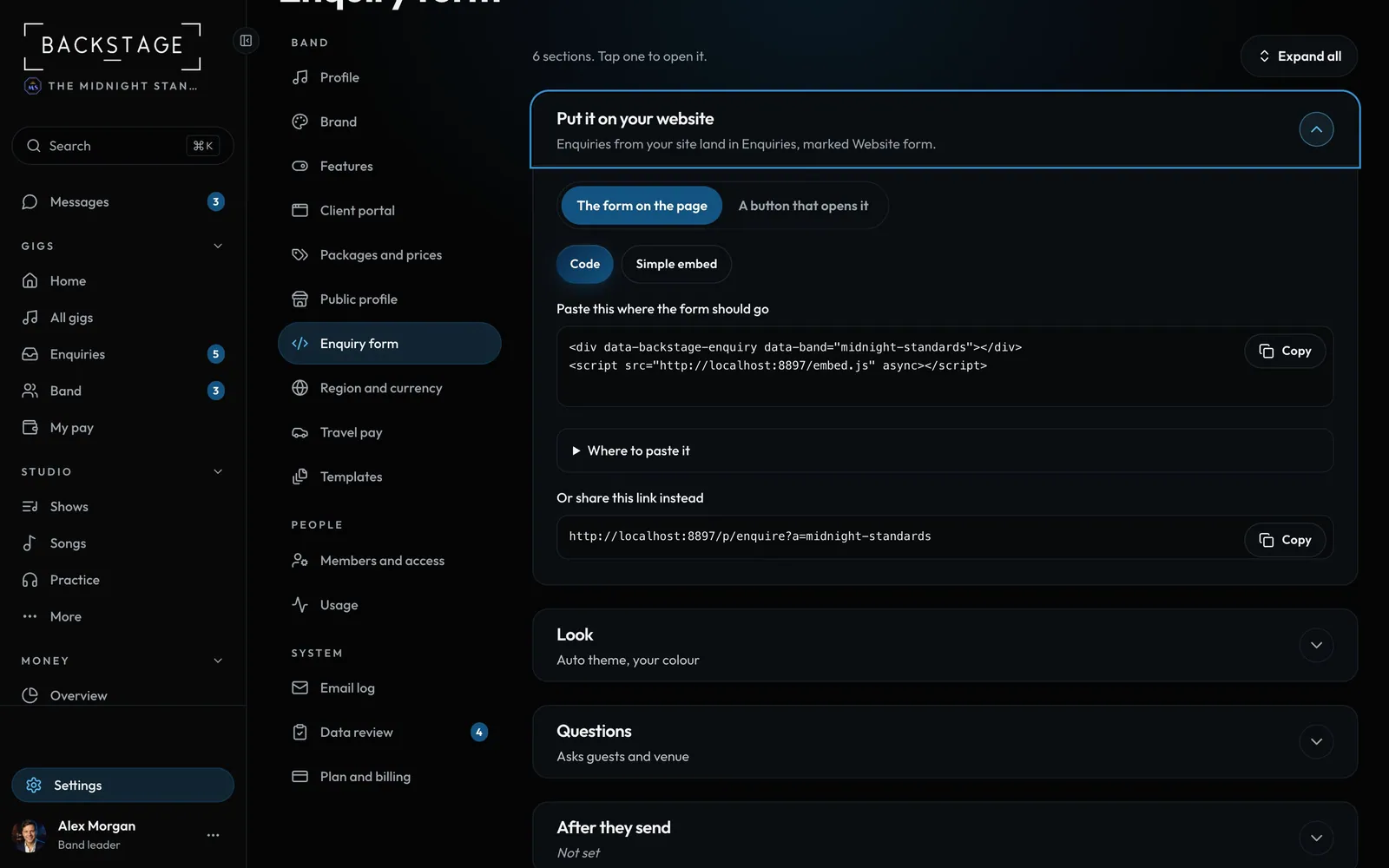
Put your enquiry form right on your own site: in the page, or behind a Check a date button that opens it in a pop-up. Every enquiry lands in Enquiries, marked Website form.
Swipe sideways to see the whole screen. Tap a number for its tip.
- In the page or a buttonThe form on the page, or a Check a date button with a pop-up.
- Copy the codeTwo lines. Paste them where the form should go.
Swipe sideways to see the whole screen. Tap a number for its tip.
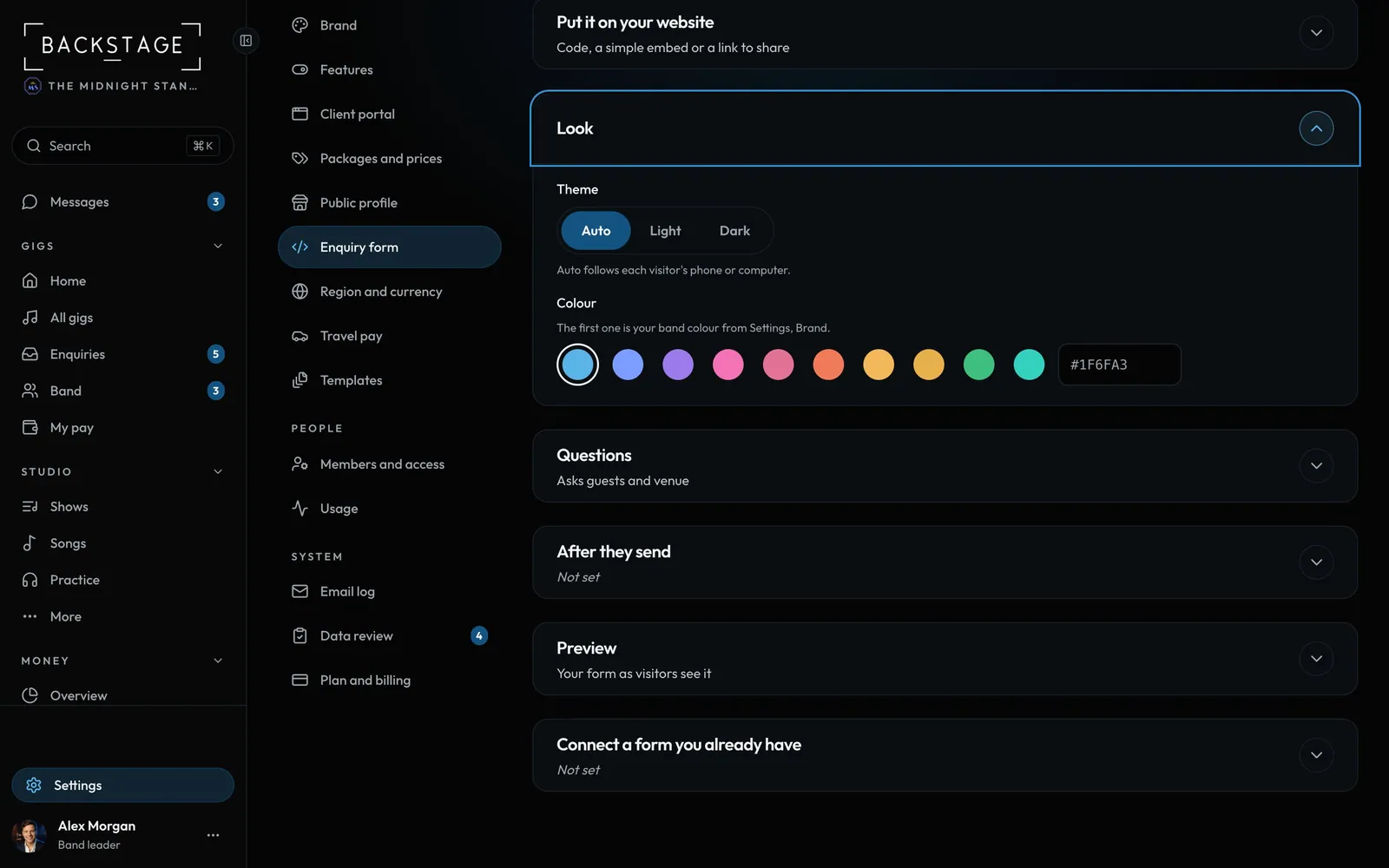
- Light or darkAuto follows each visitor's phone or computer.
- ColourYour band colour, one of five, or your own.
Swipe sideways to see the whole screen. Tap a number for its tip.
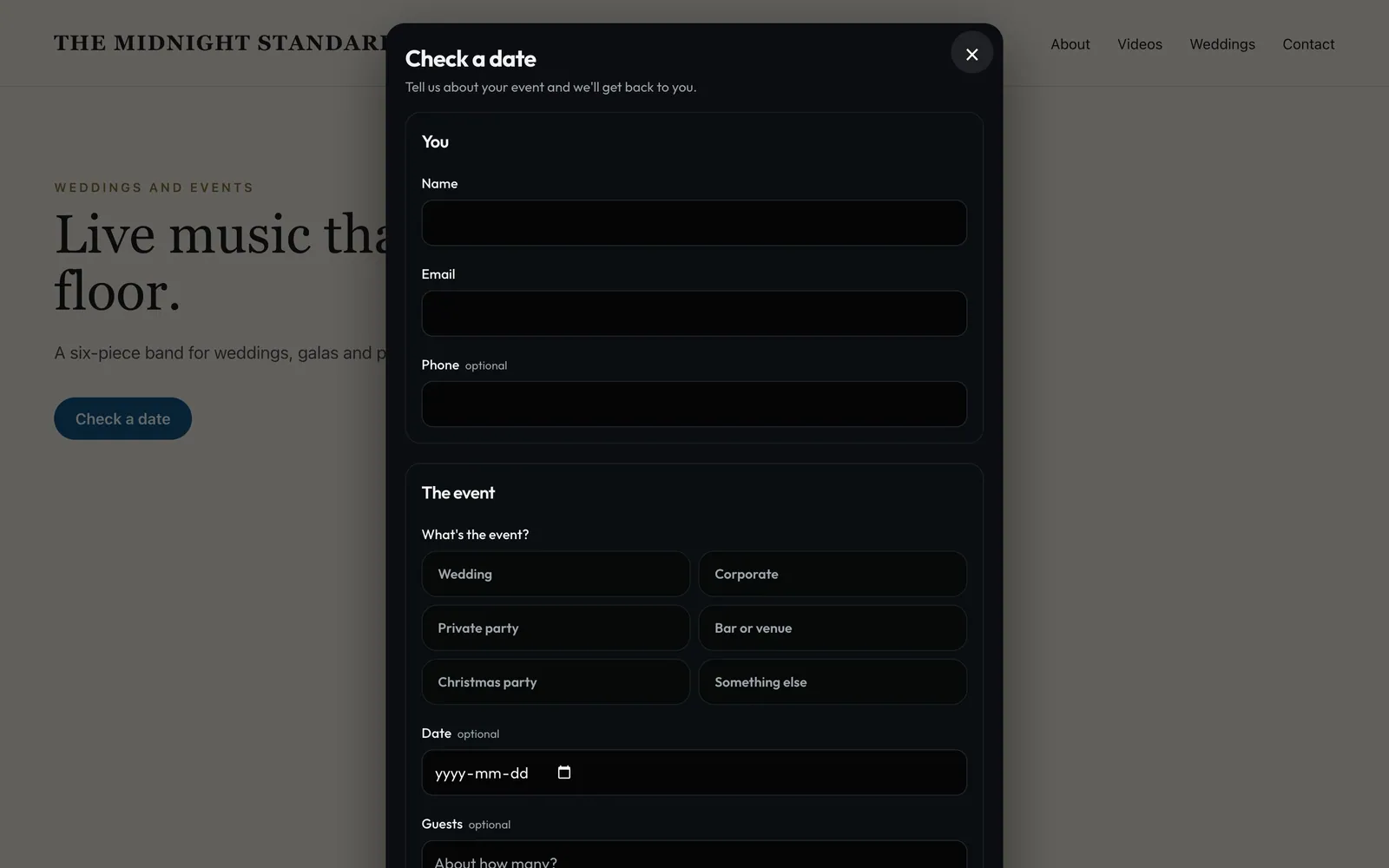
- CloseOr tap outside, or press Escape.
- Your form, in a pop-upThe same form, sized to fit, on your own page.
How to
- Open Settings → Enquiry form.
- Pick The form on the page or A button that opens it, then tap Copy. Use Simple embed if your site only takes an iframe.
- Paste it into your site (a Code, Embed HTML or Custom HTML block) and publish.
- Set the Look and Questions, the thank-you message and who else gets an email for each enquiry. The Preview shows the result. Tap Save.
Tip
Tip
Already have a form? Under Connect a form you already have, send its answers to your private link (Zapier, Make, Typeform, Jotform).