In the demo · EveryoneFor everyone
Notes on the chart
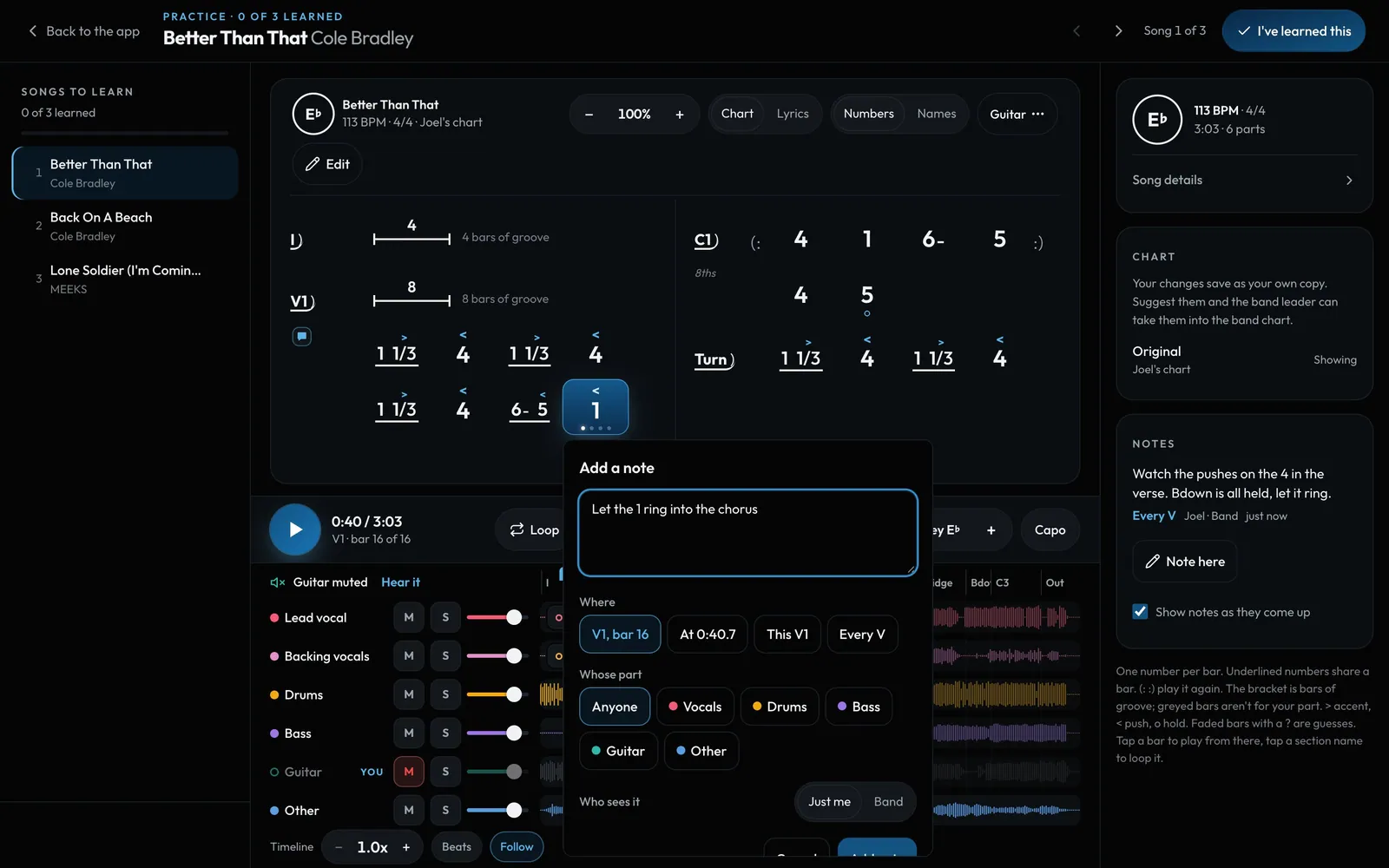
"I'll play the right guitar part here." Leave a note on a bar, a moment or a section, for you or for the band. It pops up as the music gets there.
Swipe sideways to see the whole screen. Tap a number for its tip.
- NotesEvery note in song order. Tap one to play from there.
- WhereThis bar, the exact time, this section or every one like it.
- Who sees itJust me, or the band.
How to
- Tap a bar or a section name, then Add note. Or press N while it plays for a note right there.
- Pick where it goes, whose part it's for, and Just me or Band.
- Notes show as a small marker on the chart and pop up as playback reaches them. Turn that off with Show notes as they come up.
- Notes stay on their chord when the chart is edited.