Artist managersFor managers
Your roster in one portal
Every artist you manage, their dates, double bookings and your commission. Switch into any artist to work inside their band.
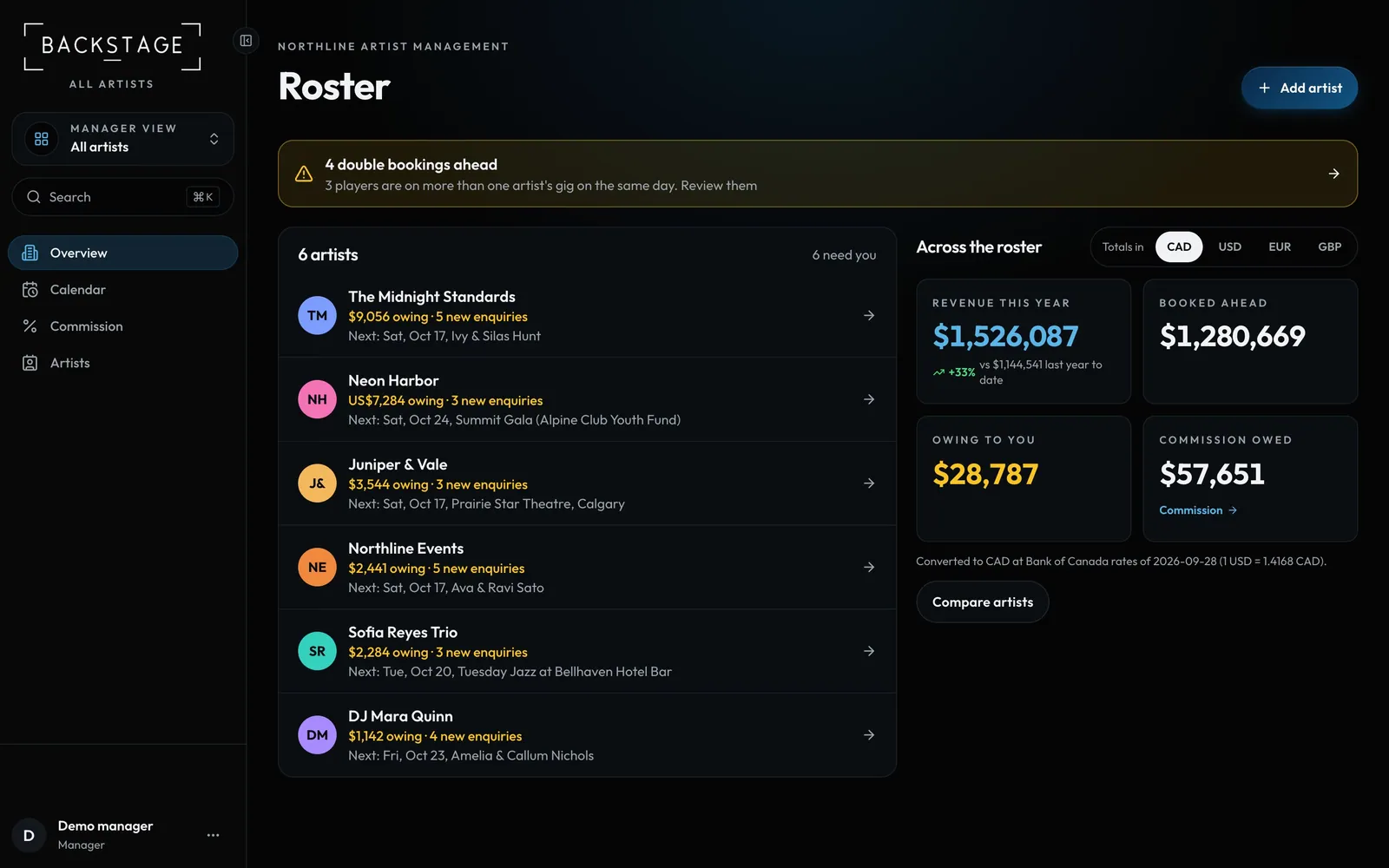
Swipe sideways to see the whole screen. Tap a number for its tip.
- Switch artistWork inside one artist, or see them all.
How to
- Roster: each artist with upcoming gigs, money and anything that needs you.
- Roster → Calendar: every artist's dates together, with clashes flagged.
- Switch into an artist to use their Gigs, Studio and Money like a band leader.
- Commission: what's owed to you now, then each artist's statement from their row.
Tip
Tip
Each artist's leaders only see their own band. You see everything you manage.