Members
Say you're in, or can't make it
When you're booked on a gig, one tap tells the leaders so they can lock the lineup, or find a sub fast.
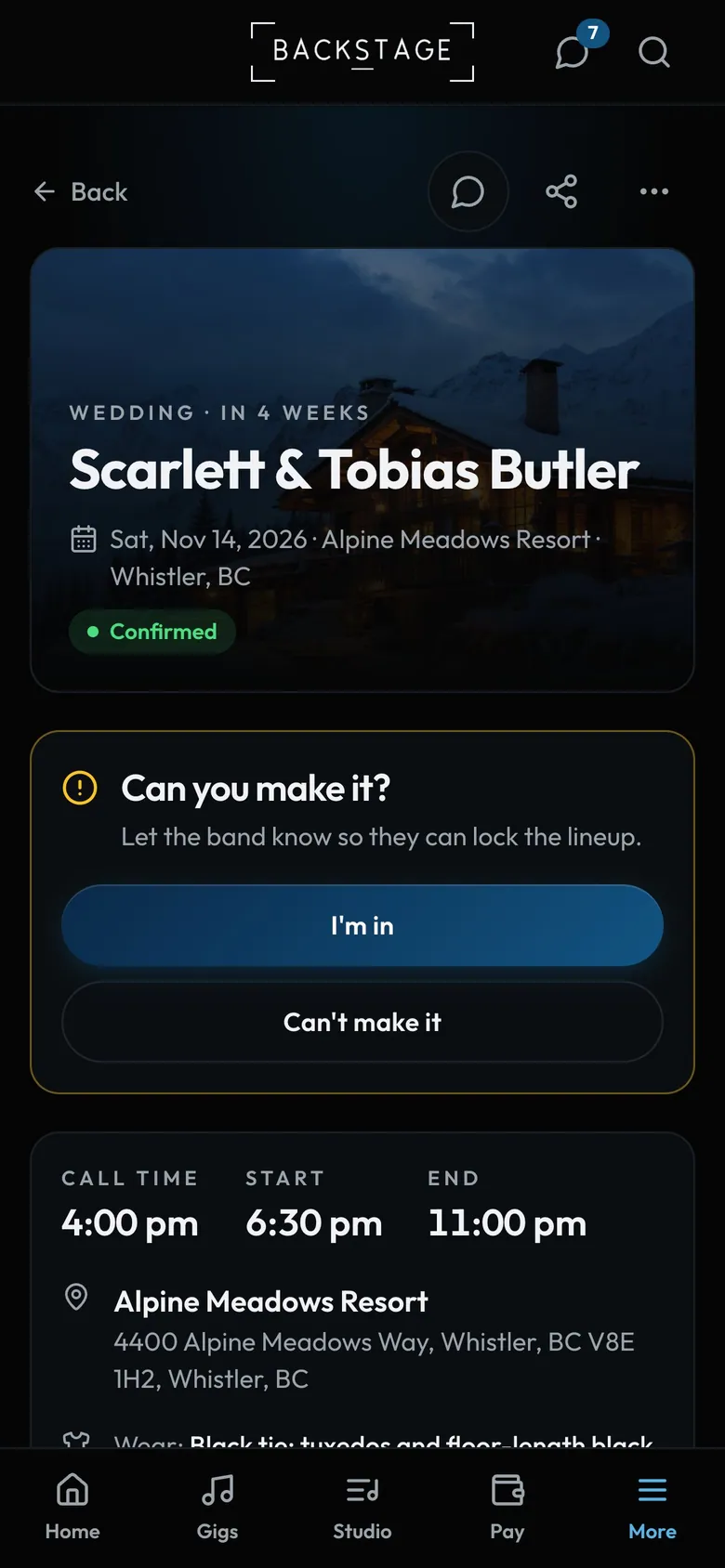
- I'm inConfirms you. The leaders see it straight away.
- Can't make itLeaders are told straight away.
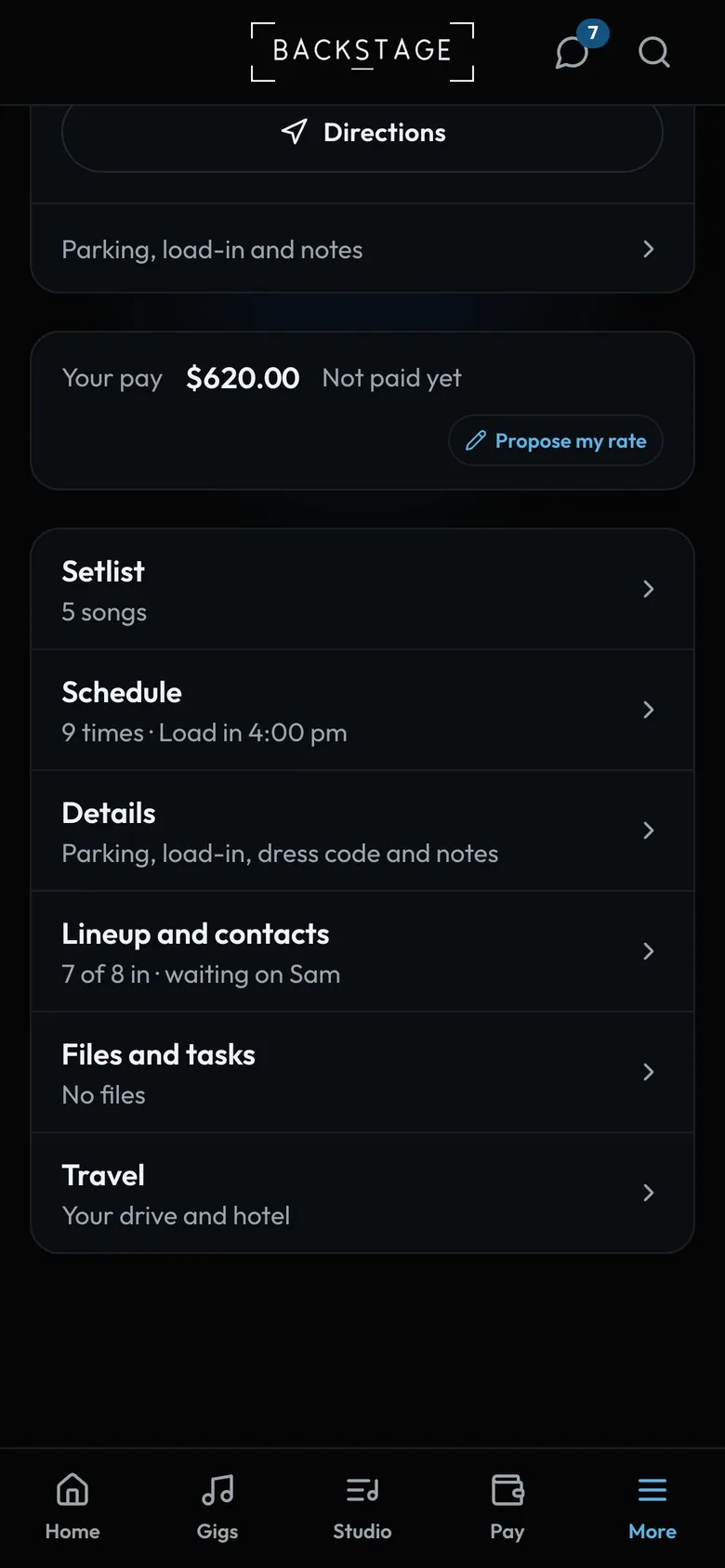
- LineupSee who else is in so far.
- Your travelYour drive and hotel for this gig.
How to
- Open the gig from Can you make it? on Home, the email, or a push alert. The email's link opens the app in the right band, even if you play in several.
- Tap I'm in, or Can't make it if you're busy.
- Check the times and the venue on the same page. Lineup and contacts shows who else is in, and Travel your drive.
- Changed your mind after declining? Message a leader.
Tip
Tip
Once you're in, the gig shows your call time, what to wear and your pay at the top.