Everyone · Phone
Gig day mode
One screen for the day itself: a live countdown, the timeline, the venue and tap-to-call contacts. It keeps working with no reception.
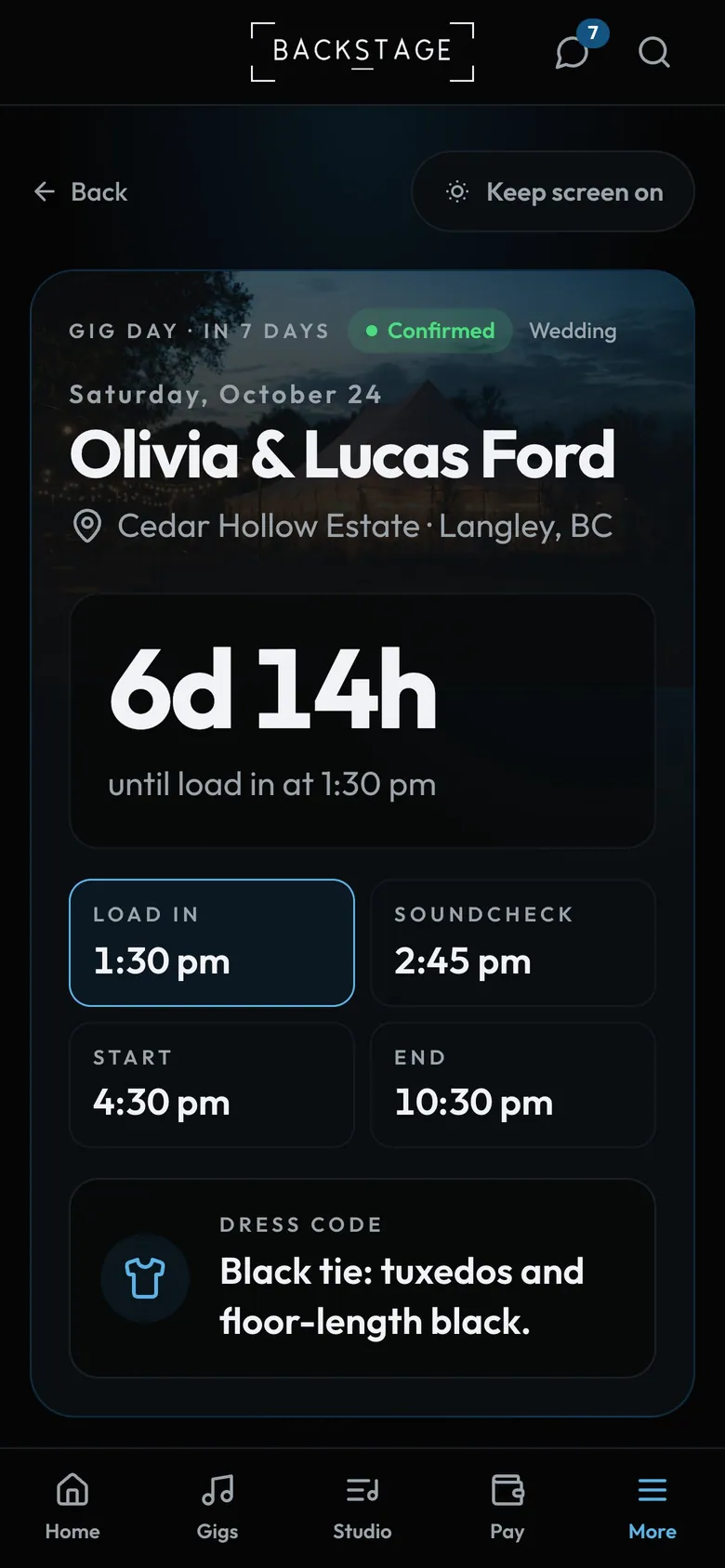
- Keep screen onYour phone won't lock mid-load-in.
- CountdownCounts down to the next call time.
- Key timesThe next one is highlighted.
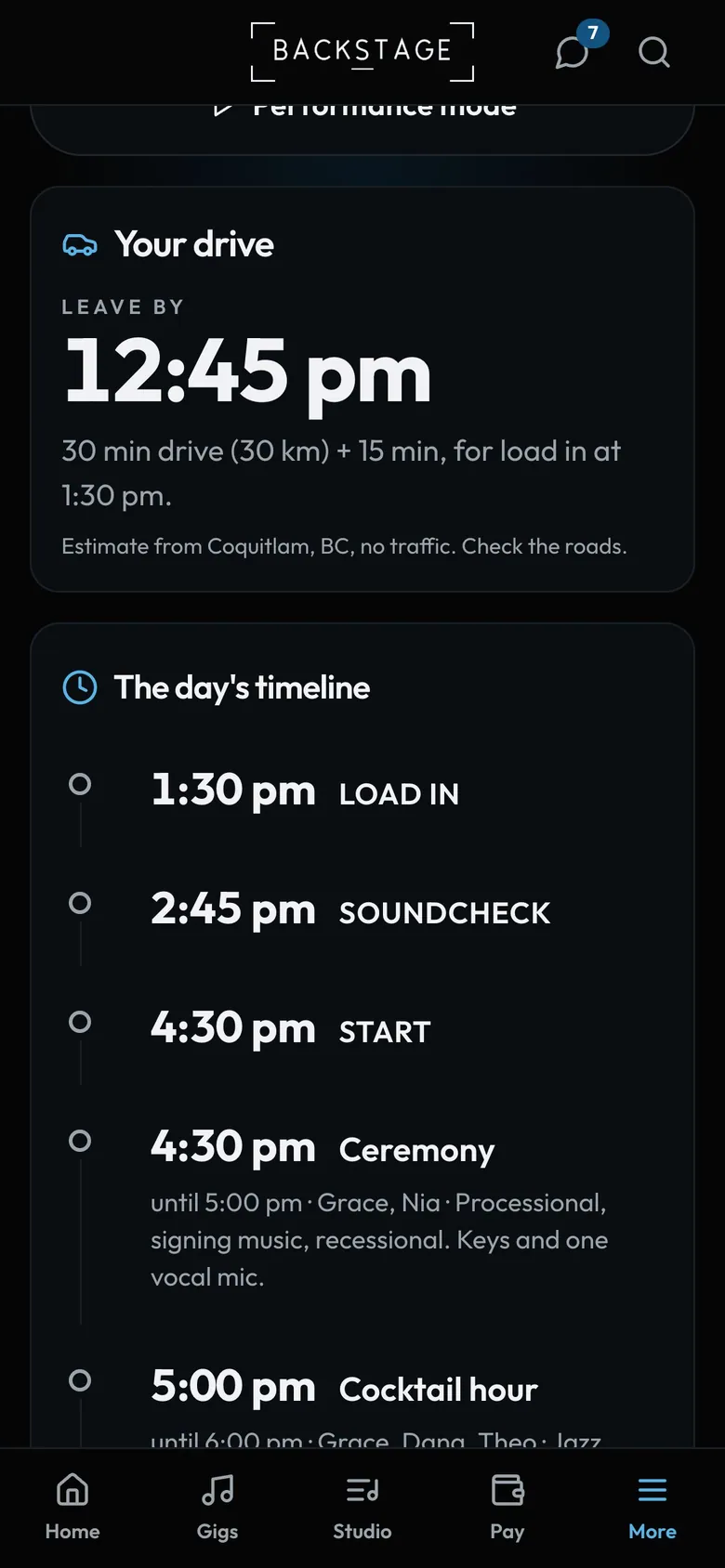
- Leave byDrive time from your address and when to leave.
How to
- On the day, tap Open gig day on Home. Keep screen on keeps your phone awake.
- Go live follows the set, Open in Maps drives you there. Leave by is call time minus the drive and 15 minutes.
- Leaders: Stage calls is one row until a break or set runs. Break, set or call has every control.
- Scroll for the timeline, the lineup, the setlist and the notes.
Tip
Tip
Open Gig day once while you have signal. It saves a copy, so it still works with no bars.