Artist managersFor managers
Add artists and their leaders
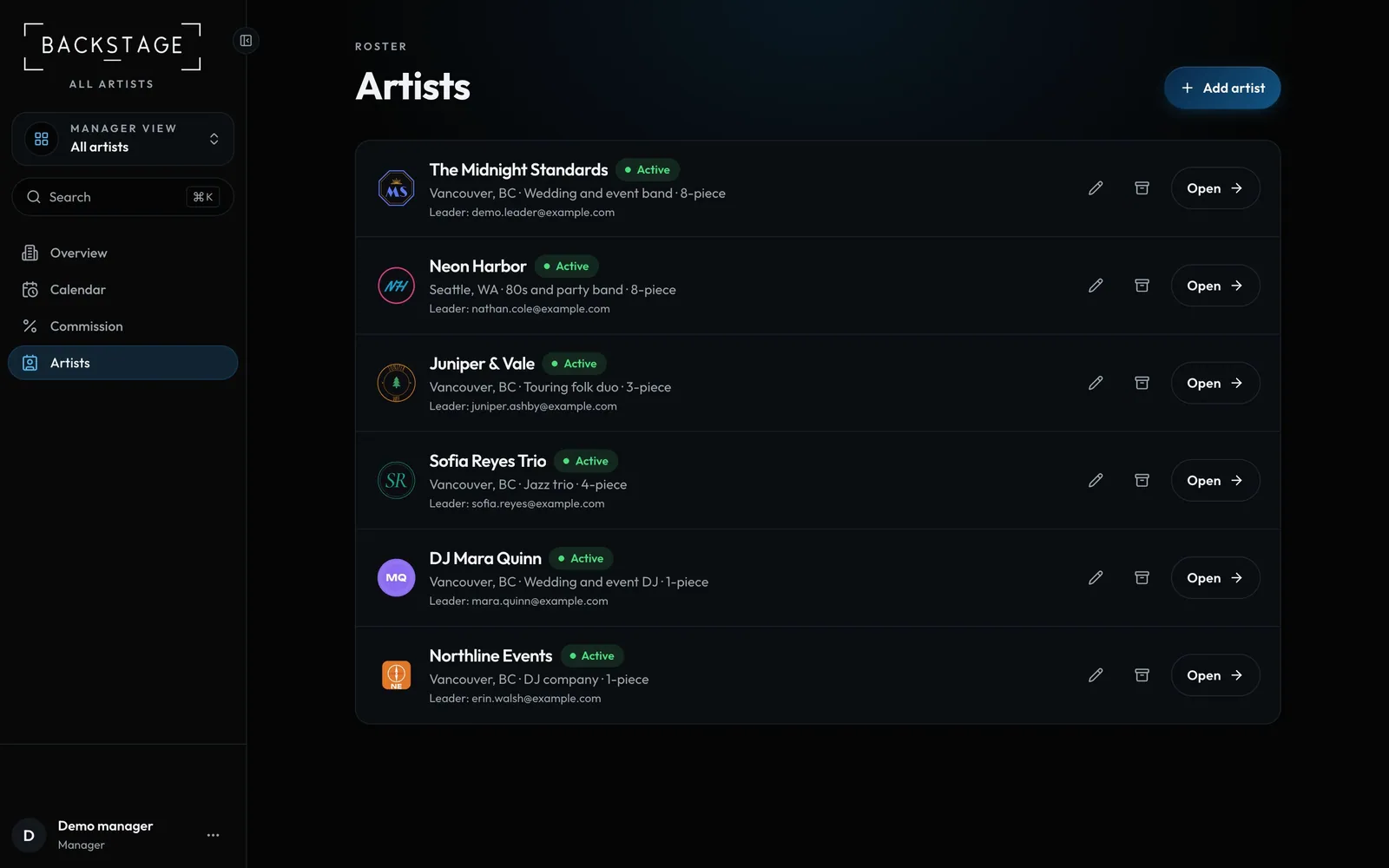
Each artist gets its own band, gigs, people and money. Invite the artist's band leader and they sign in to their artist only.
Swipe sideways to see the whole screen. Tap a number for its tip.
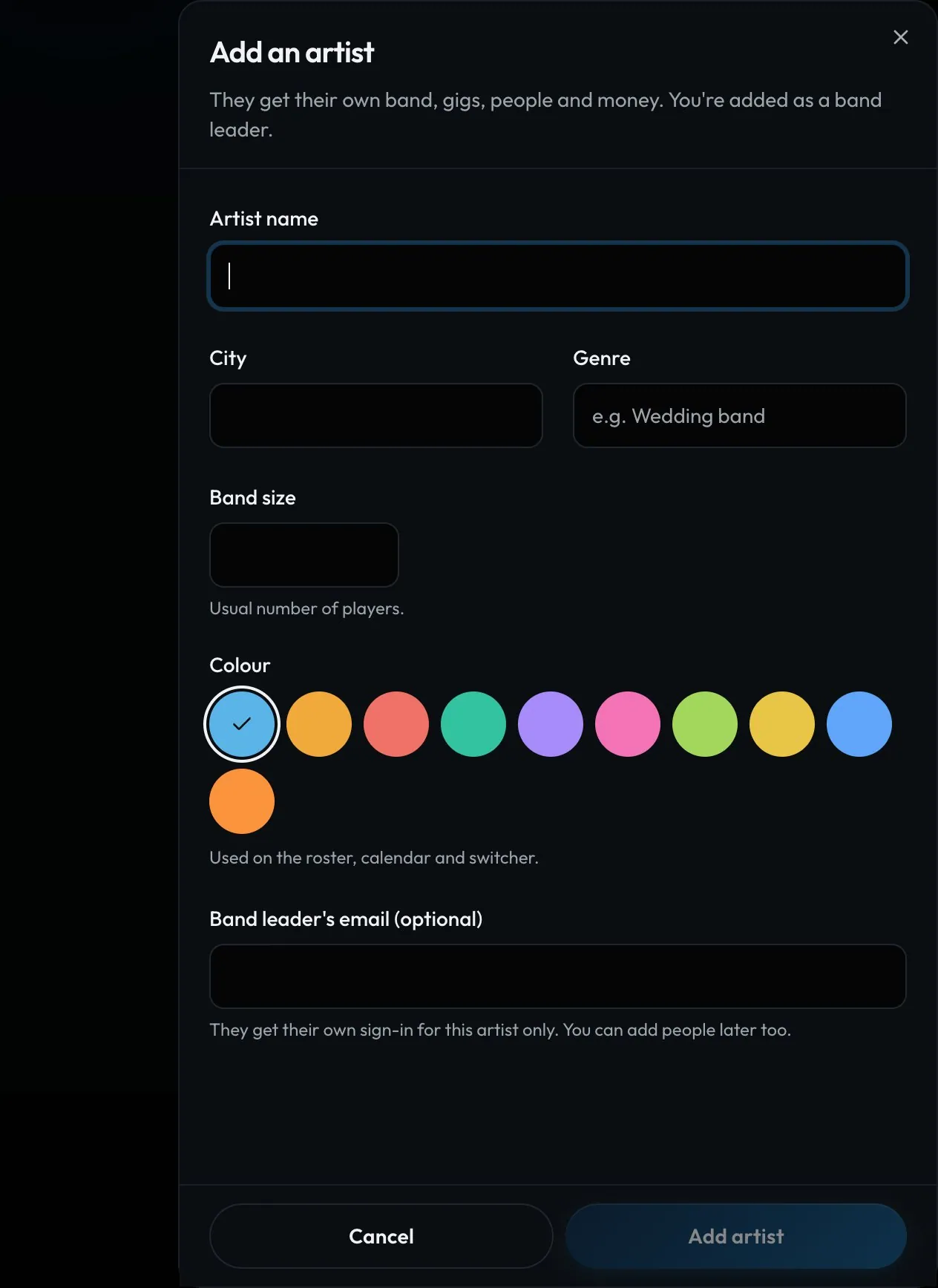
- Add artistName, city, genre, band size, colour.
- LeadersWho runs each artist day to day.
Swipe sideways to see the whole screen. Tap a number for its tip.
- ColourUsed on the roster, calendar and switcher.
- Band leaderTheir own sign-in, for this artist only.
How to
- Open Artists and click Add artist.
- Fill in the name, city, genre, band size and colour.
- Add the band leader's email to invite them, or add people later.
- Click Open on an artist to edit it, add leaders or archive it.
Tip
Tip
You're added to every new artist as a band leader, so you can set it up before inviting anyone.