DJ companies · Owner
Gear kits
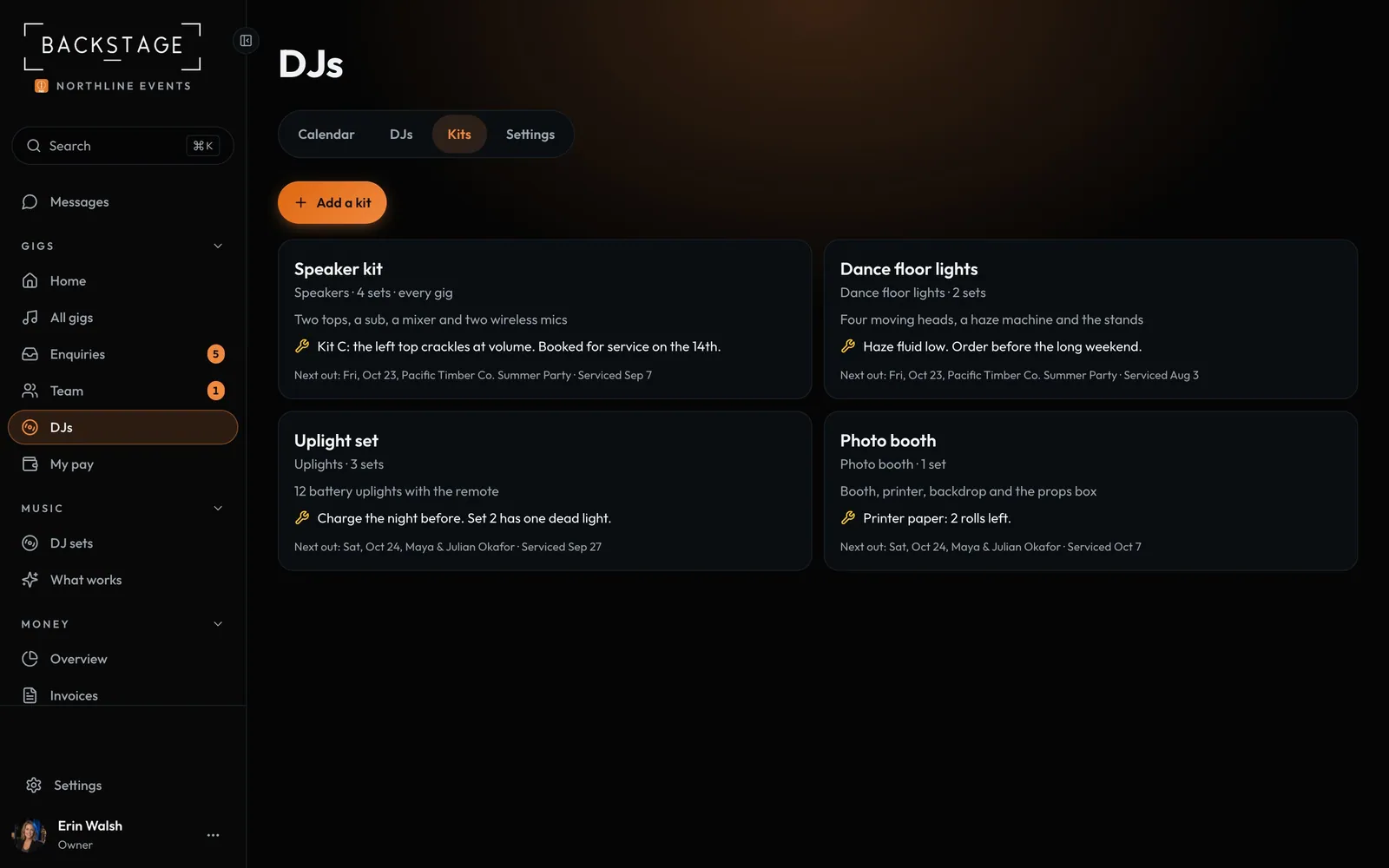
Speakers, lights, uplights and the photo booth, with how many sets you own and their maintenance notes. Put kits on a gig and the app stops you sending out more than you have on one date.
Swipe sideways to see the whole screen. Tap a number for its tip.
- Add a kitName, kind, how many and notes.
- Every gig needs oneA date is full when none are free.
- A kitWhat's in it and how many sets.
- Next outThe next gig it goes to, and its last service.
How to
- Open DJs → Kits and click Add a kit. Set the kind, how many and what's in it.
- Turn on Every gig needs one for speakers, so dates fill up when they run out.
- On a gig, tap Add next to each kit it takes. Kits that are all out that day can't be added.
- Mark a kit Out of service while it's in for repair.
Tip
Tip
The DJ on the gig sees which kits are coming, with their notes, on their own phone.