Band leaders · Set up
What your band does
Switch on only what you use. Pick a preset (wedding band, bar band, touring act, corporate, solo or duo, DJ) and the app shows the right tools, questions and wording. Everything else stays out of the way.
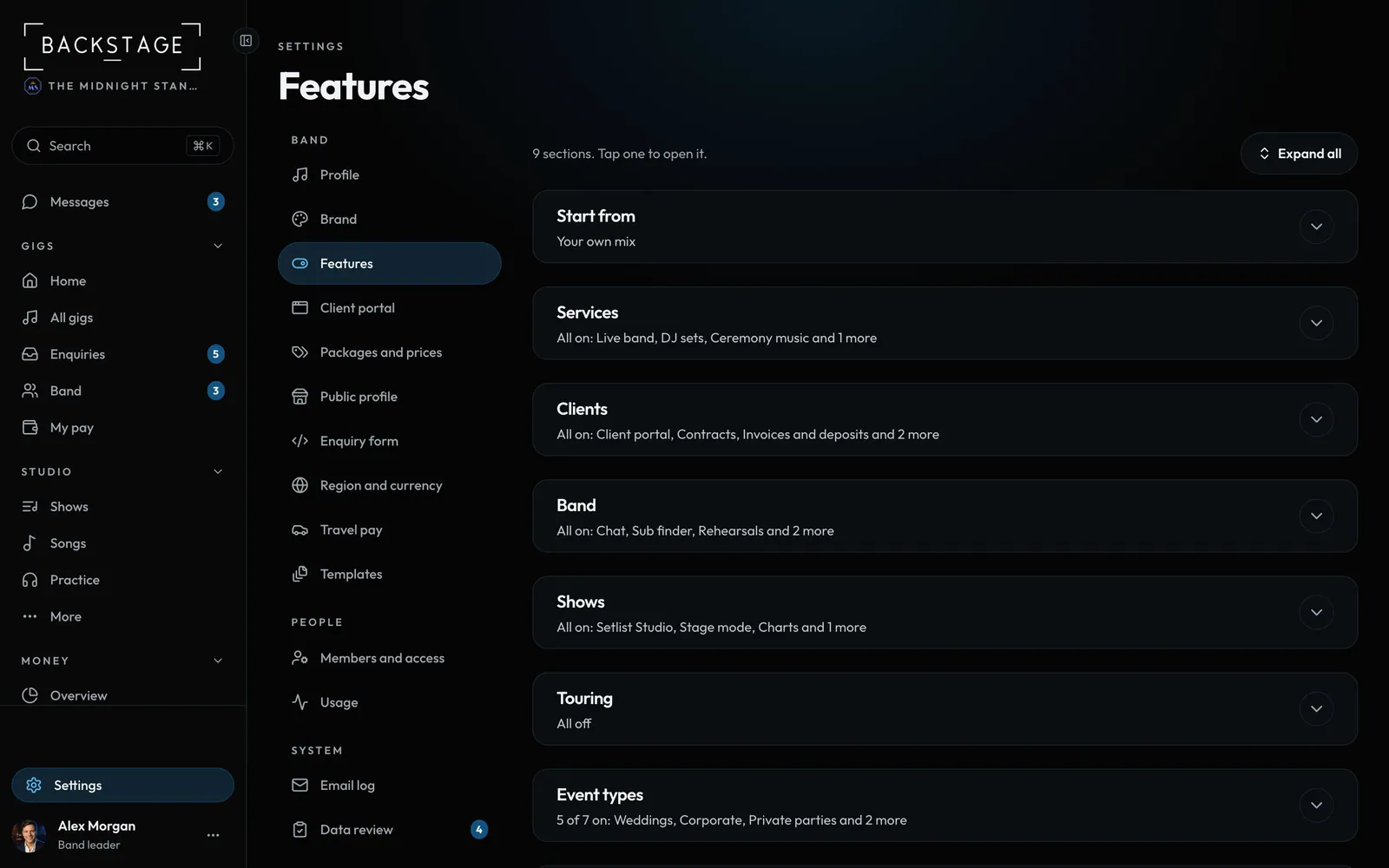
Swipe sideways to see the whole screen. Tap a number for its tip.
- PresetsA starting point. Change any switch after.
- ServicesLive band, DJ sets, ceremony music, MC.
How to
- Open Settings → Features.
- Tap the preset closest to your band.
- Switch off anything you don't use: client portal, contracts, chat, sub finder, Setlist Studio, touring tools.
- Pick your event types. The enquiry form, the client app and contracts follow them.
Tip
Tip
New bands are asked this once when they start. You can come back and change it any time.