Band leaders · Set up
Your lineups
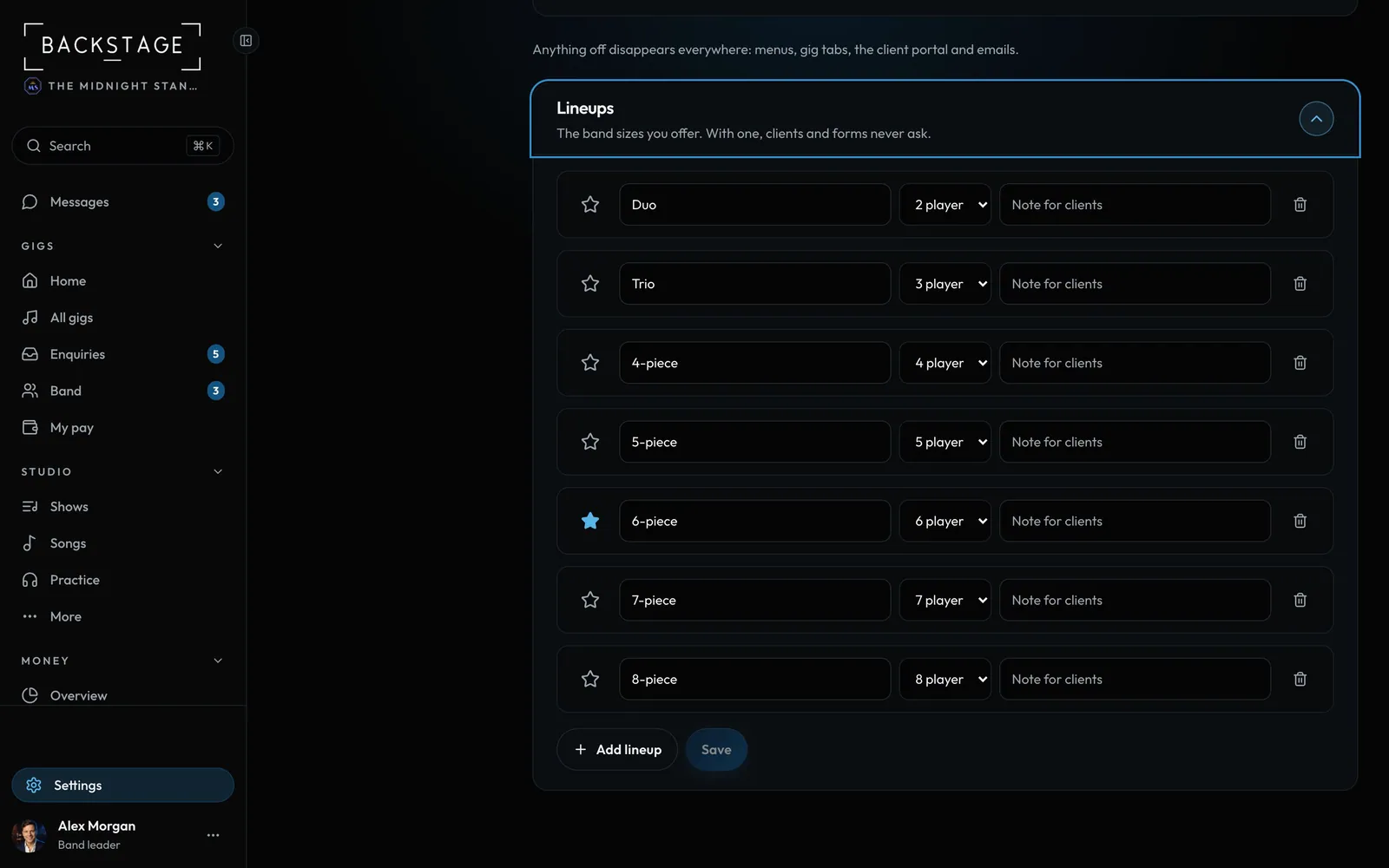
The lineups you offer, from solo to a full band, named your way. With one lineup the app never asks. With several, every form shows only yours.
Swipe sideways to see the whole screen. Tap a number for its tip.
- Add or removeRename, change players, add a short note for clients.
- DefaultThe lineup you play most.
How to
- Open Settings → Features and scroll to Lineups.
- Rename them however you like: "Acoustic duo", "Full band", "7-piece with horns".
- Star the default. New gigs start with it.
- Until you save, the list comes from the band sizes on your past gigs.
Tip
Tip
Horns and extra players that change the band belong in a lineup. Prices and who's on stage are set in Packages and prices.