Everyone
Time off
Tell the band when you're away before anyone books you. Leaders approve it and instantly see any clashes.
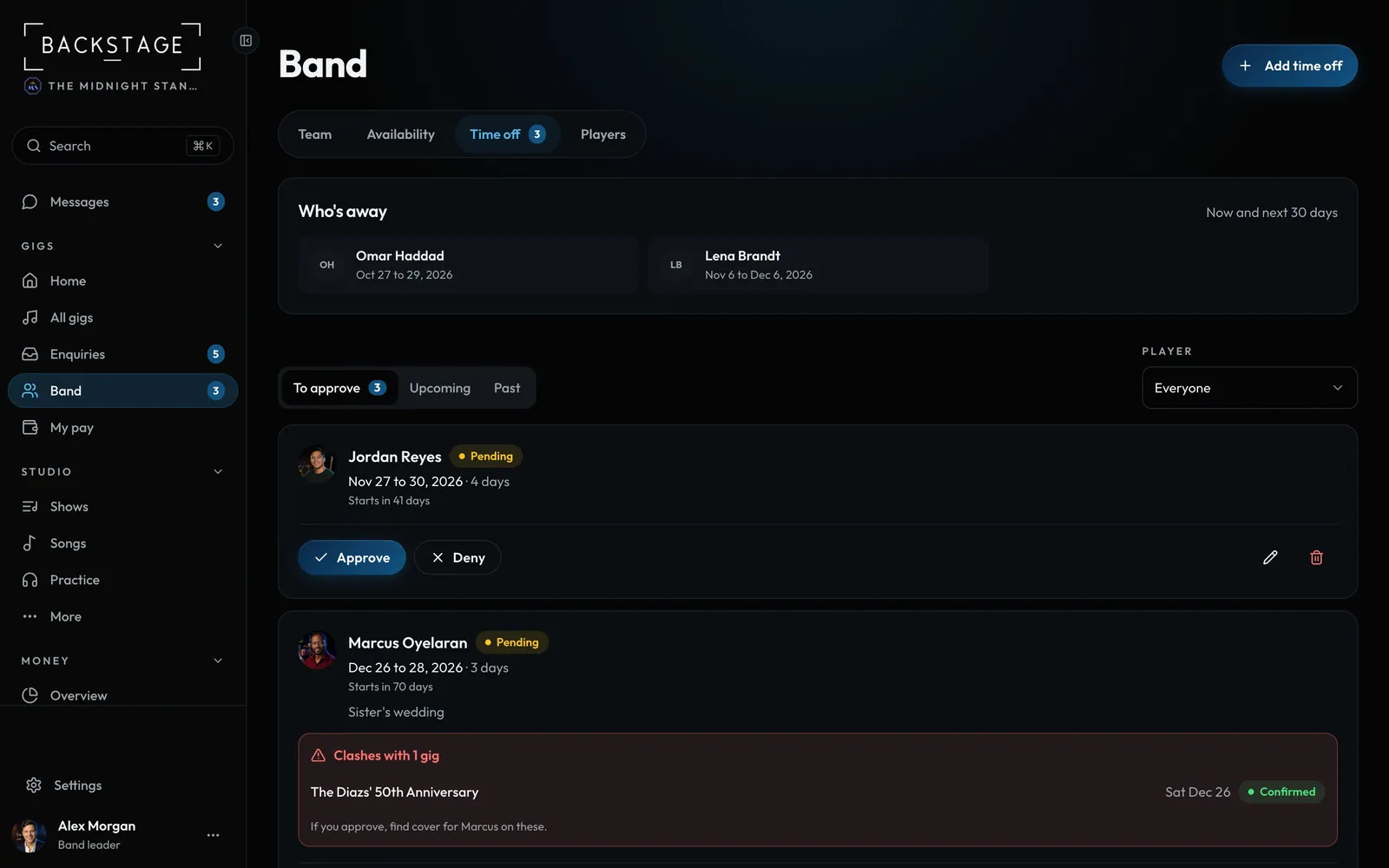
Swipe sideways to see the whole screen. Tap a number for its tip.
- Add time offMembers see Request time off.
- Who's awayNow and the next 30 days.
- Approve or denyThe player is notified either way.
- Clash warningGigs they're already booked on.
How to
- Tap Request time off (leaders: Add time off).
- Pick your first and last day away, and add a reason if you like.
- Leaders approve or deny from To approve, or from the dashboard.
- Everyone sees approved time off as "Away". Reasons stay private.
Tip
Tip
A leader's own time off is approved automatically.