DJ companies · The client appFor clients and guests
Your DJ
Clients book the company, then meet their DJ: photo, a short bio and their styles. Before then they can pay to ask for a Lead or Senior DJ, or ask for a DJ by name.
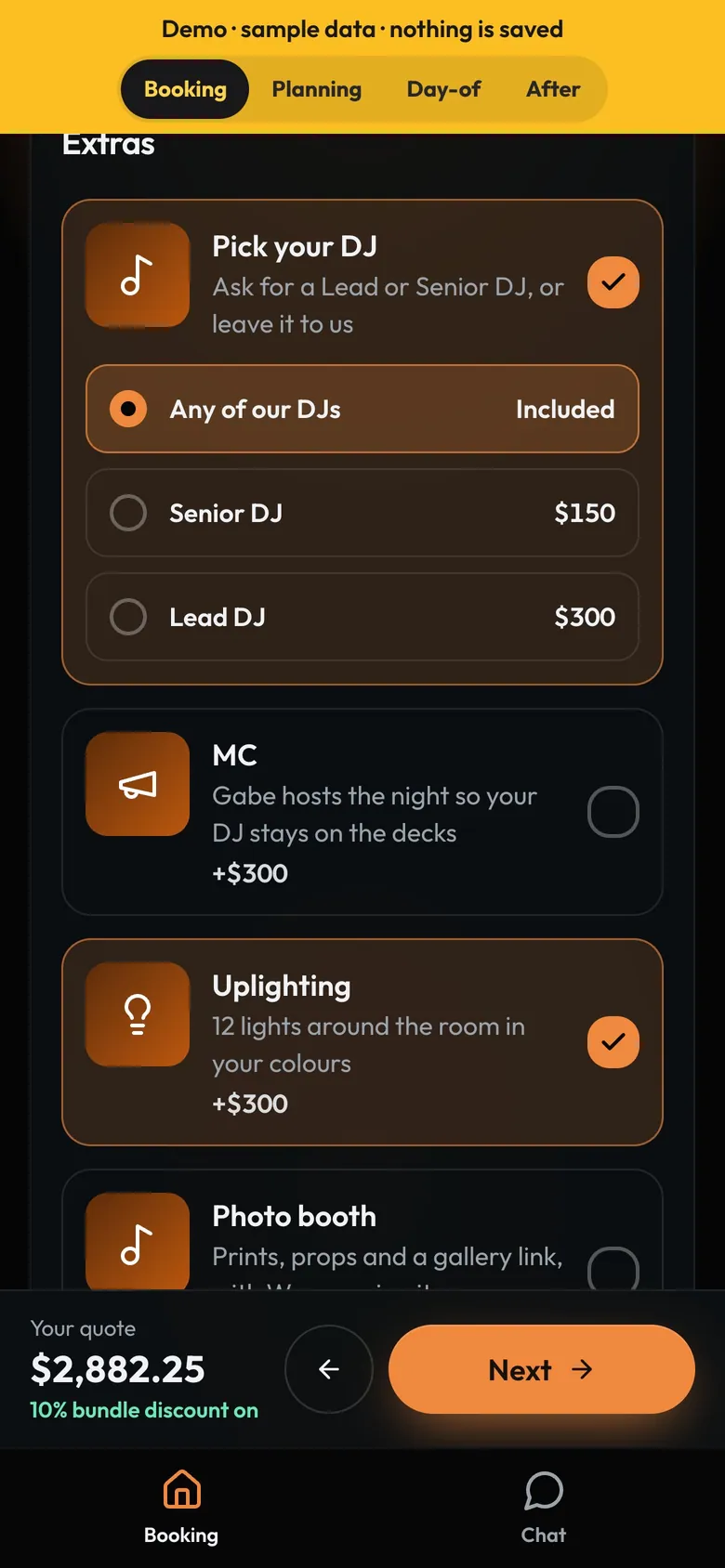
- Pick your DJAn add-on: any DJ, Senior or Lead.
- A tierIts price goes on the quote.
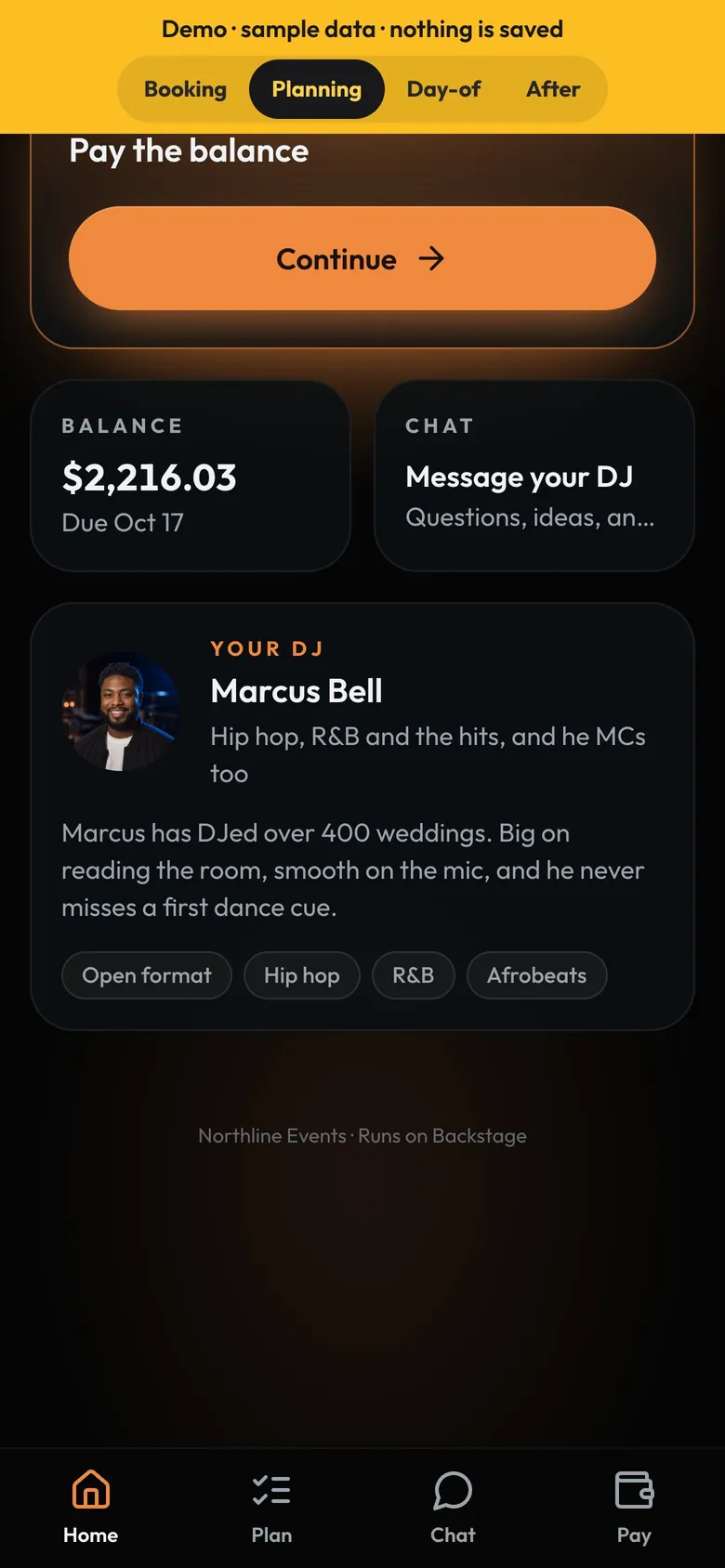
- Your DJName, photo and a line about them.
- StylesFrom the DJ's profile on DJs.
How to
- Add tiers as add-on choices in Settings → Packages and prices, like Lead DJ for $300.
- Turn on Clients can ask for a DJ in DJs → Settings.
- The ask shows on the gig with a star. It's reserved once the booking is confirmed.
- Book the DJ and the client's app shows them. Change DJs and it switches.
Tip
Tip
Clients see first names, photos, styles and tiers. Never prices per DJ or contact details.