Band leaders
See it through a member's eyes
Wondering what Sam sees? View as shows you the app exactly as that player gets it, read only.
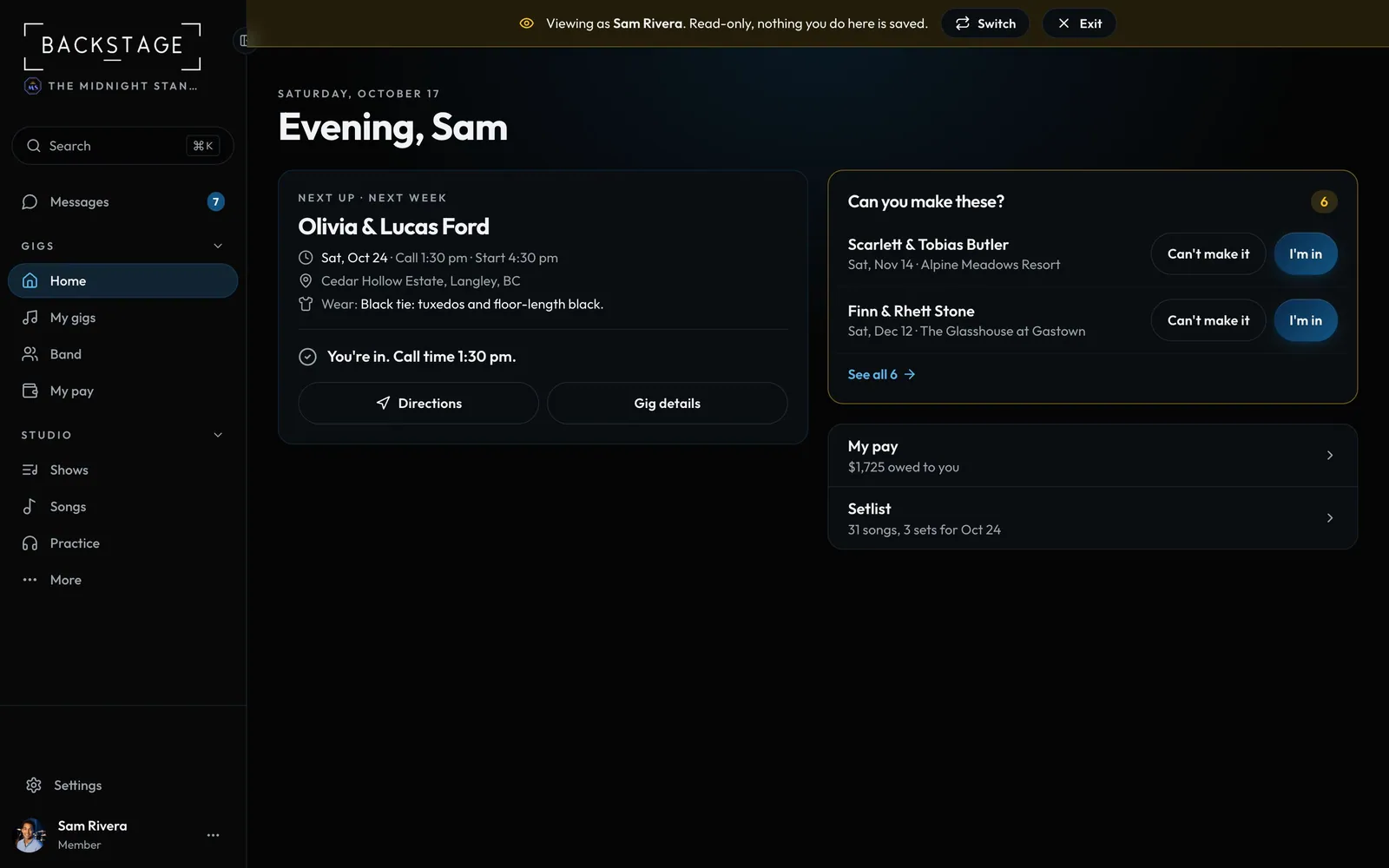
Swipe sideways to see the whole screen. Tap a number for its tip.
- ExitBack to your own view.
- Preview bannerNothing you do here is saved.
How to
- Open your Account menu at the bottom of the sidebar.
- Choose View as and pick a player.
- Click around: pay, gigs and menus are exactly what they see.
- Click Exit in the banner when you're done.
Tip
Tip
The same menu switches between dark and light mode.