Clients and guests
The guest page
Your client shares one link with their guests. Guests request songs for the band or the DJ and leave a note. Requests show in stage mode on the night.
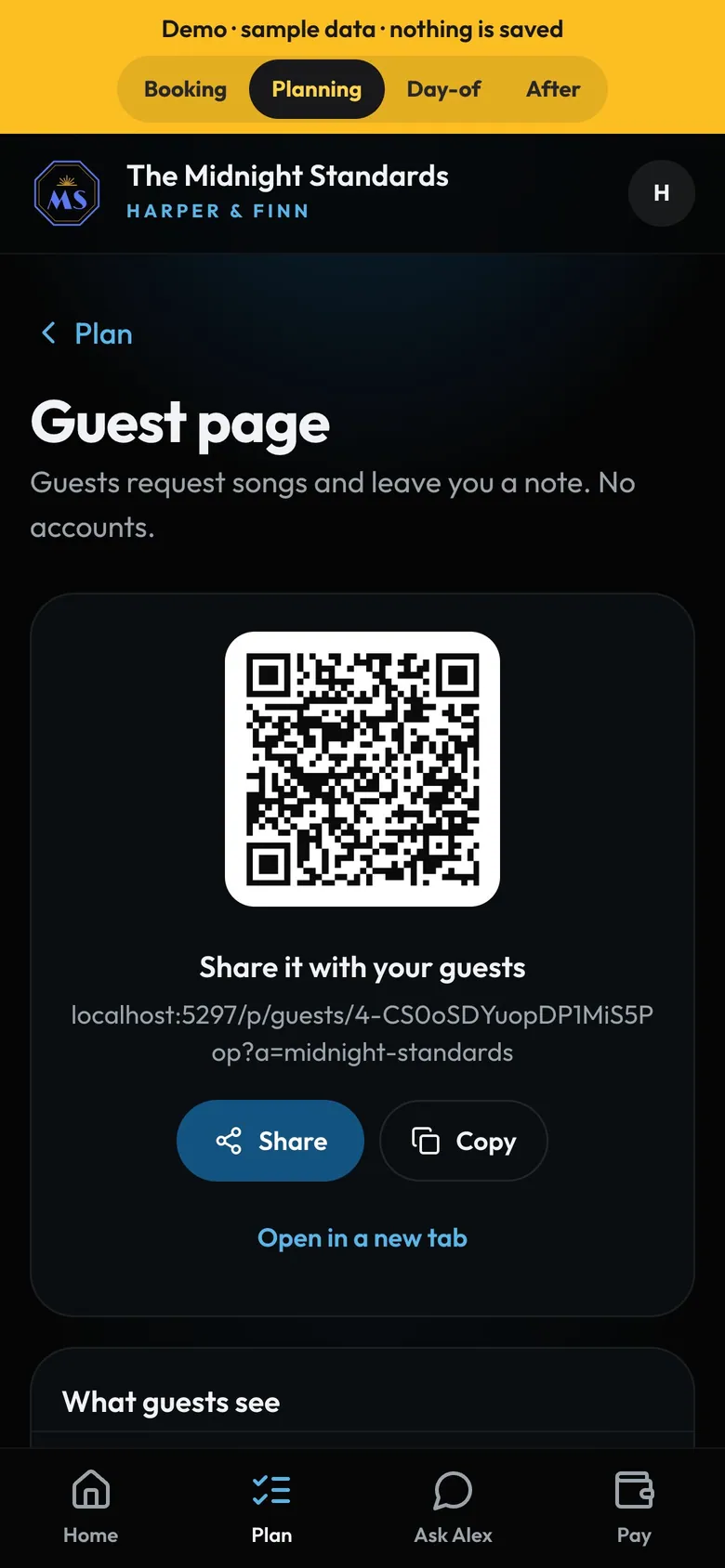
- Share itLink or QR code for invitations and table cards.
How to
- Switch it on in Settings → Features → Guest page (it needs the client portal).
- Your client shares the link or QR code from their Plan tab.
- They choose what guests see, and can hide any request.
- Requests land in the band's stage view on the night.
Tip
Tip
On the night, guests can also scan your request QR (see Your request QR). Its page uses the guest page's welcome.