Everyone
The calendar
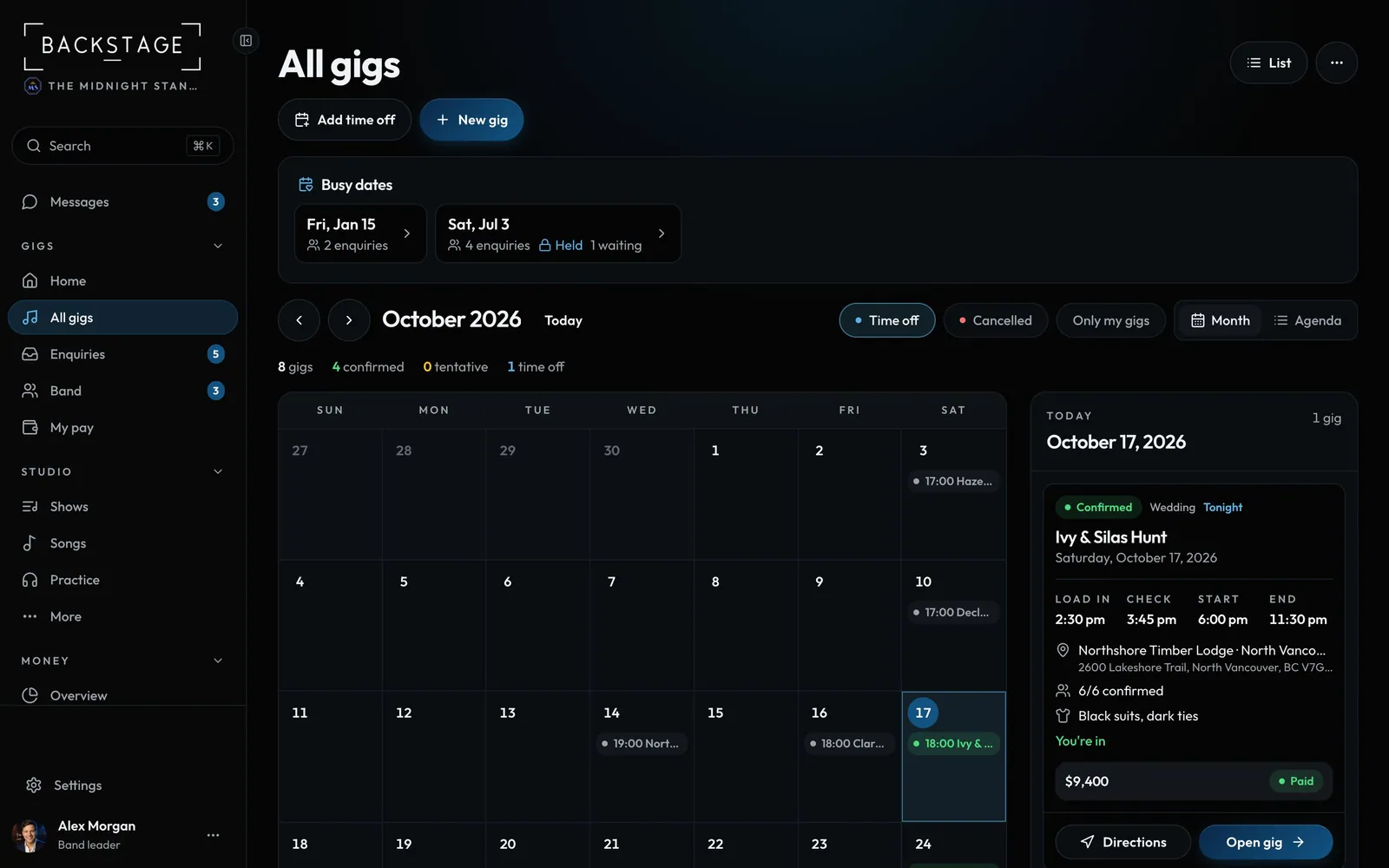
Gigs by month, with time off and busy dates, so you can see a free Saturday at a glance.
Swipe sideways to see the whole screen. Tap a number for its tip.
- Back to the listThe same gigs, two views.
- New gigBook a date from here.
How to
- Open All gigs, tap ... and pick Calendar view.
- Use the arrows to change month. Click a day to see what's on.
- Show time off to see who's away.
Tip
Tip
Players can add their gigs to their phone's own calendar from their profile.