Clients · PhoneFor clients and guests
Sign and pay
The contract lists exactly what they booked. They read it to the end, sign on their phone, then pay the deposit.
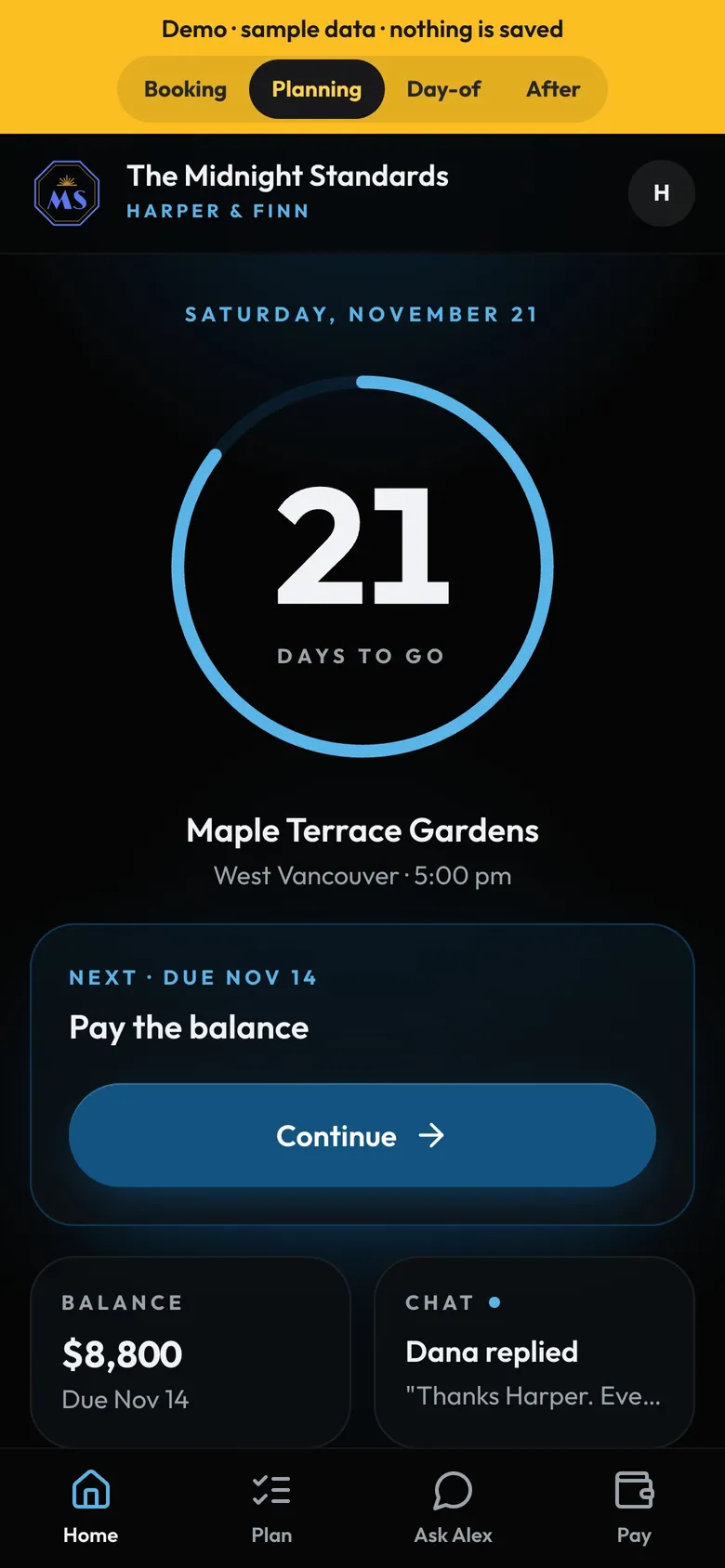
- BalanceWhat's left and when it's due.
- Next stepAlways one clear thing to do next.
How to
- Sign: the contract opens with an itemised table of what's booked, the times they gave and your terms.
- Sign unlocks once they've read to the end.
- Pay: "Last step: your deposit", the amount, when it's due and Pay now. They're booked as soon as it's in.
- You're booked: their home screen counts down to the day.
- When you countersign, they get the signed contract by email with the PDF attached. Every payment you record sends them a receipt (see Emails your client gets).
Tip
Tip
Accepting a quote or the final price asks them to check first ("Accept this quote?"). Nothing is final until they sign. Before signing they can go back and change their booking. After signing, changes go through a message to you.