Chapter 1
Getting started
Put the app on your phone, find your way around, then set the app up for how your band works: what you do, your lineups, your prices, travel, deposits and busy dates.
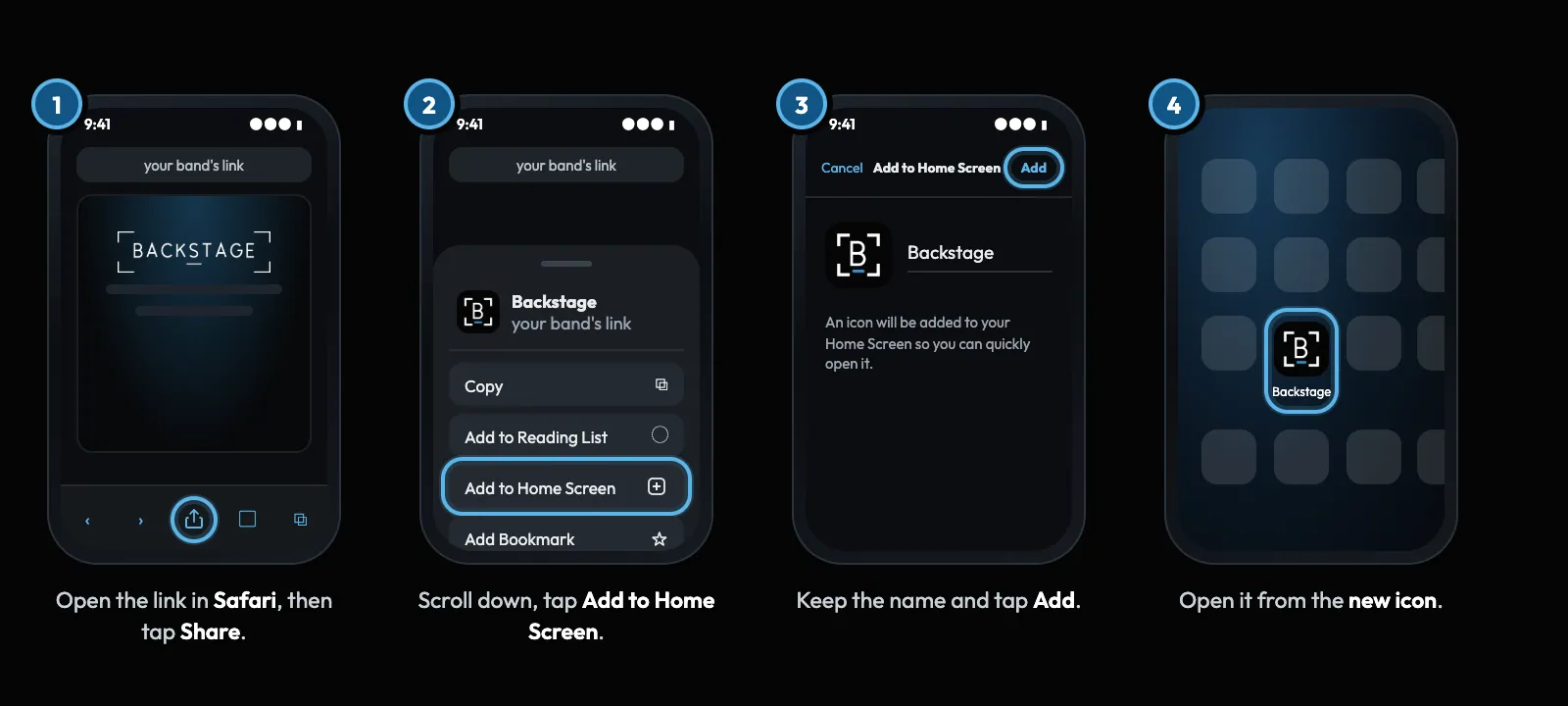 01 · Everyone · PhonePut the app on your home screenNo app store needed. Add it from your phone's browser once and it opens full screen from its own icon, updates itself, and can send you lock-screen alerts.Read
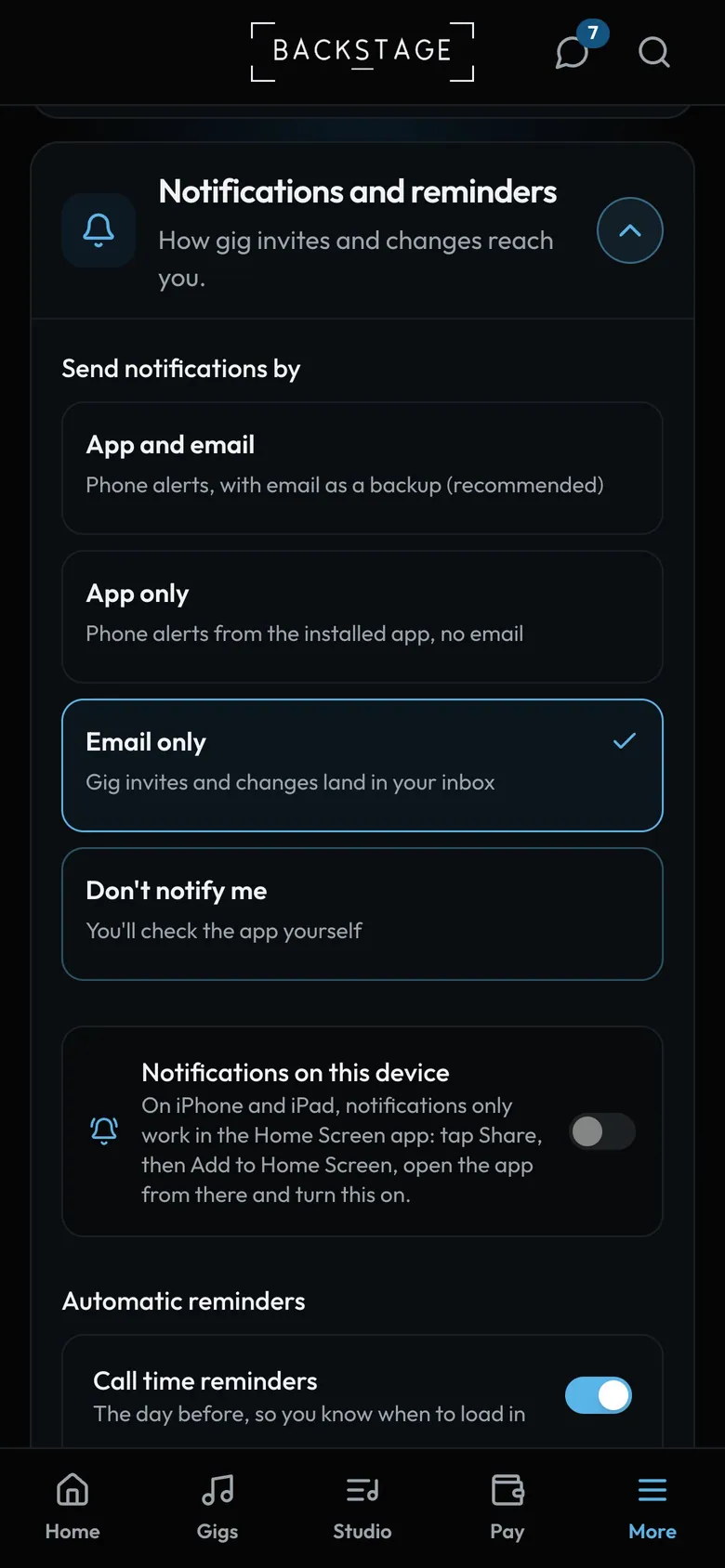 02 · Everyone · PhoneTurn on notificationsOnce the app is on your home screen, switch on notifications so new gigs, changes and reminders reach your lock screen.Read
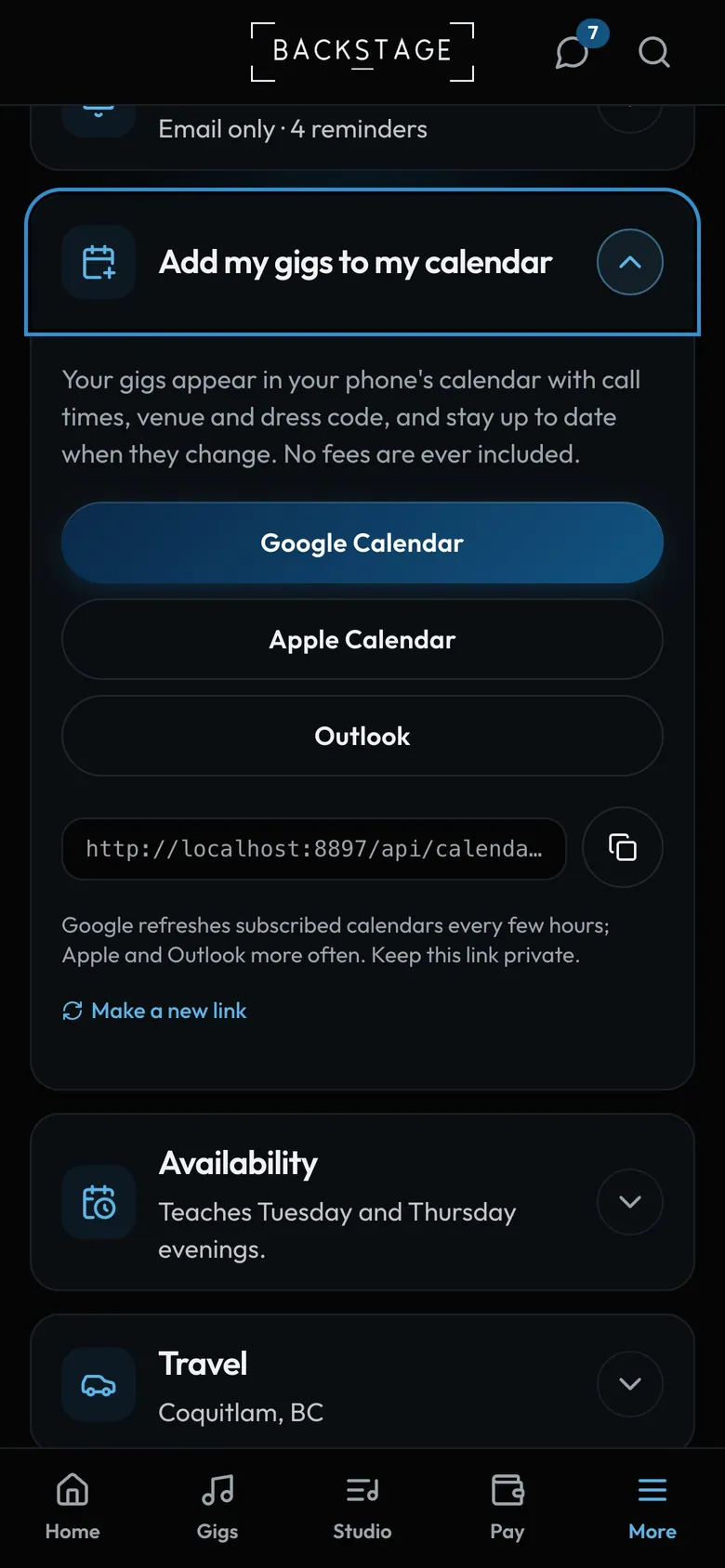 03 · Everyone · PhoneYour gigs in your own calendarSubscribe once and your gigs appear in Google, Apple or Outlook calendar, and stay up to date when times change. No fees are ever included.Read
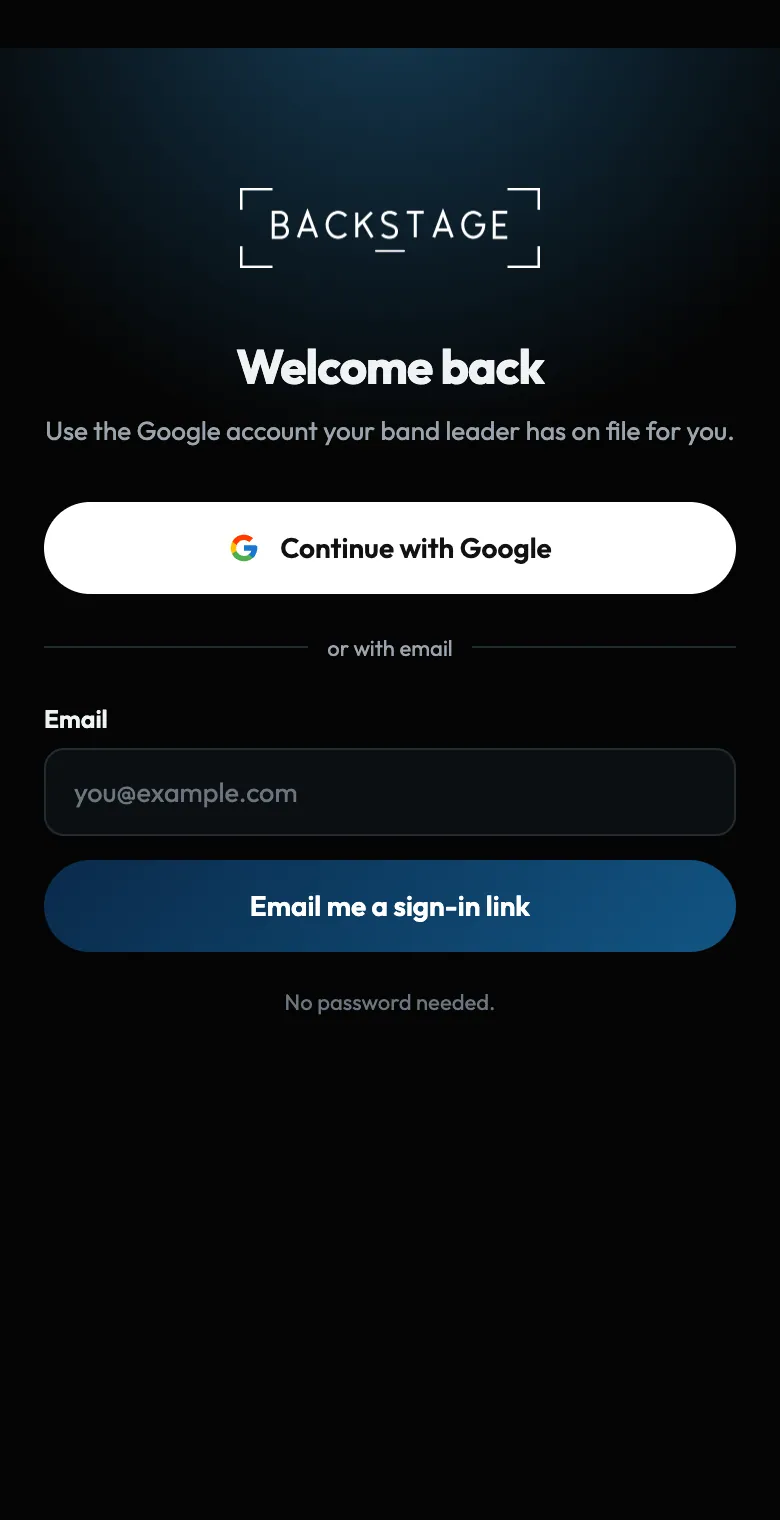 04 · EveryoneSigning inNo passwords to forget. Use the Google account your band leader has on file for you, or get a one-tap sign-in link by email.Read
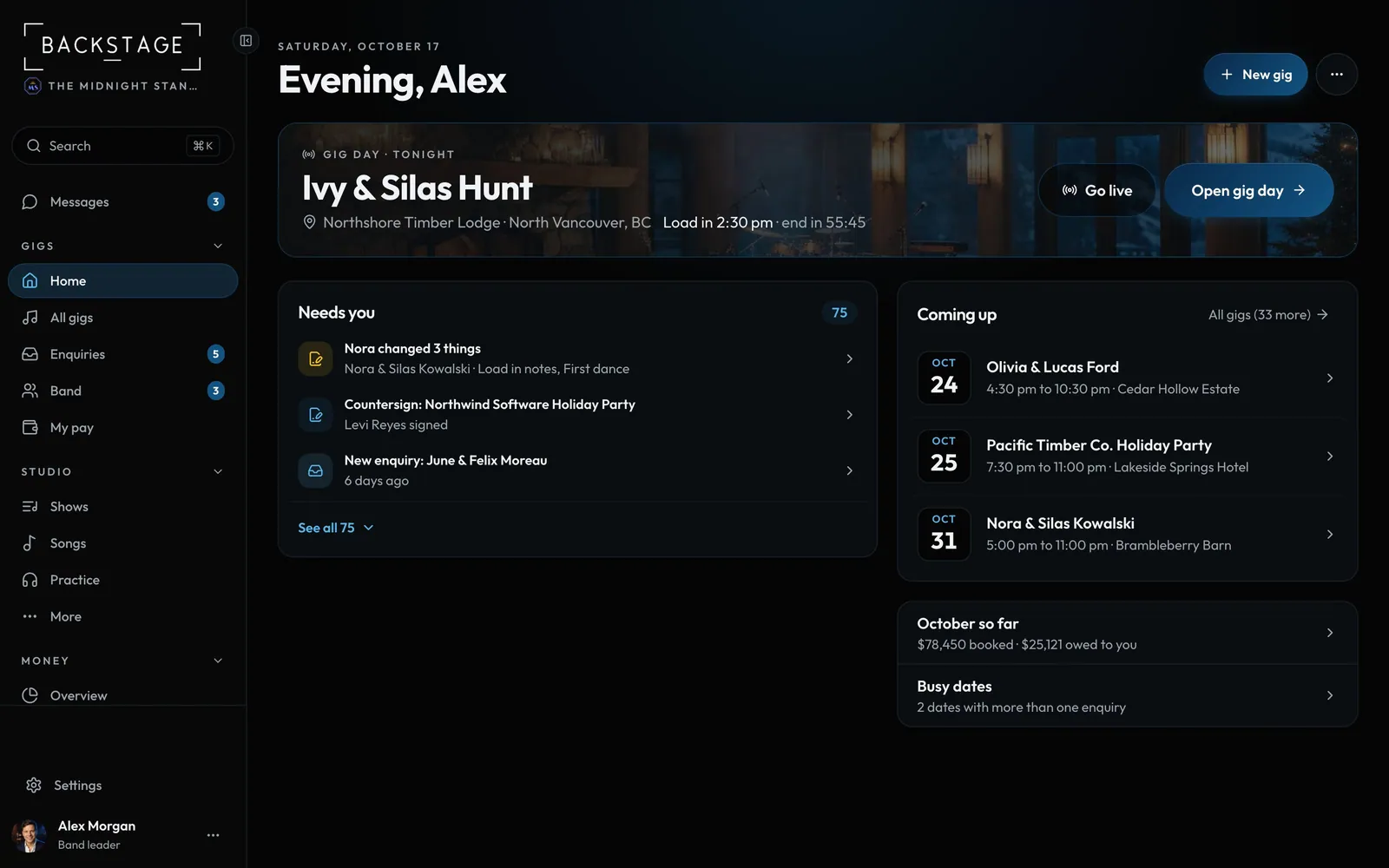 05 · Everyone · ComputerFind your way aroundEvery page is in one sidebar, grouped under Gigs, Studio and Money. Fold a group you don't use by its heading. Search and Messages sit at the top, Settings and your account at the bottom.Read
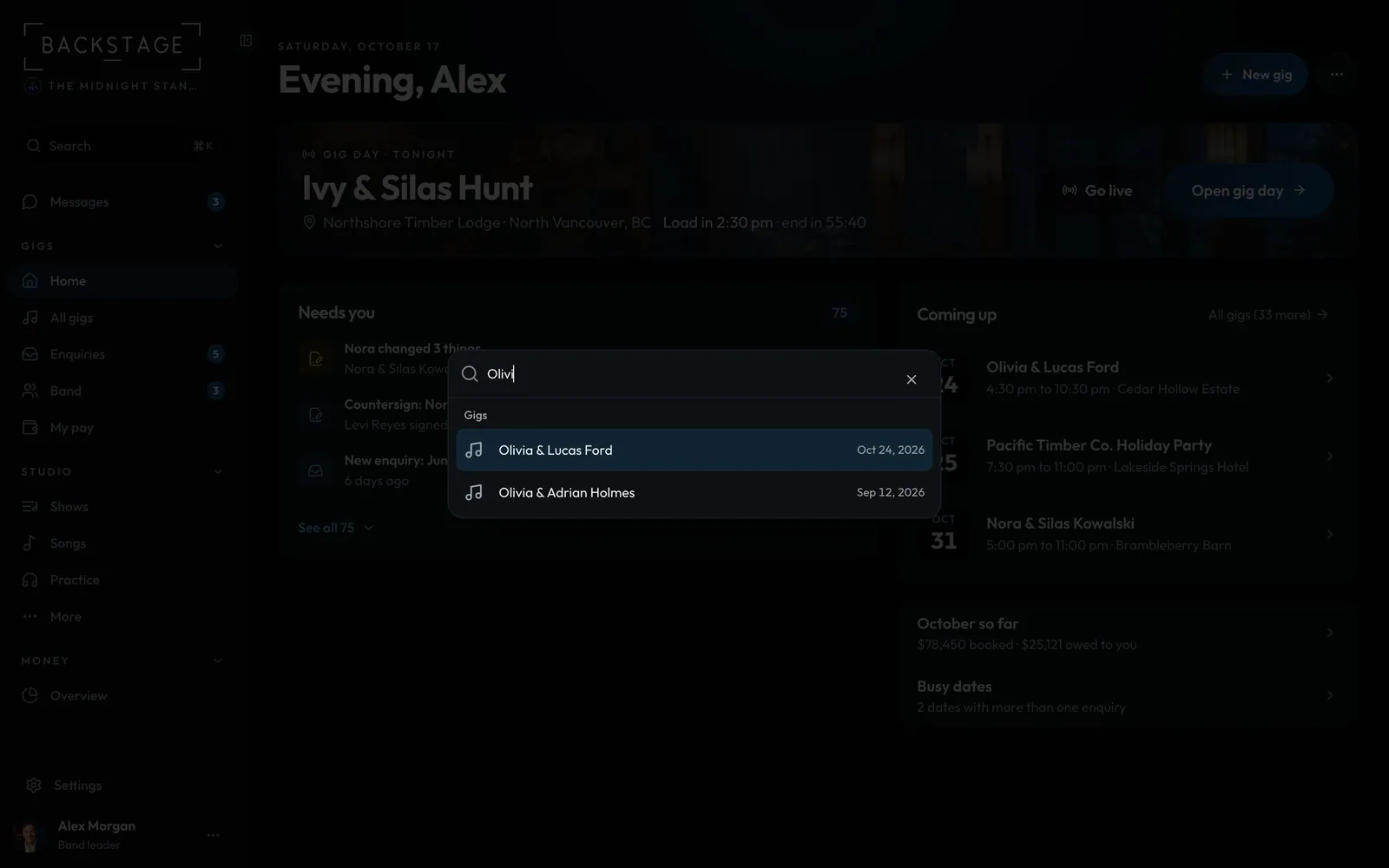 06 · Everyone · ComputerJump anywhere with ⌘KThe quickest way to any gig or page. Start typing, hit Enter, you're there.Read
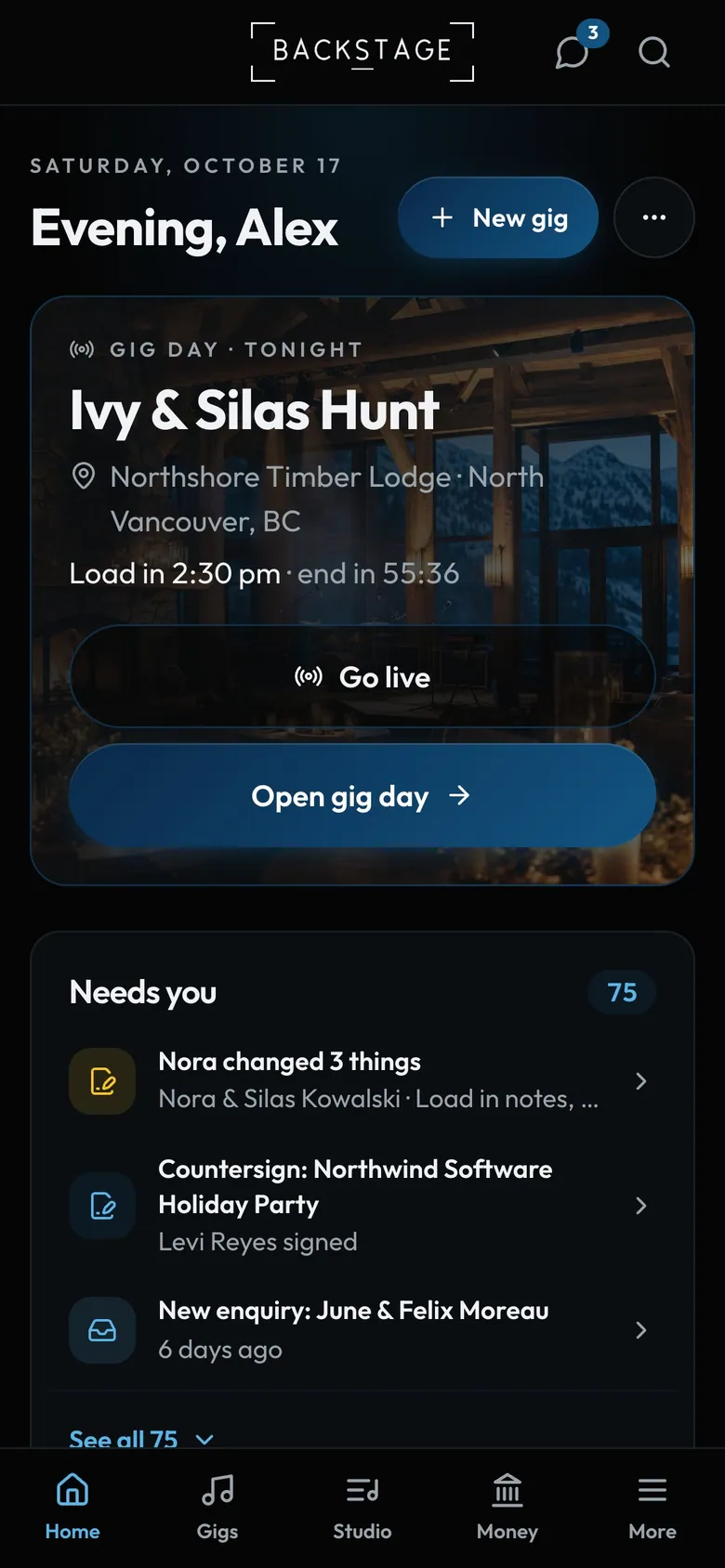 07 · Everyone · PhoneOn your phoneTabs at the bottom cover what you need on the move. Everything else is under More.Read
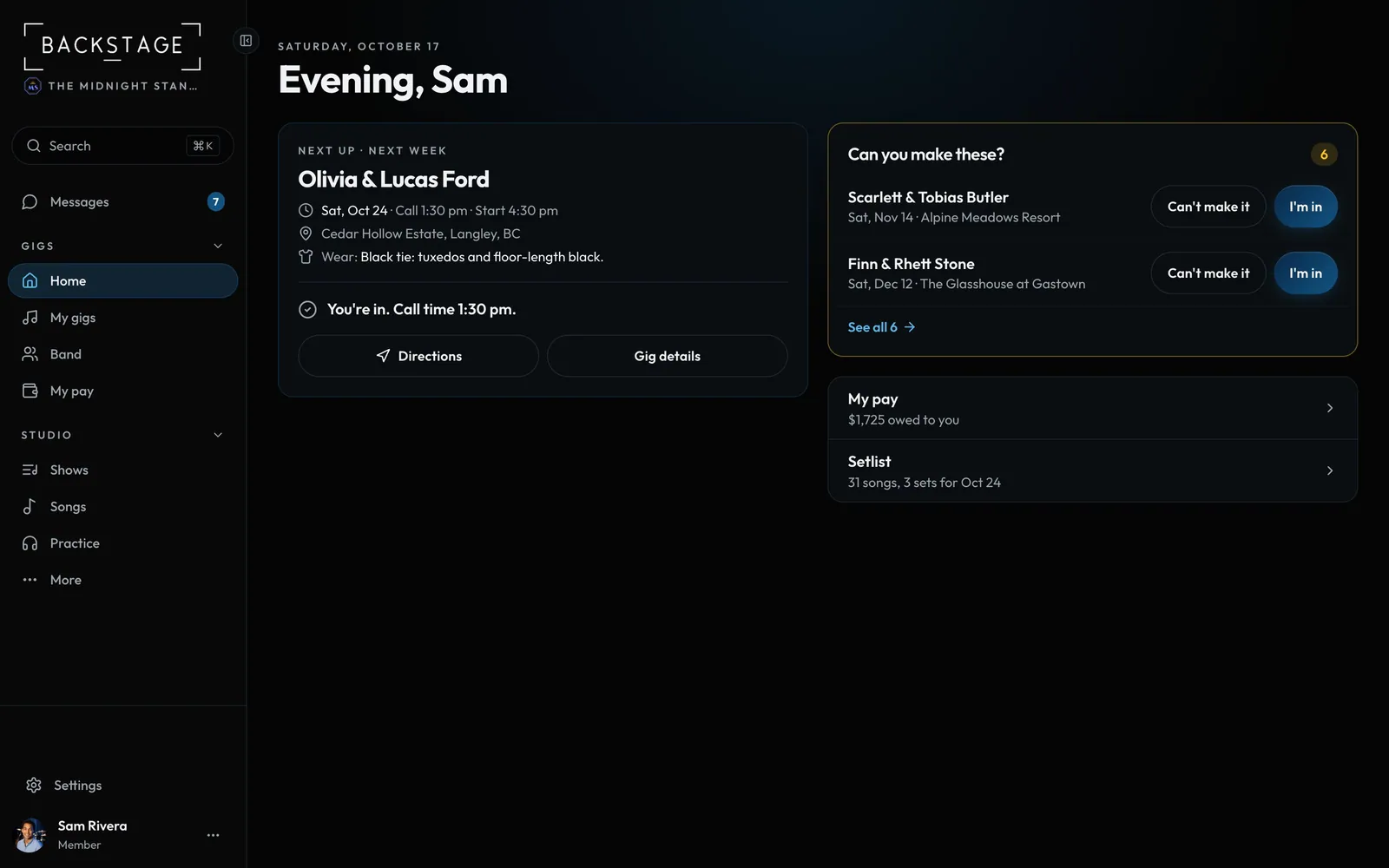 08 · EveryoneBand leader or memberLeaders run the business: bookings, money, contracts and the roster. Members see their own gigs, their own pay and everything they need to play.Read
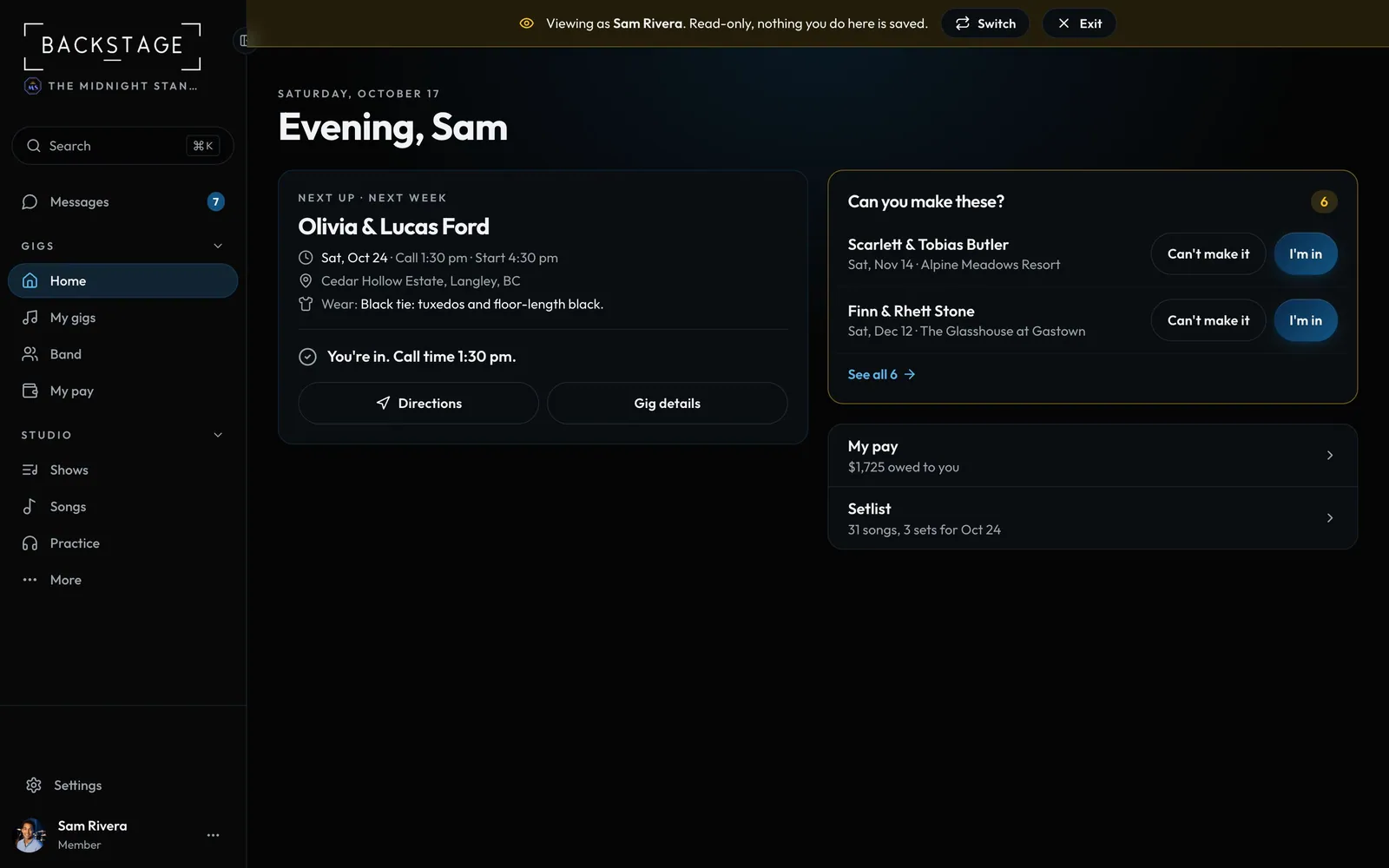 09 · Band leadersSee it through a member's eyesWondering what Sam sees? View as shows you the app exactly as that player gets it, read only.Read
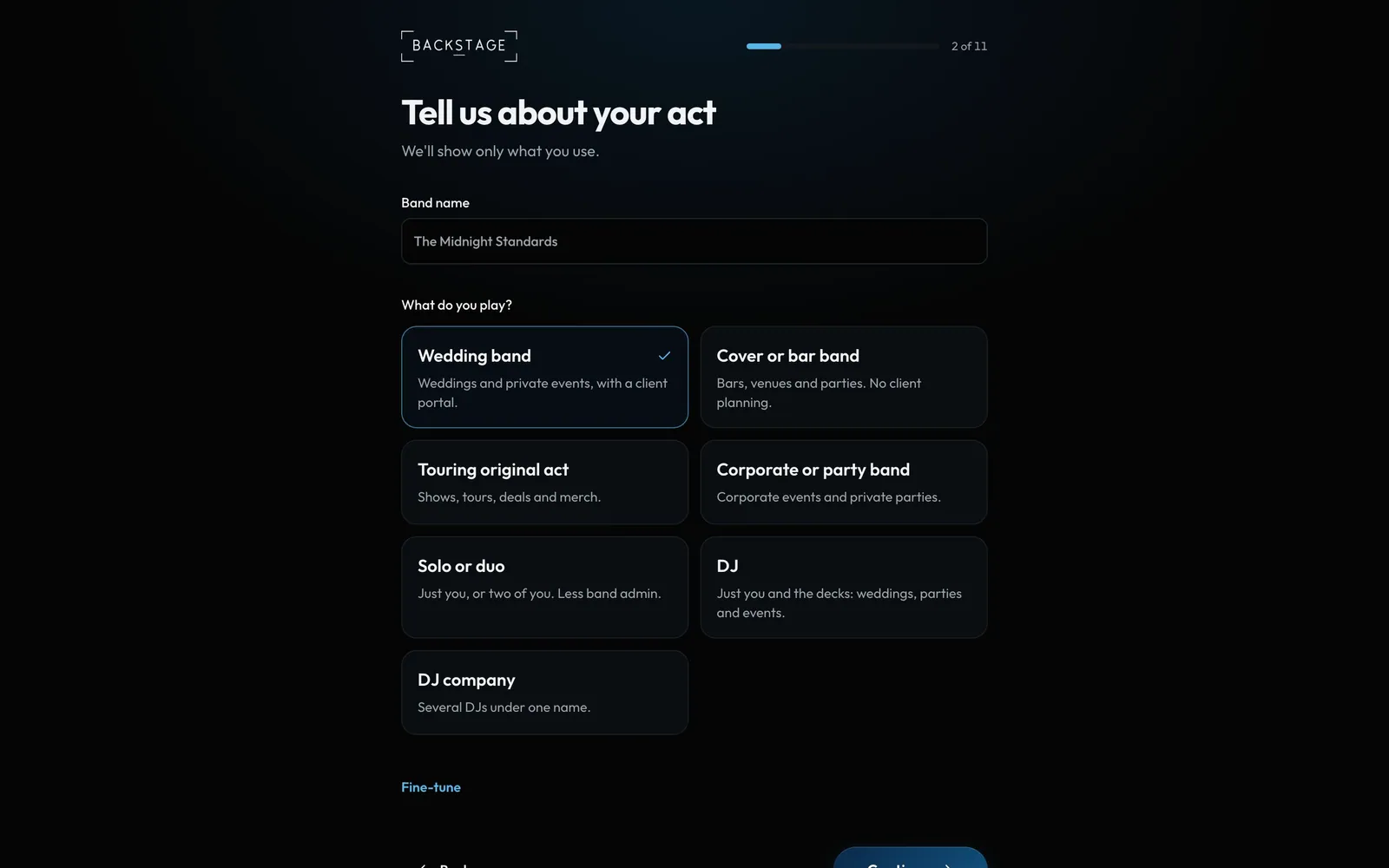 10 · Band leaders · First runSet up your bandAbout five minutes, the first time you sign in: where you're based, what you play, your lineups and prices, your gigs and songs, your own profile, then your band. Skip anything and come back to it later. Everything is open for 14 days, free, with no card.Read
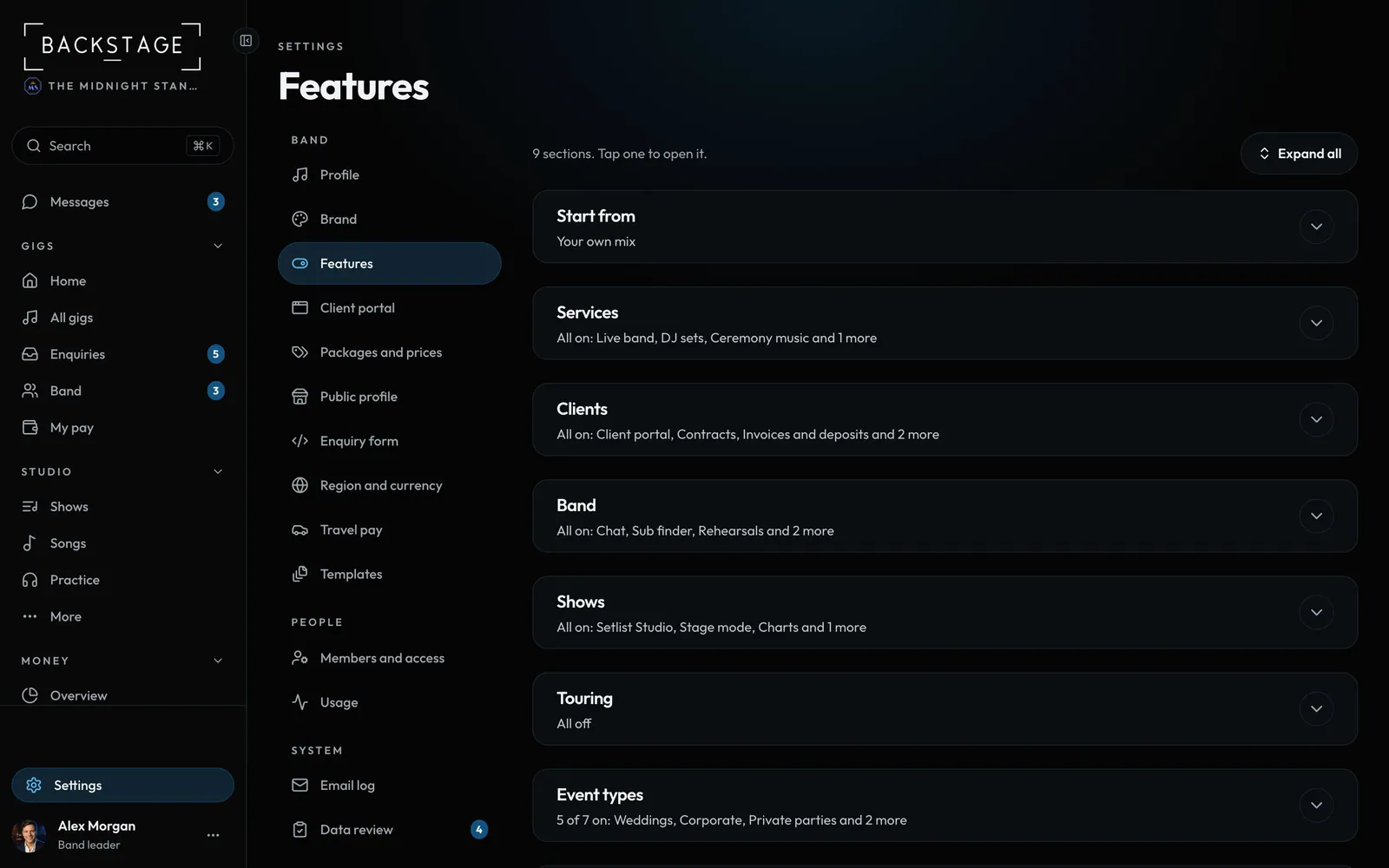 11 · Band leaders · Set upWhat your band doesSwitch on only what you use. Pick a preset (wedding band, bar band, touring act, corporate, solo or duo, DJ) and the app shows the right tools, questions and wording. Everything else stays out of the way.Read
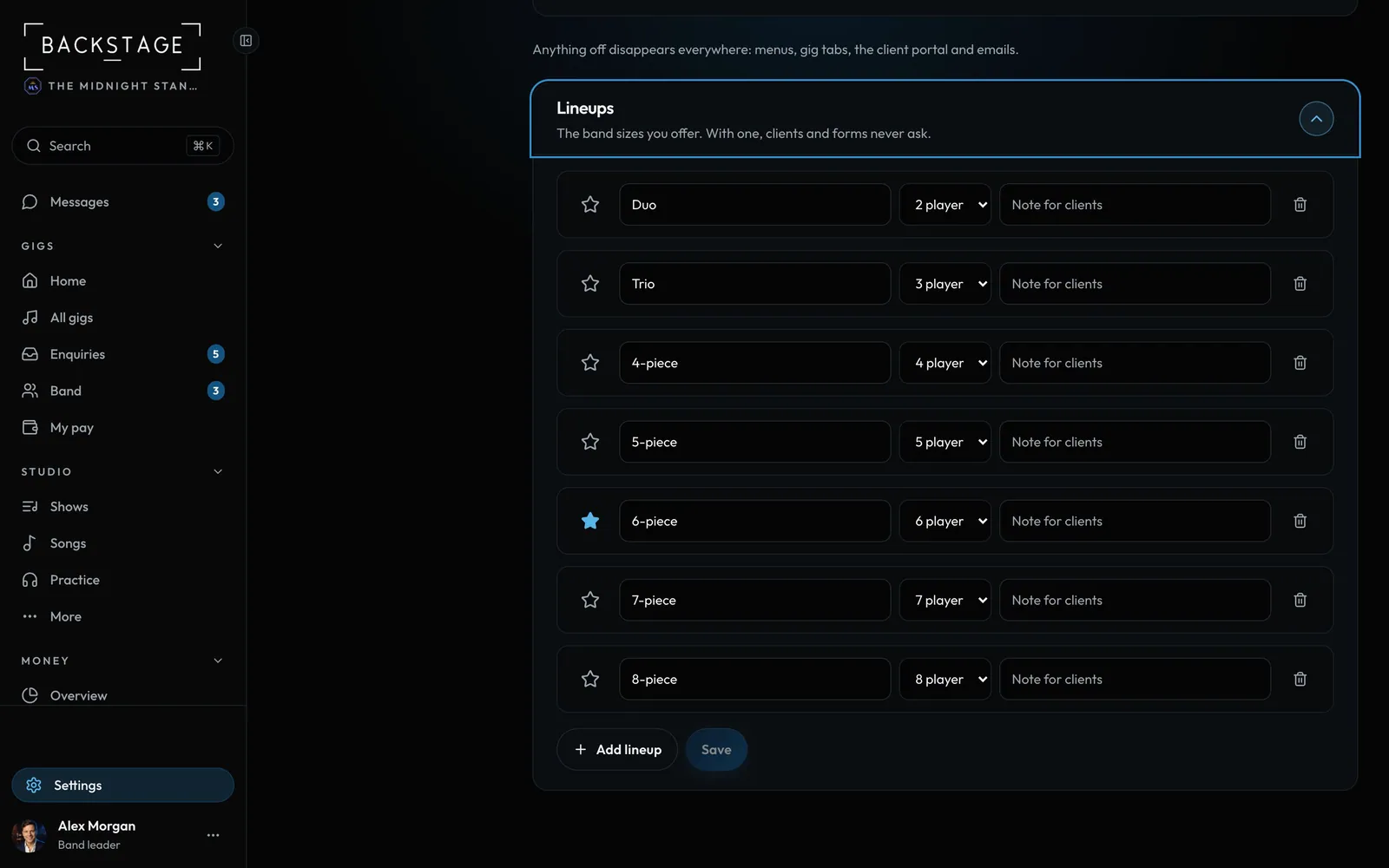 12 · Band leaders · Set upYour lineupsThe lineups you offer, from solo to a full band, named your way. With one lineup the app never asks. With several, every form shows only yours.Read
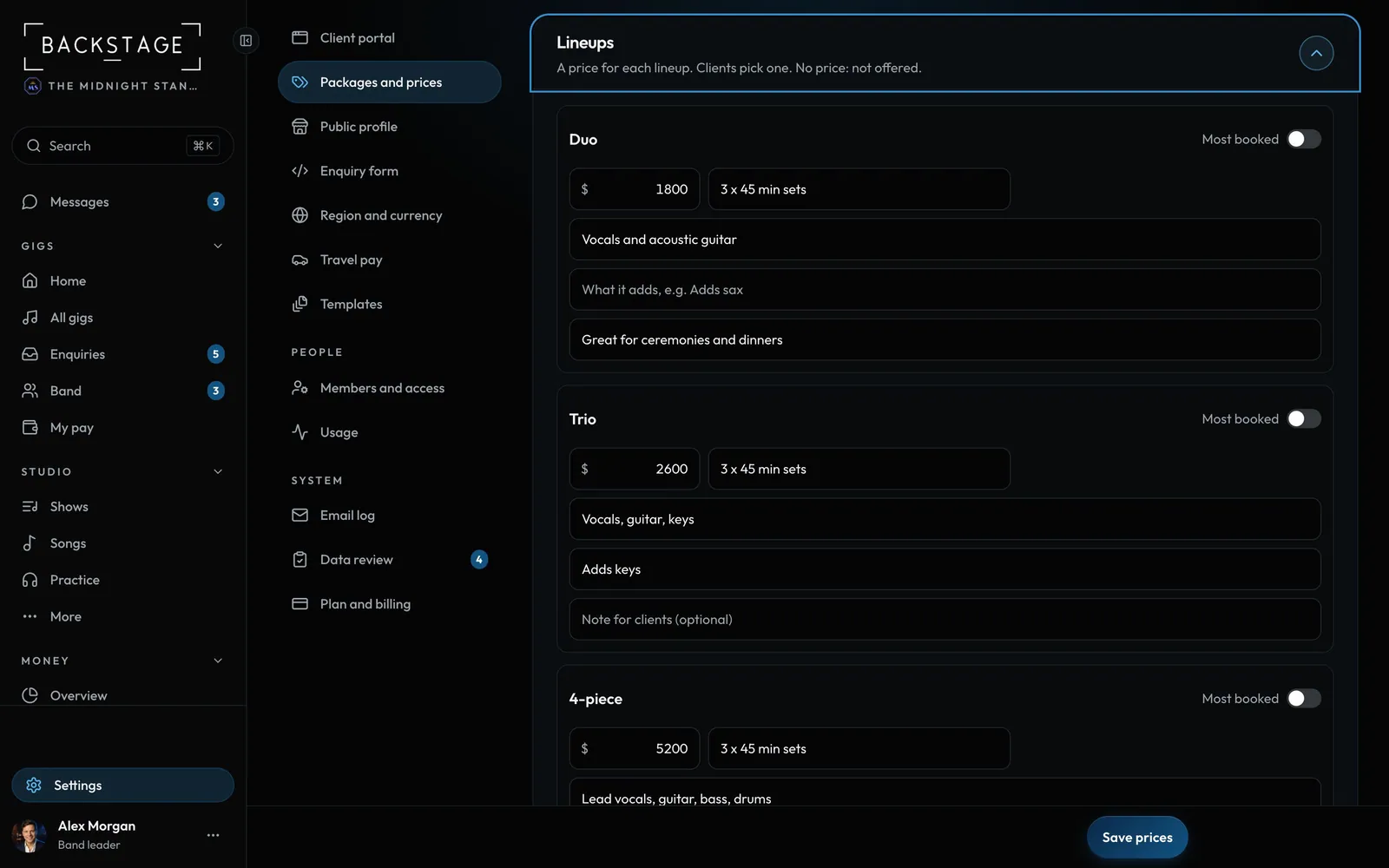 13 · Band leaders · Set upPackages and pricesEvery price the client sees lives here: a price for each lineup, your add-ons, your packages, travel, deposit and busy dates. Clients build their booking from it, and you confirm the final price.Read
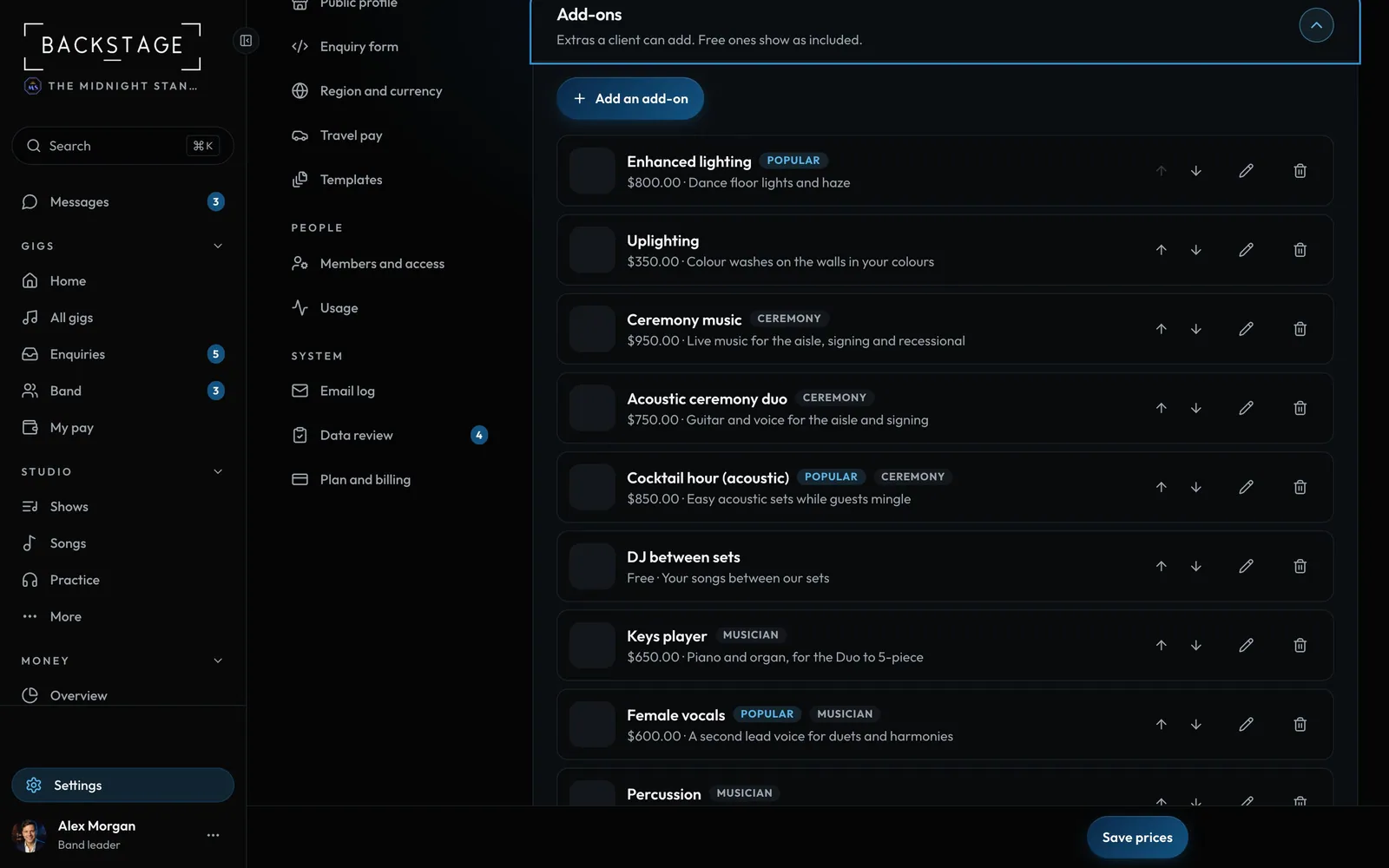 14 · Band leaders · Set upAdd-ons, options and groupsExtras clients can add: a keys player, a female singer, uplighting, an extra hour, a band MC. An add-on can have options ("Keys and male vocals") or let the client build the group performer by performer.Read
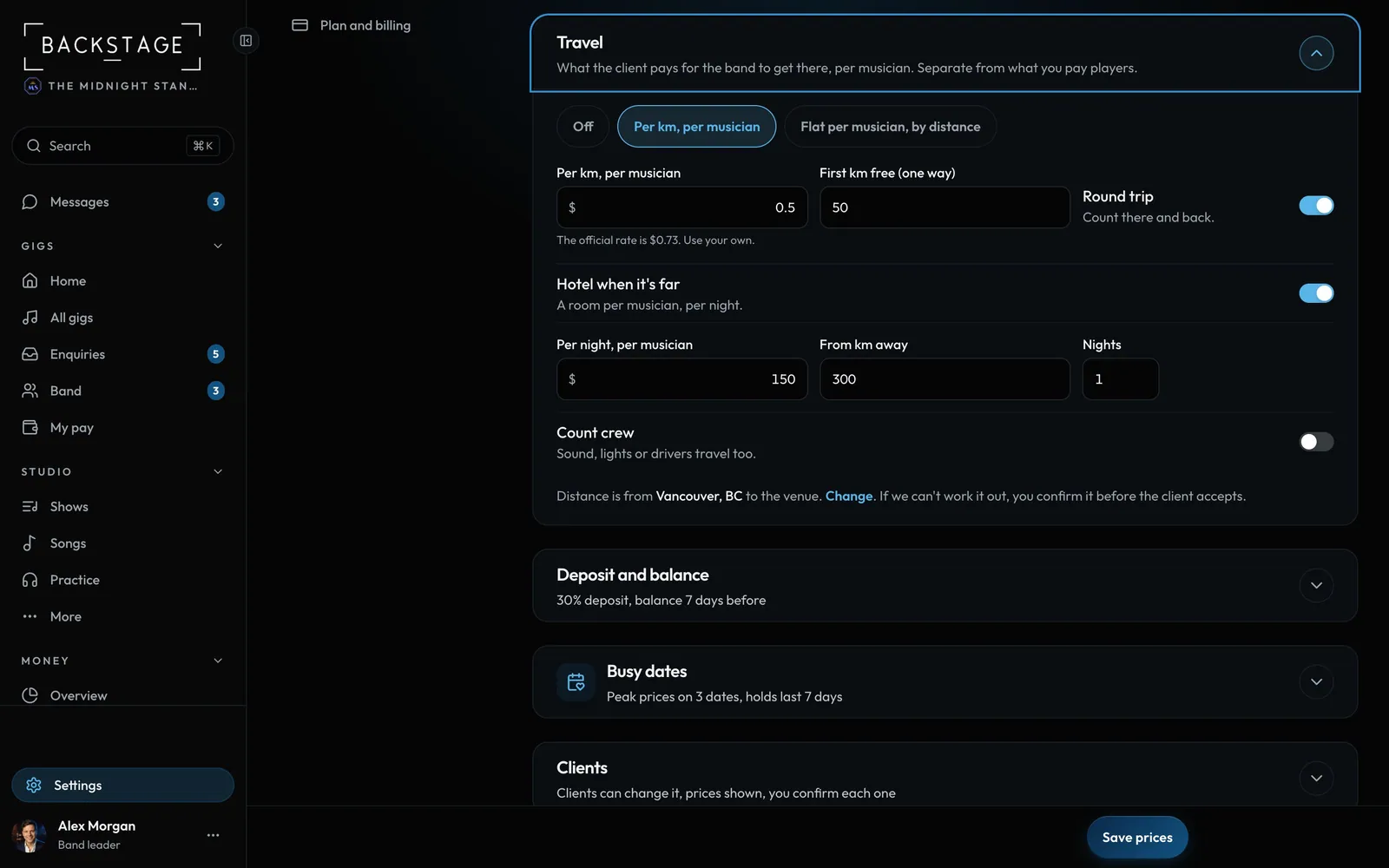 15 · Band leaders · Set upTravel in the client's priceCharge travel per musician, the way bands do. The client sees one line, like "Travel: 6 musicians, 240 km round trip", and it changes as they add players.Read
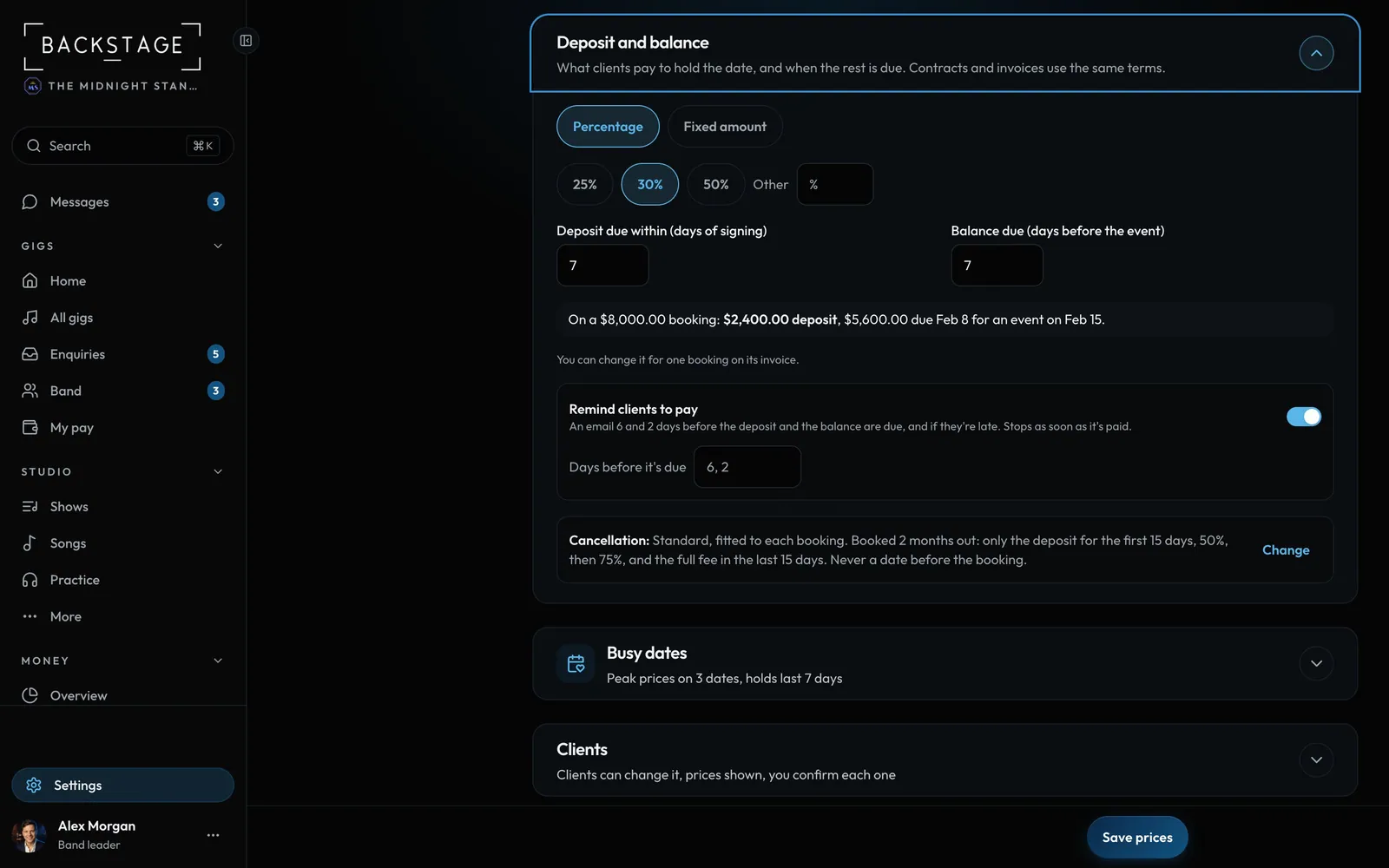 16 · Band leaders · Set upDeposit and balanceYour deposit, your way: 25%, 30%, 50% or a fixed amount, due within a few days of signing. The balance is due a set number of days before the event.Read
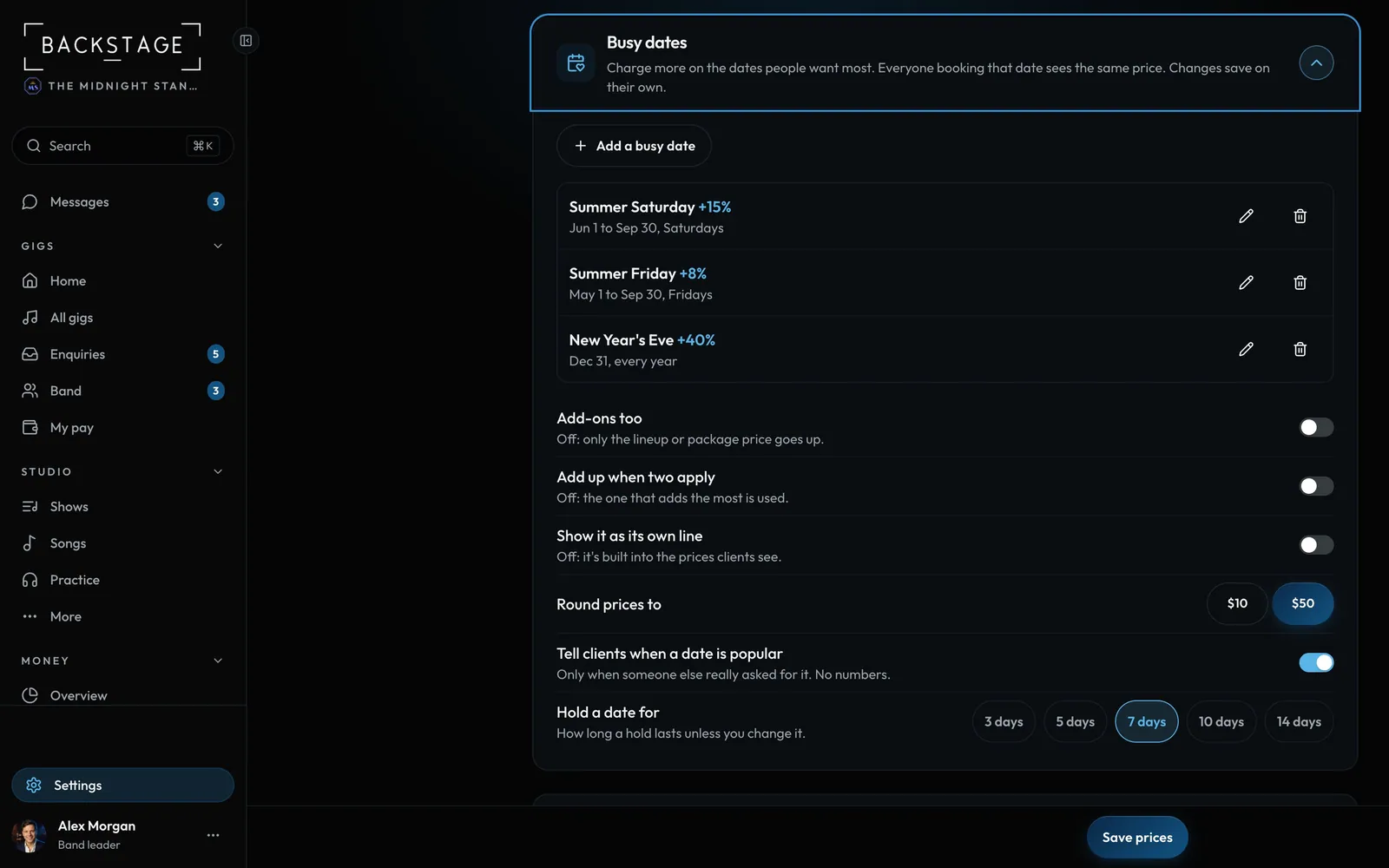 17 · Band leaders · Set upBusy datesCharge a little more on the dates everyone wants, like summer Saturdays or New Year's Eve. Every client gets the same price, shown as one clear line.Read