DJ companies · The DJ's phoneFor members
What each DJ sees
A DJ on your team sees their own gigs only: where and when, the gear and crew, the client's music plan, the cue sheet, requests and their own pay. Never the company's money, other DJs' gigs or client contacts.
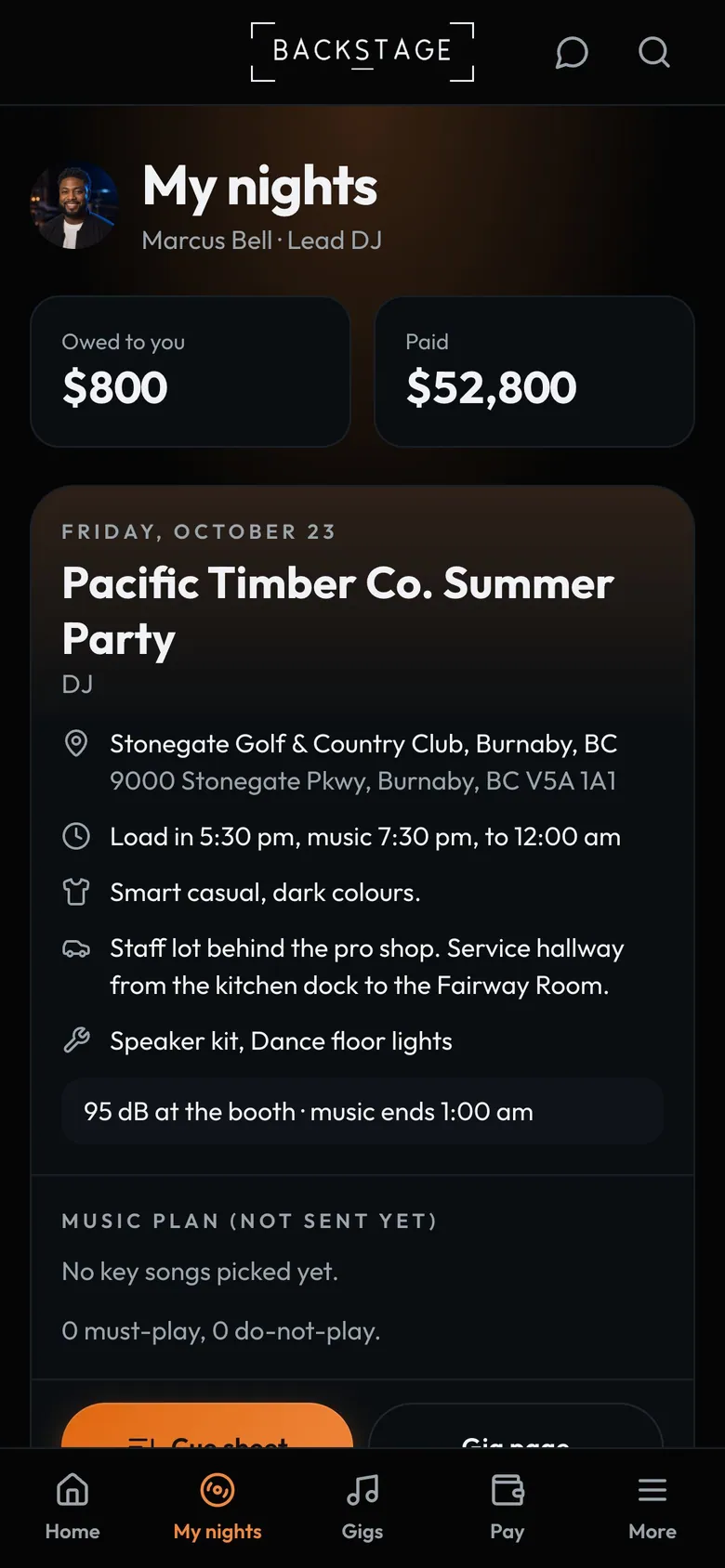
- My payOwed and paid, from the company.
- The next nightVenue, times, dress code and parking.
- Gear and crewThe kits going out and who's with them.
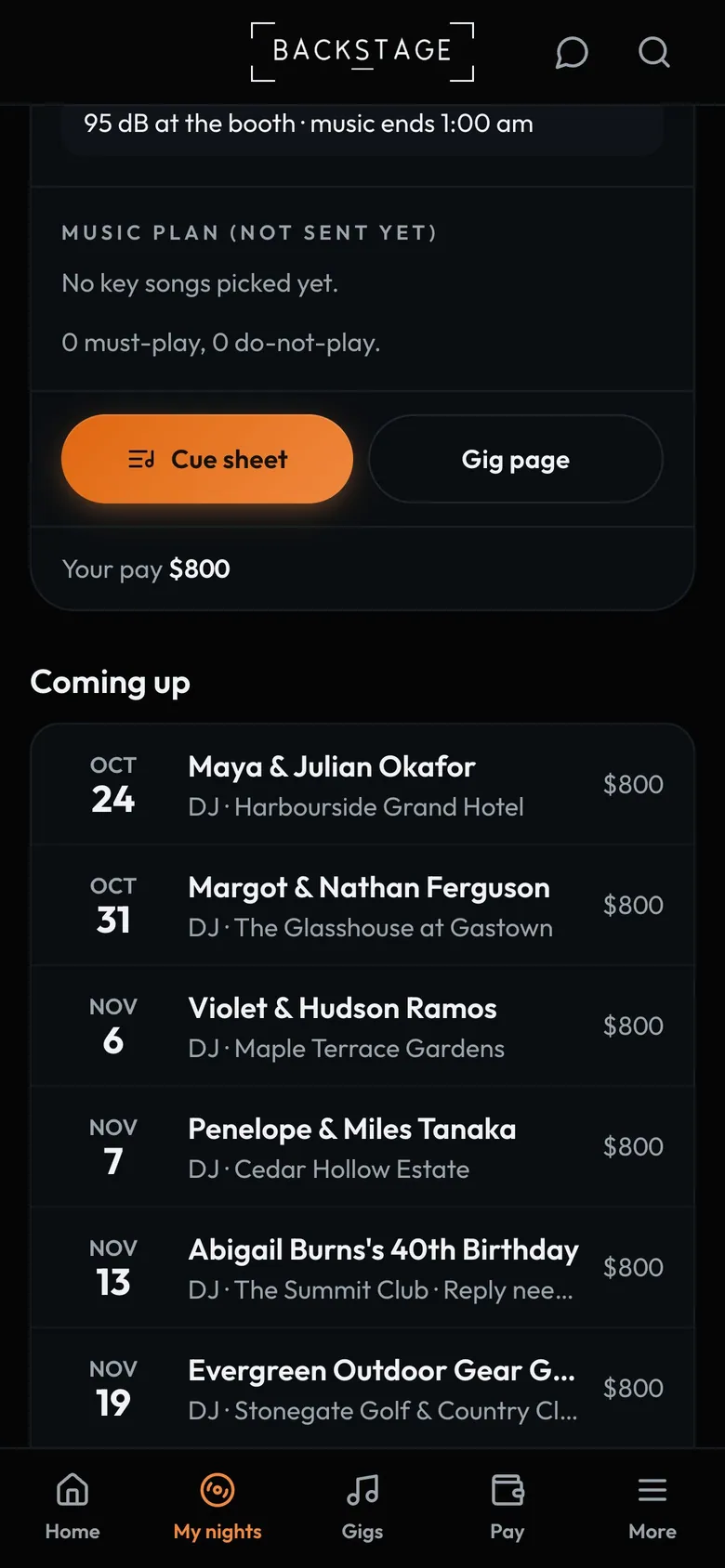
- Music planKey songs, must-plays and do-not-plays.
- Music planKey songs, must-plays and do-not-plays so far.
- Cue sheetThe night plan, crate and booth.
How to
- DJs sign in and land on My nights: the next gig first, then the rest.
- Tap Cue sheet for the gig's night plan, crate, moments and requests.
- Owners: to let the gig's DJ see the planner's or client's name and phone, turn on Assigned DJ sees the day-of contact in DJs → Settings.
Tip
Tip
The day-of contact is a name, role and phone only. Never email or address. It's off until you turn it on.