Everyone · Phone
Your gigs in your own calendar
Subscribe once and your gigs appear in Google, Apple or Outlook calendar, and stay up to date when times change. No fees are ever included.
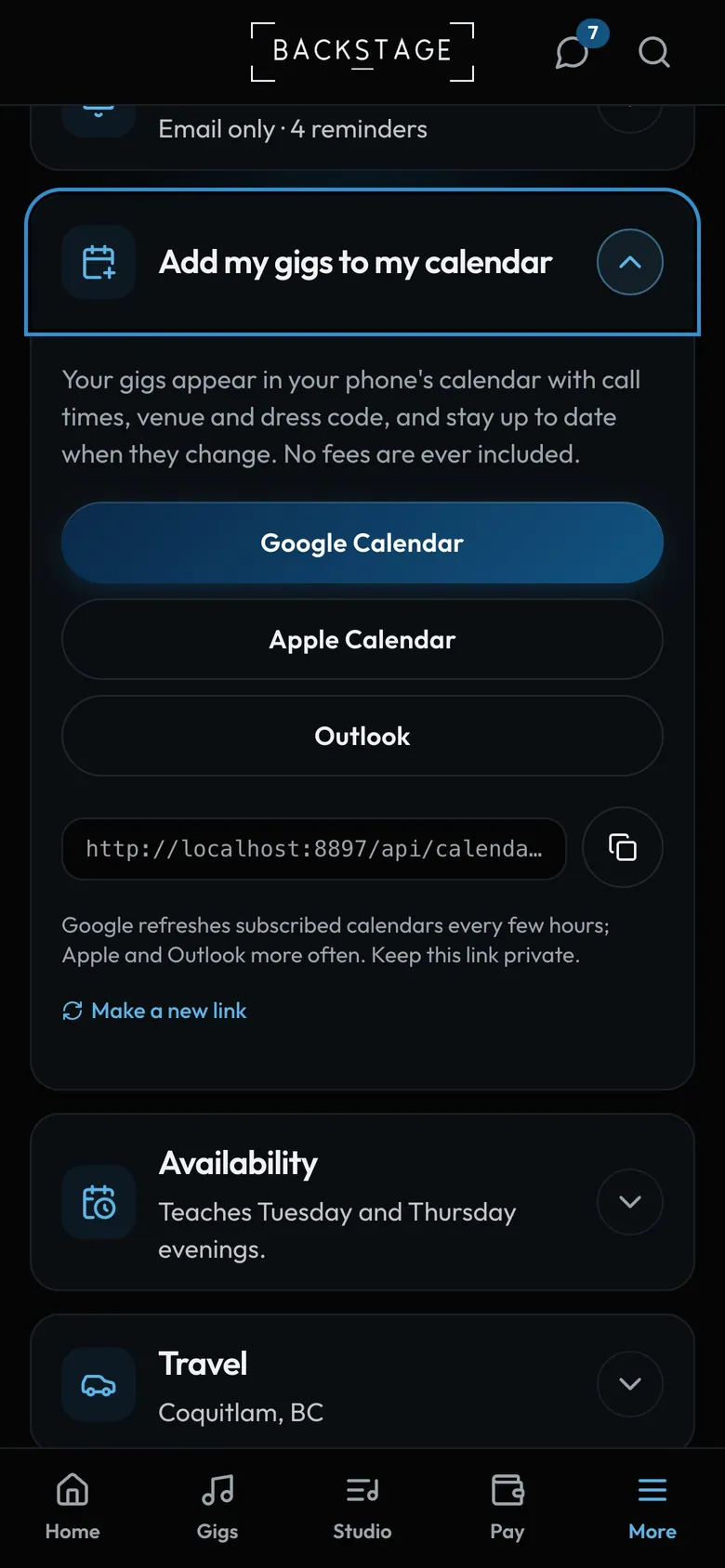
- One tap to subscribeGoogle, Apple or Outlook.
- Copy the linkFor any other calendar app.
How to
- Go to My profile and open Add my gigs to my calendar.
- Tap Google Calendar, Apple Calendar or Outlook and confirm.
- Band leaders can switch between My gigs and All band gigs.
Tip
Tip
Keep the link private. If it ever leaks, tap Make a new link and the old one stops working.