Clients · PhoneFor clients and guests
The invoice view
A clean, branded invoice that shows what's due, how to pay, and what's been paid so far.
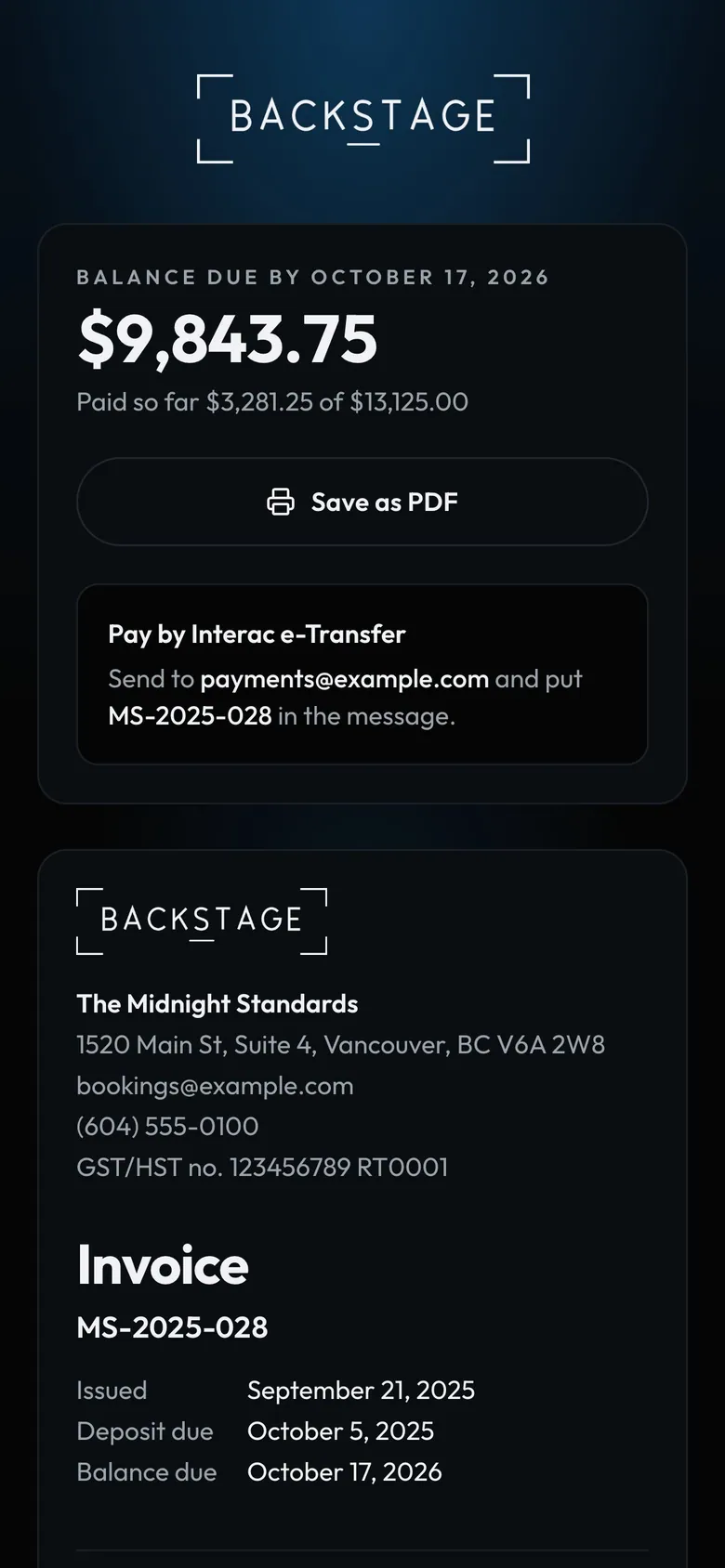
- What's dueBalance, due date and paid so far.
- Save as PDFFor their records.
- How to payWhere to send it and what to write.
How to
- Send it from the invoice with Email invoice, or copy the client link.
- The client sees the balance, due date and how to pay.
- When you record a payment, their view updates and they get a receipt by email. Untick Email a receipt when you record it if they don't need one.