Everyone · iPad or phone
Full-screen charts
Show the original chart, PDF or photo, full screen with nothing else on it. Handwritten Nashville charts look exactly as written, with the song's key in a badge. The screen stays awake on stage.
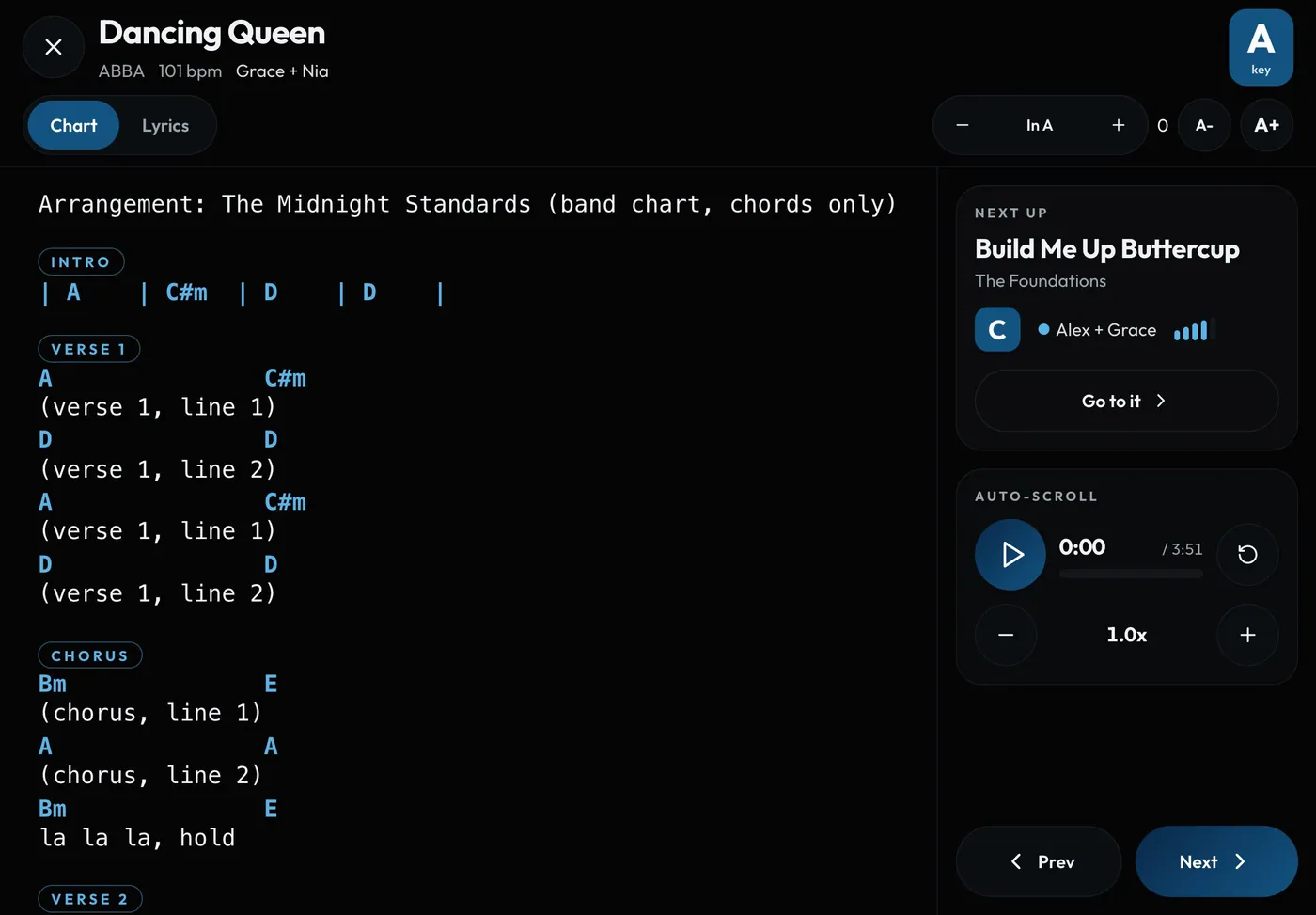
Swipe sideways to see the whole screen. Tap a number for its tip.
- Tonight's keyFull screen shows it in a badge on the page, so a number chart works in any key.
- Auto-scrollStarts straight away. No countdown.
- Next songFull screen is remembered, so the next chart opens the same way.
How to
- Open a song's chart from stage mode or Go live, then tap Full screen.
- Tap once to show the title, key and Close. The bar hides itself after a few seconds.
- Swipe or tap the edge to turn pages. Pinch to zoom.
- Full screen is remembered, so the next song opens the same way.
Tips
Tip
The key badge shows tonight's key, so a Nashville number chart works in any key.Tip
Stage mode keeps the screen awake. Older iPhones and iPads get a backup method, so you rarely need to turn off auto-lock.Tip
Pressing play on auto-scroll starts straight away. There's no countdown.