SettingsFor band leaders
Brand
Your band's colour and logo. Clients see them in the client app, your emails and your band page, and your app's menu shows the logo.
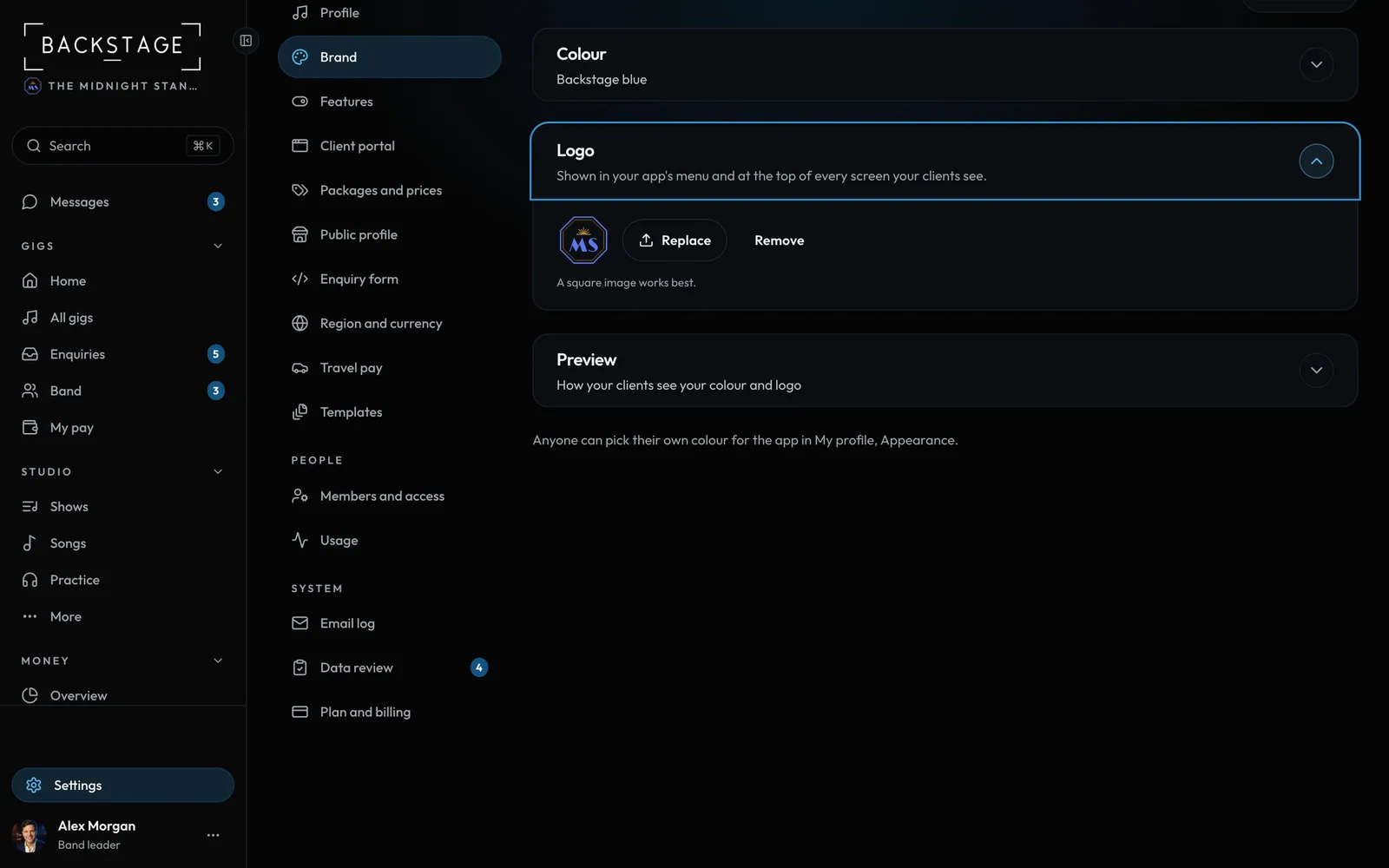
Swipe sideways to see the whole screen. Tap a number for its tip.
- ColourUsed in your app and for your clients.
- LogoAny phone photo or image file. It's made small on your phone first.
How to
- Open Settings → Brand.
- Colour: pick your band's colour. Text in it is made a little lighter or darker where needed, so it stays easy to read.
- Logo: tap Upload and choose an image. A square one works best. A photo straight off your phone is fine, HEIC included.
- Open Preview to see how clients see it, then tap Save.
Tips
Tip
Big phone photos are shrunk and turned the right way up on your phone before they upload, and their location data is dropped.Tip
Anyone can pick their own colour for the app in My profile → Appearance.